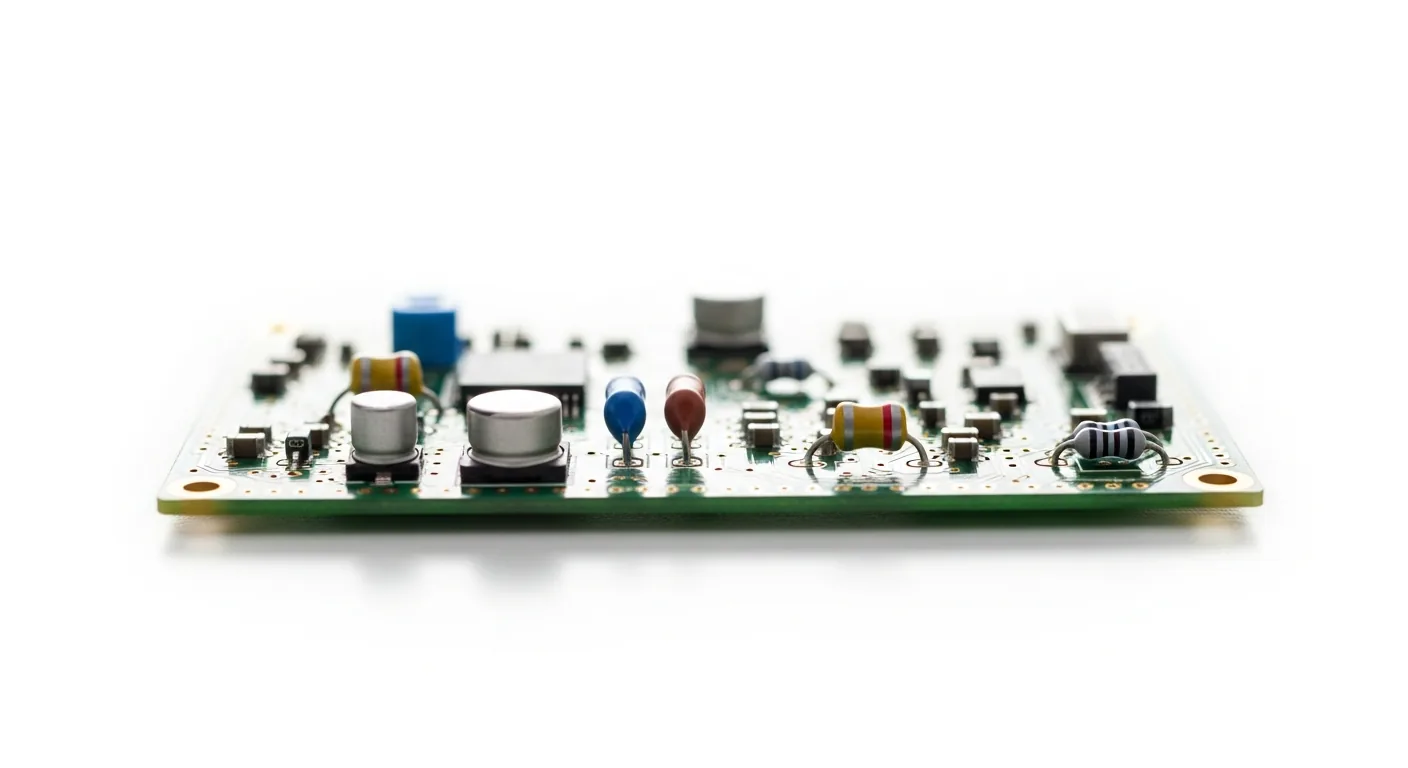
The most expensive repair mistake is throwing away a healthy component. Time and again, a device is declared dead when the real culprit is a quiet software translator that has stopped doing its job. This post walks through the mindset of suspecting the software layer first: confirm the system still senses the hardware, ask what changed recently, and treat the brain before blaming the body. It is a habit that saves money, reduces waste, and turns panic into a calm, repeatable checklist.
A driver sits between your operating system and a piece of hardware, translating instructions both ways. When that translator goes quiet, the hardware underneath can be in perfect condition and yet behave as though it has failed completely. A network adapter vanishes. A screen drops to the wrong resolution. Audio disappears without warning. None of these symptoms tell you whether the fault lives in the metal or in the software — and that uncertainty is exactly where careful diagnosis earns its keep.
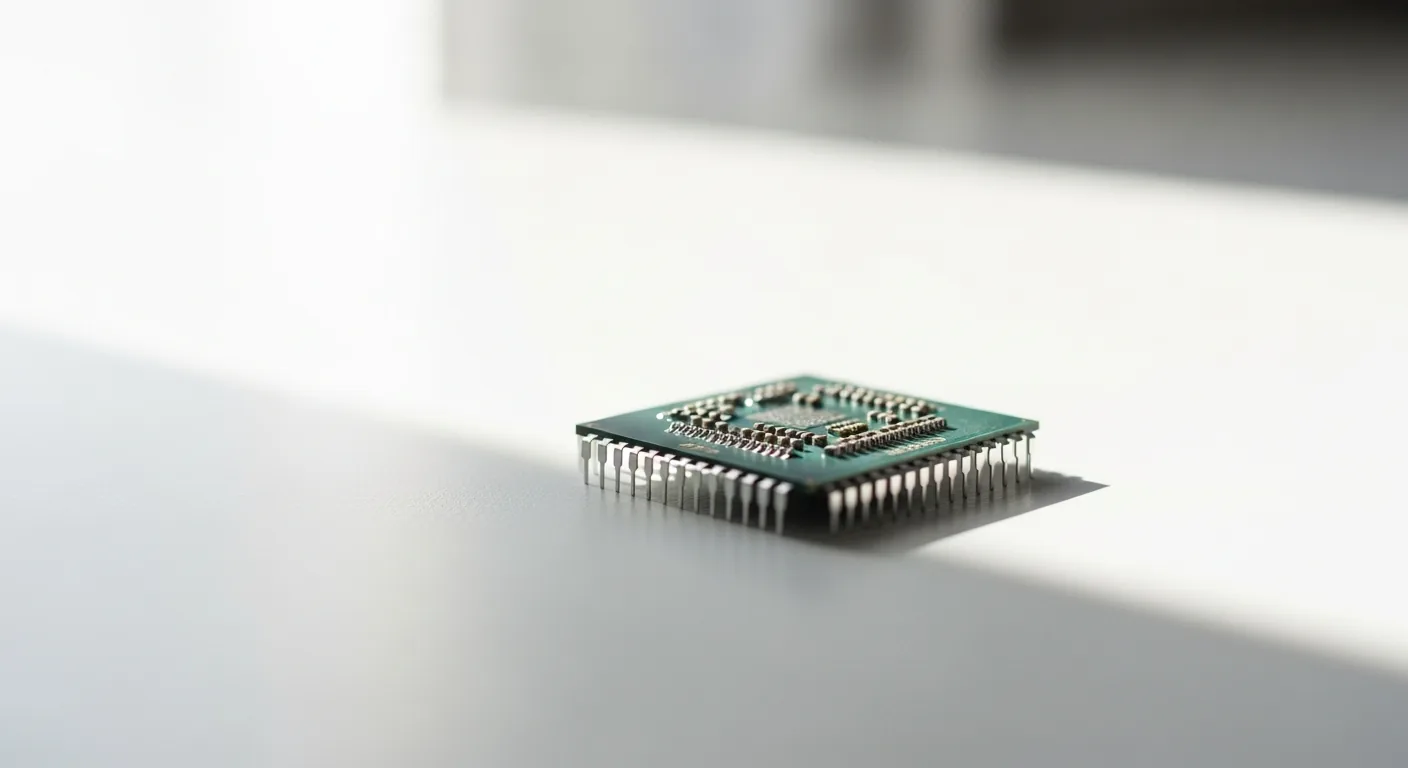
The first question to ask is simple: does the system still detect the device at all? If the machine acknowledges that the hardware exists but cannot use it correctly, the odds tilt heavily toward a software problem rather than a physical one. Hardware that is genuinely dead usually disappears entirely; hardware crippled by a broken driver tends to flicker in and out, work intermittently, or function in a limited, degraded way.
The second question is just as important: what changed recently? Faults rarely appear from nowhere. A system update, an interrupted shutdown, a new piece of software competing for the same hardware — any of these can leave a driver outdated, corrupted, or in conflict. Reconstructing the timeline of recent changes often points straight at the cause, no screwdriver required.
Treating the software layer before assuming the physical layer has died is not a guaranteed fix for every situation, and every system behaves a little differently. But adopting the habit of suspecting the translator first protects you from the single most wasteful outcome in all of repair: discarding a working part because its quiet software partner stopped speaking.
Repair110 is an informational resource. This article explains concepts and mindset, not guaranteed step-by-step fixes for every device. Always use your own judgement and prioritise safety.