Understanding the problem
Inside a rechargeable battery, charged particles shuttle back and forth between two layers each time it fills and empties. This chemistry is healthiest in the middle of its range; holding it brimful or wrung empty places the layers under strain, and heat speeds the slow, irreversible reactions that wear them down. Every full cycle leaves a faint mark, and over hundreds of them the layers hold a little less than before. That is why a battery kept hot and pinned at the extremes loses its endurance years sooner than one allowed to rest in moderate, cooler conditions.
Symptoms
- A charge that no longer lasts anywhere near as long as it once did
- The device shutting down while the indicator still shows charge remaining
- The battery growing warm during ordinary charging
- Any visible swelling, bulging, or a casing that no longer sits flush
Likely causes
- 1Routinely letting the charge fall to empty or sit at full for long spells
- 2Exposure to high heat, which accelerates chemical ageing
- 3Hundreds of charge cycles gradually reducing capacity over years
- 4Leaving the device plugged in and hot for extended periods
- 5Power management settings that mask declining health from view
What to observe and check
- Note how quickly the charge falls compared with when the device was new
- Observe whether the battery feels hot rather than merely warm while charging
- Consider whether the device spends most of its life at the charge extremes
- Understand that moderate charge levels are gentler than full or empty
- Watch the casing closely for any sign of bulging or gaps developing
Step-by-step repair
 1
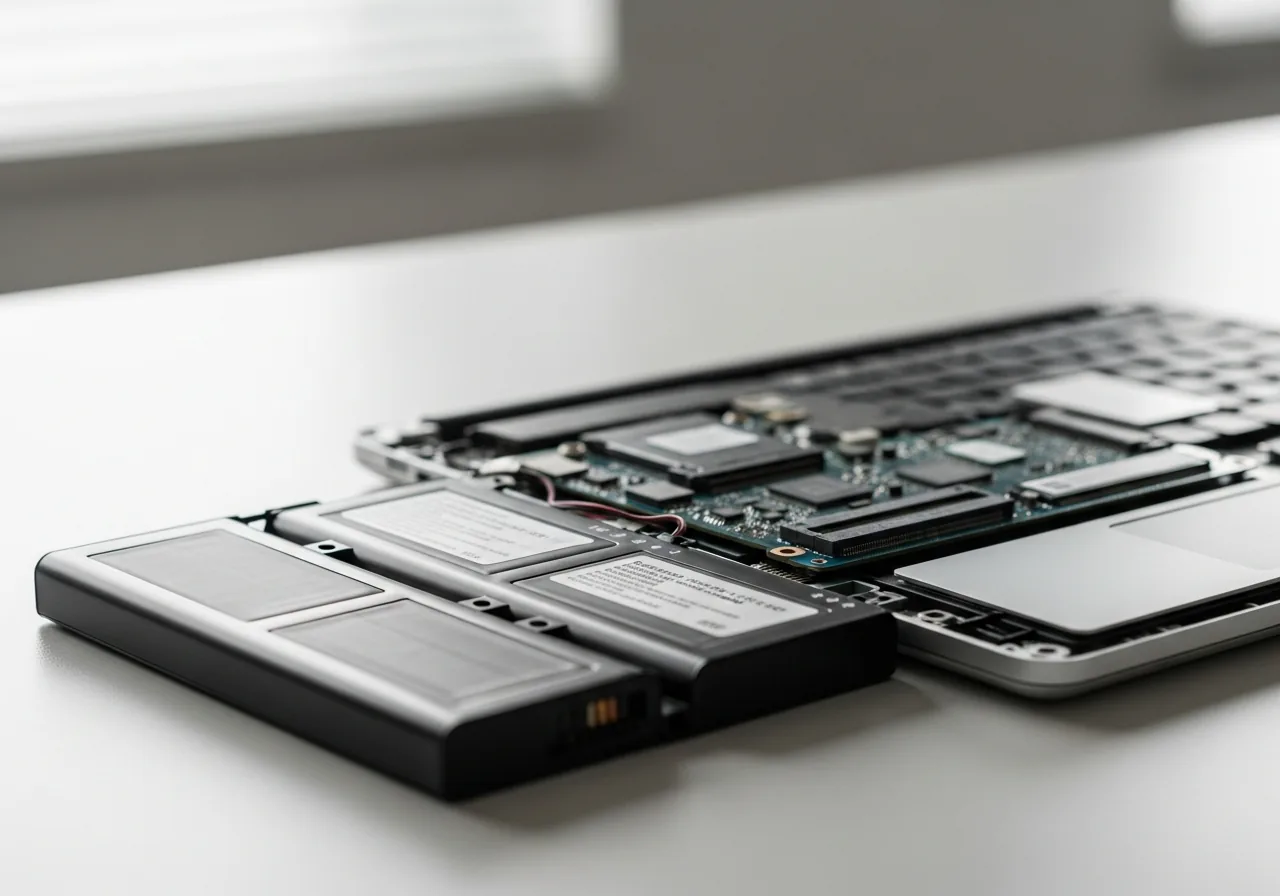
1Inspect the casing for swelling
Look and gently feel around the battery for any bulge, gap, or casing that no longer sits flush; if you find one, stop and treat it as a hazard.
 2
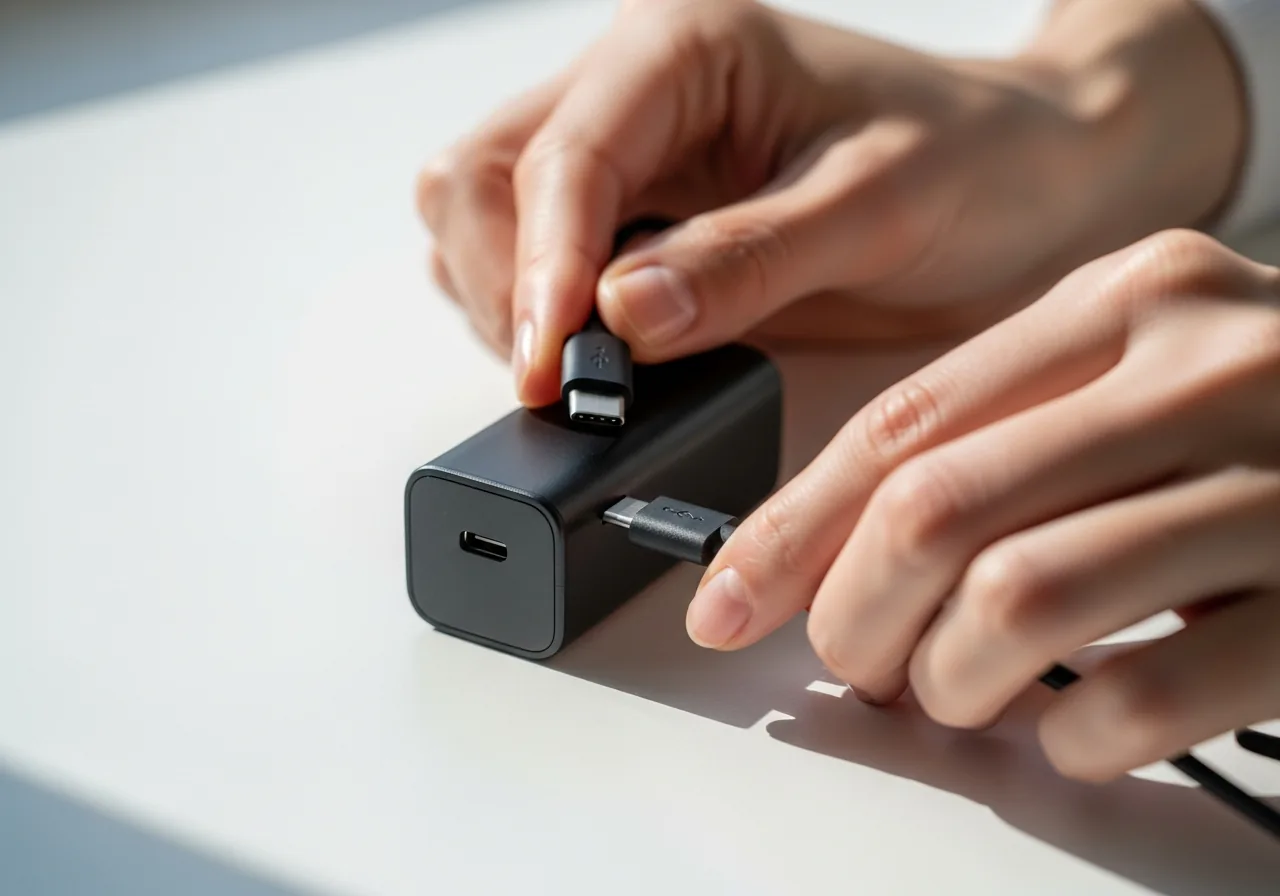
2Note how fast the charge falls
Observe how quickly the charge drops compared with when the device was new, which tells you how far capacity has already declined.
 3
3Avoid the charge extremes
Top up before the level runs flat and unplug once it is comfortably full, rather than leaving it pinned at empty or full for long spells.
 4
4Keep the battery cool
Move the device away from hot cars, sunny windowsills, and stuffy bags, and ease off charging if it ever feels persistently hot.
 5
5Confirm steadier endurance
Over the next few cycles, check that the charge holds more reliably and the battery stays merely warm rather than hot while charging.
When to seek help
A swelling, bulging, hissing, or leaking battery is a genuine hazard; stop charging, keep it away from heat, and seek qualified help rather than handling it yourself.
Reducing the chance it returns
Batteries last longest when you spare them the extremes their chemistry dislikes. Top up before the charge runs flat and unplug once it is comfortably full rather than leaving it pinned at the top for days. Keep the device out of hot cars, sunny windowsills, and stuffy bags, since warmth does more harm than ordinary use. If a battery feels persistently hot while charging, ease off and let it cool. Treated with these calm, moderate habits, it will hold a useful charge far longer than one driven hard.
Repair110 is a free, informational resource. These steps describe a careful, general approach — every device is a little different, so work slowly, back up anything you value, and prioritise your own safety. If a step feels beyond your comfort, stop and consult a qualified technician.