Understanding the problem
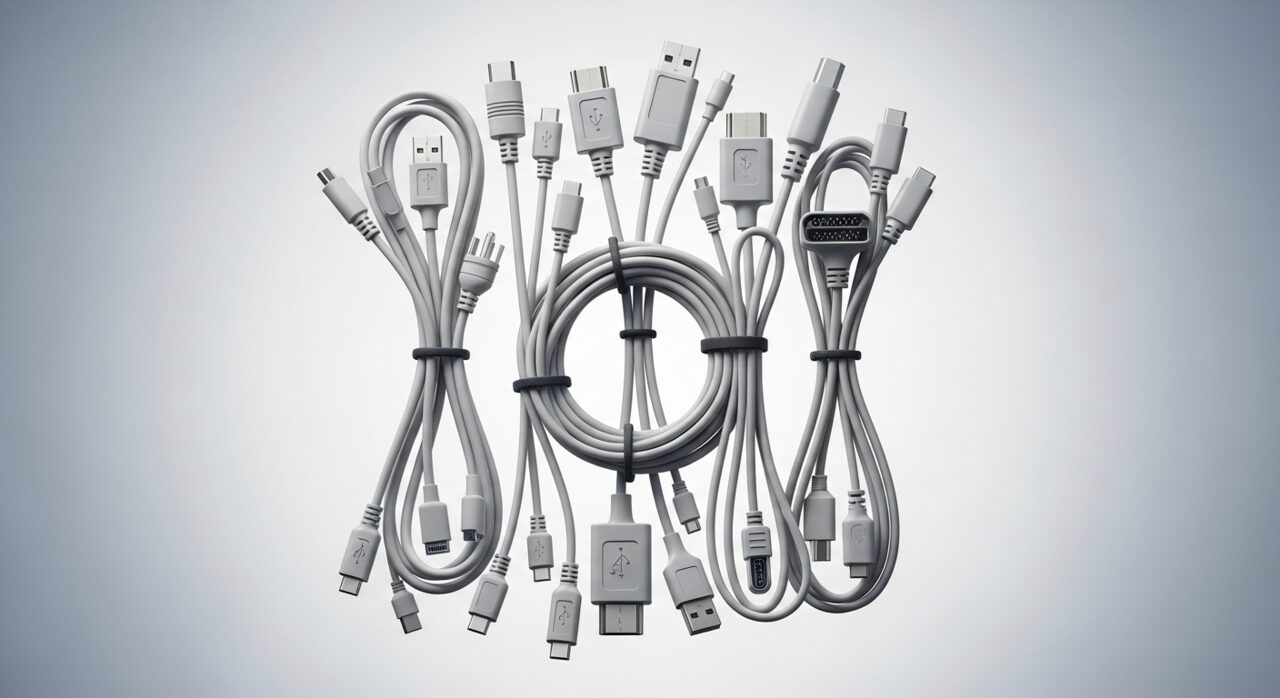
A cable carries power or data through fine metal strands wrapped in flexible insulation. These strands are strongest along their length but fragile when bent sharply in the same spot again and again, especially close to the rigid connector where the wire meets the plug. Each tight bend works the metal a little, and over time individual strands fatigue and snap unseen beneath the casing. The connection then survives only when the remaining strands happen to touch, which is why holding the cable at a certain angle can briefly bring a charge or signal back to life.
Symptoms
- A connection that works only when the cable is held at a certain angle
- Charging or data transfer that drops out intermittently
- Visible fraying or kinks near the ends of a cable
- Connectors that feel loose or wobble in their sockets
Likely causes
- 1Repeated bending close to the connector weakening the internal wires
- 2Pulling on the cable rather than the plug when disconnecting
- 3Tight loops or sharp folds during storage stressing the conductors
- 4Dust and debris collecting inside ports and weakening contact
- 5Heavy strain from the device hanging on its own cable
What to observe and check
- Note whether wiggling the cable restores or interrupts the connection
- Observe where any damage sits, usually nearest the strained ends
- Consider whether the same fault follows the cable to another device
- Understand whether the port itself feels loose rather than the cable
- Watch whether gently clearing a port of debris improves the contact
Step-by-step repair
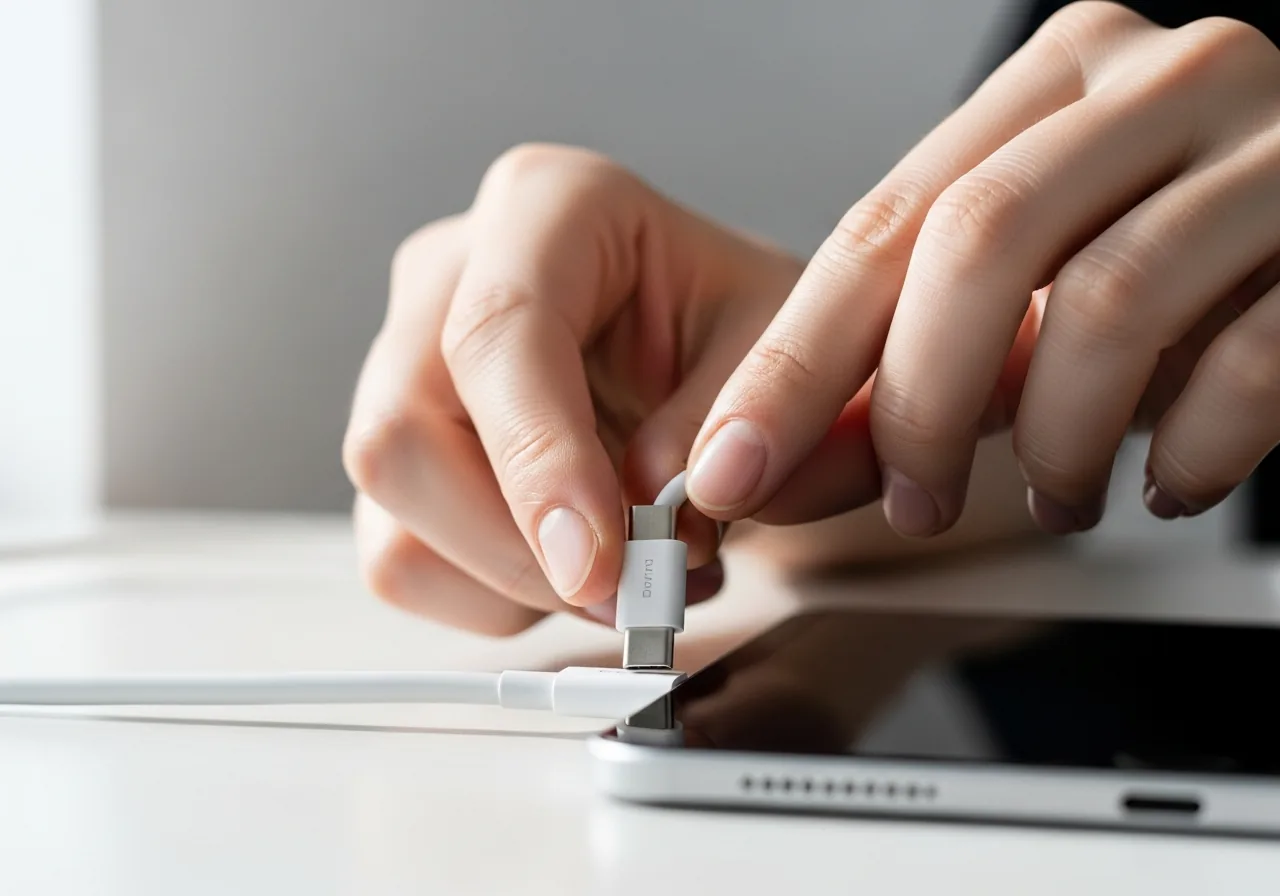 1
1Wiggle to find the fault
Gently move the cable near each end and watch whether the connection drops or returns, which usually pinpoints fatigue close to the connector.
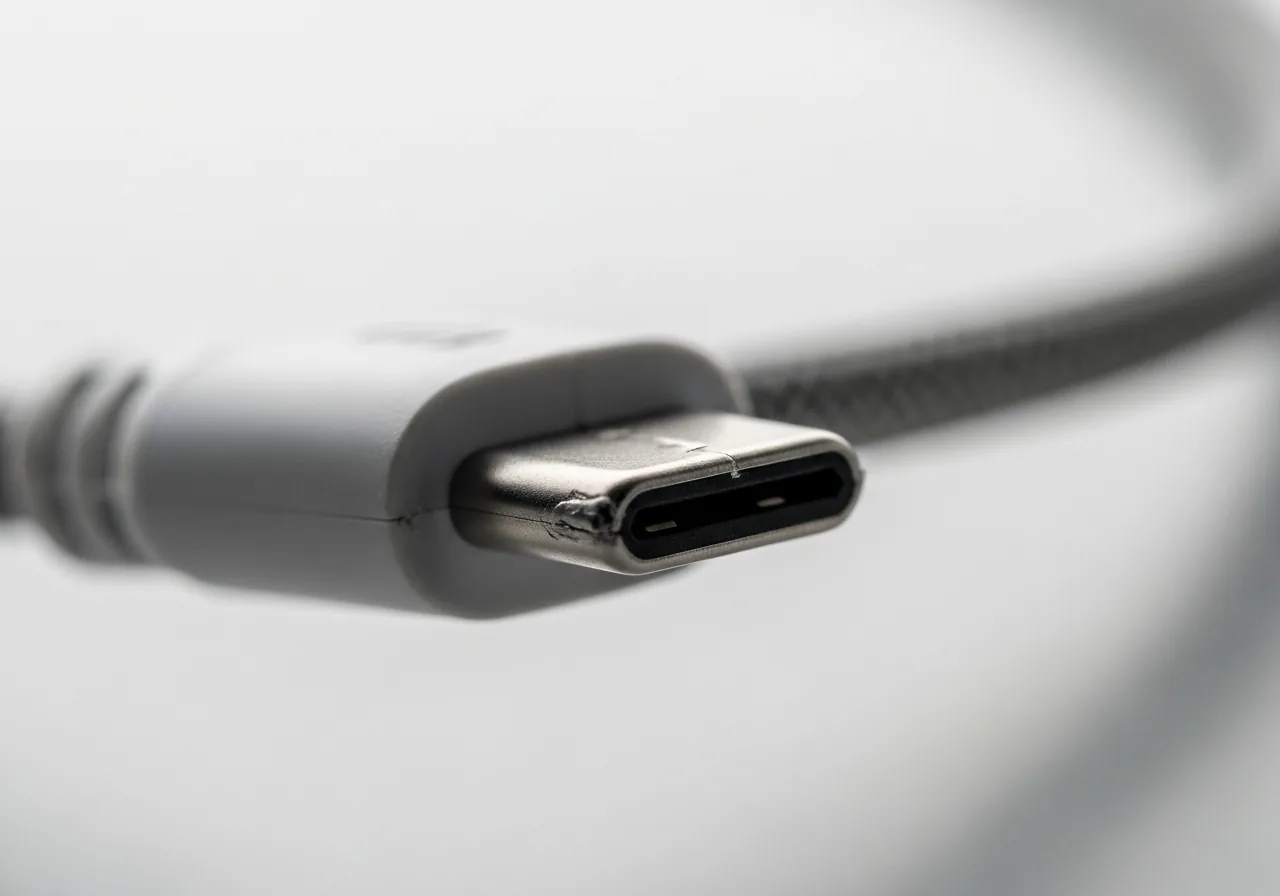 2
2Inspect the strained ends
Look for fraying, kinks, or a connector that wobbles, paying closest attention to the few centimetres where the lead meets the plug.
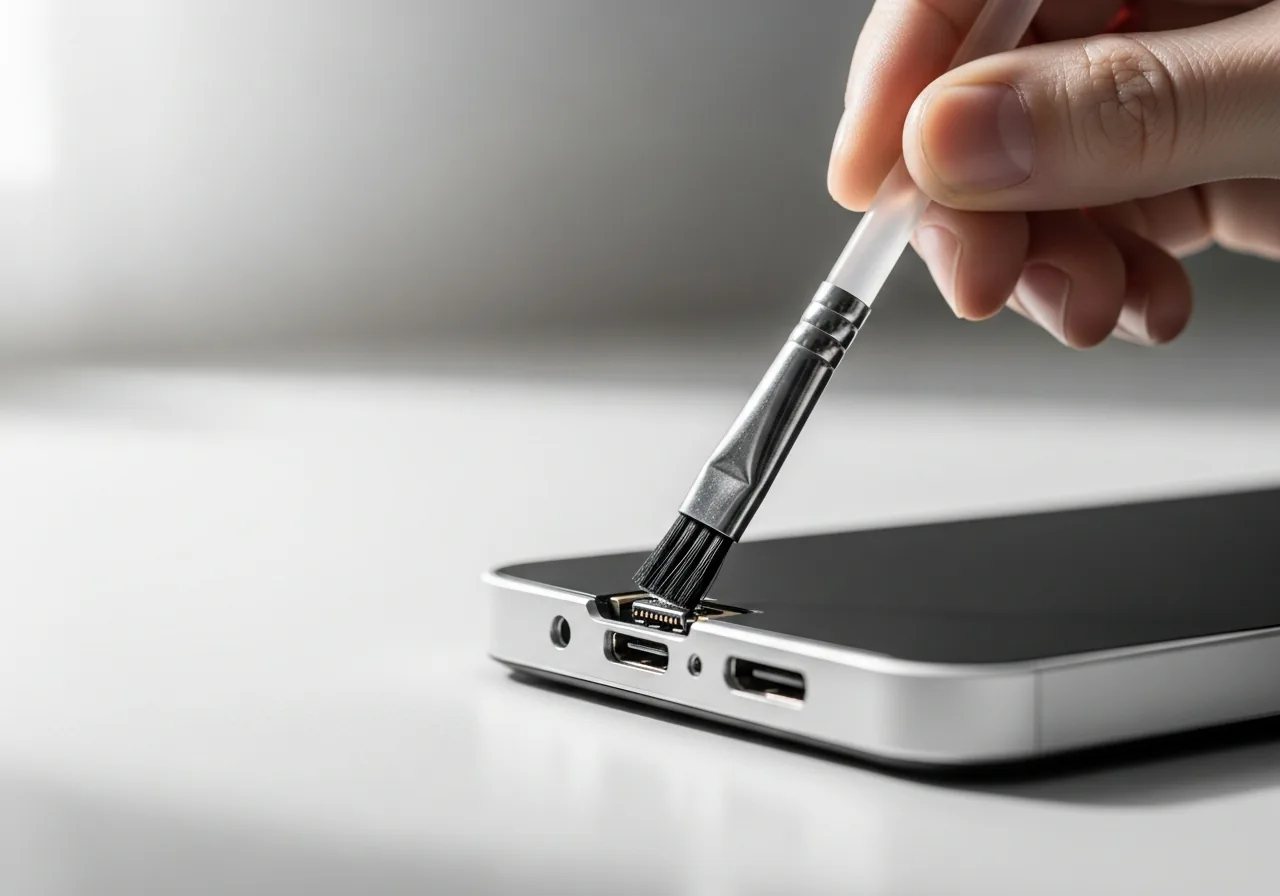 3
3Clear the port of debris
Gently remove pocket lint and dust from the socket so the connector can seat firmly rather than resting on a loose, partial contact.
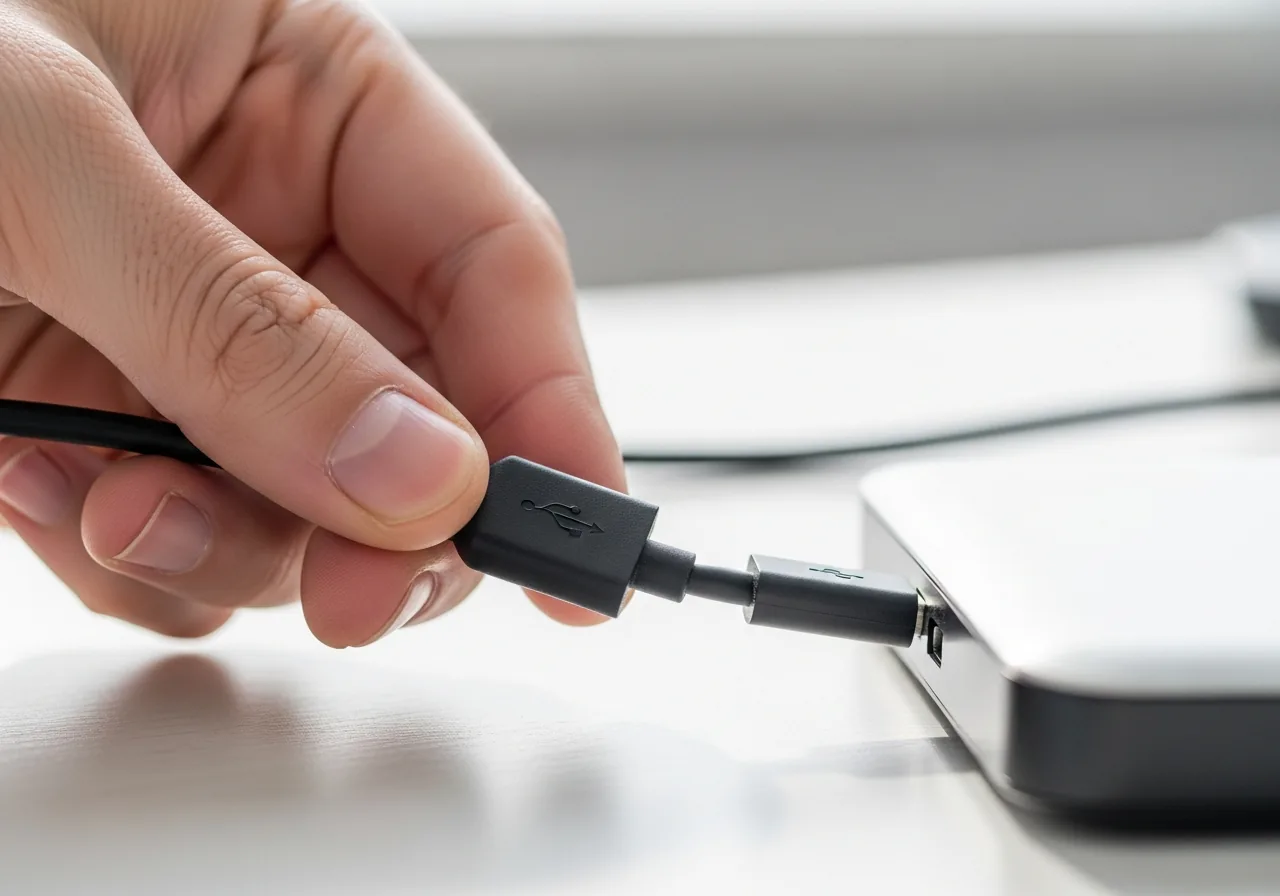 4
4Reconnect by the plug
Insert the cable by gripping the plug, not the lead, and leave a little slack so everyday movement is not concentrated at the connector.
 5
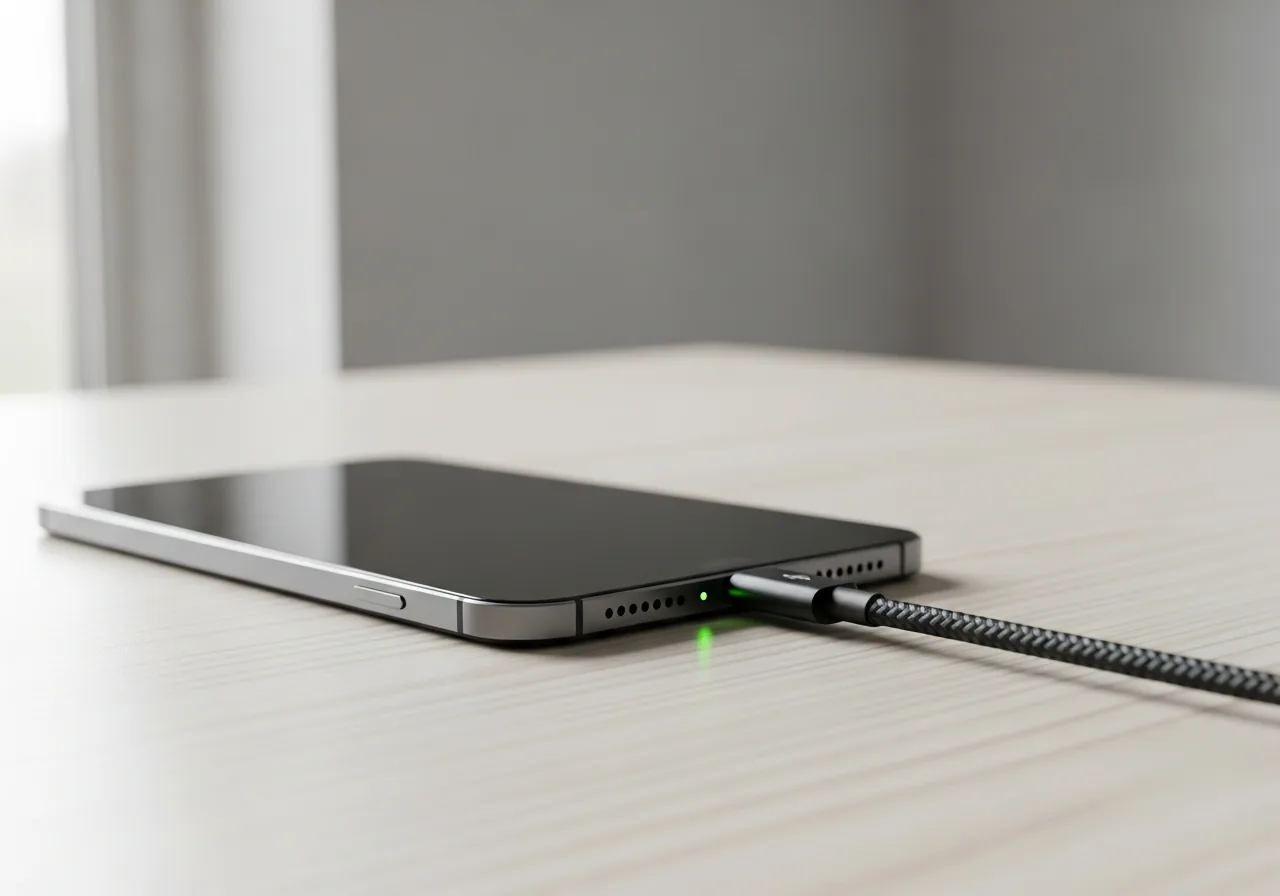
5Confirm a steady link
Check that charging or data flows without dropping out and no longer depends on holding the cable at a particular angle.
When to seek help
If a cable or connector grows hot, shows scorching, or sparks when connected, stop using it at once and have the device and its port checked by a professional.
Reducing the chance it returns
Cables reward a gentle routine. Grip the plug, never the lead, when disconnecting, so the strands near the connector are spared a sharp tug. Store cables in loose, generous loops rather than tight coils or hard folds, and route them so the device is never left hanging by its own lead. Keep ports clear of pocket lint and dust so connectors seat firmly without wobble. A little slack where the cable enters the plug absorbs everyday movement, and these small habits prevent the hidden fatigue that ends most cables early.
Repair110 is a free, informational resource. These steps describe a careful, general approach — every device is a little different, so work slowly, back up anything you value, and prioritise your own safety. If a step feels beyond your comfort, stop and consult a qualified technician.