Understanding the problem
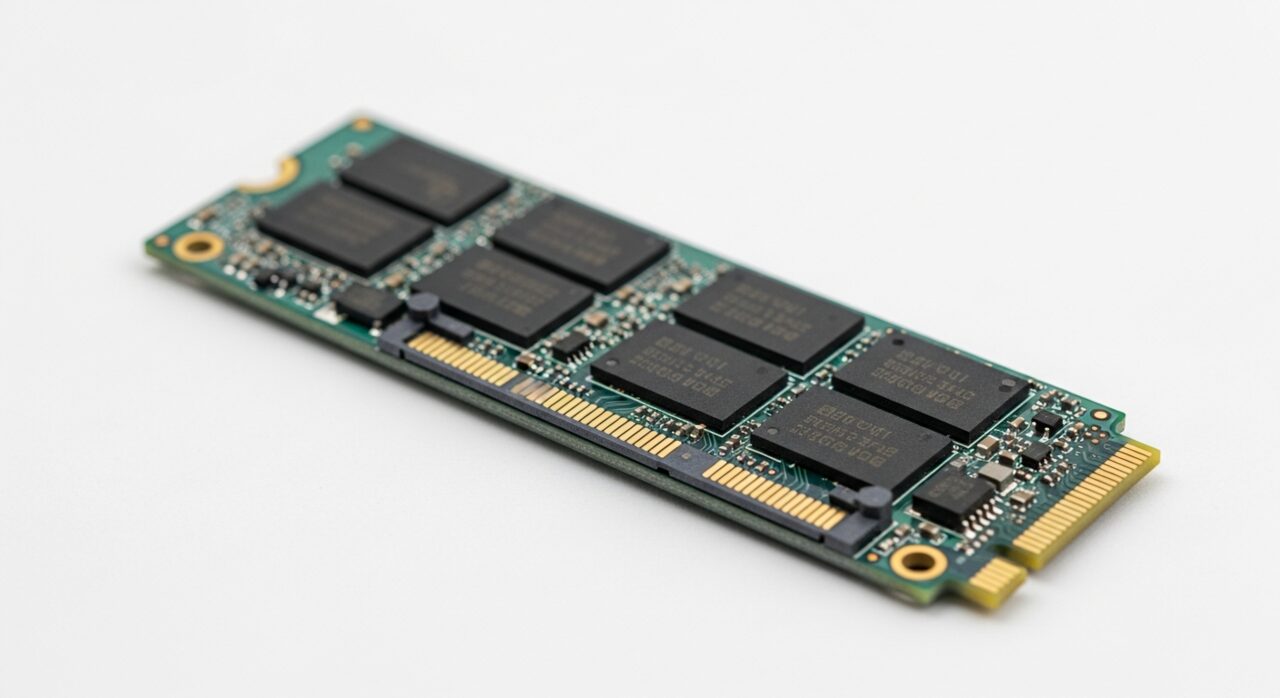
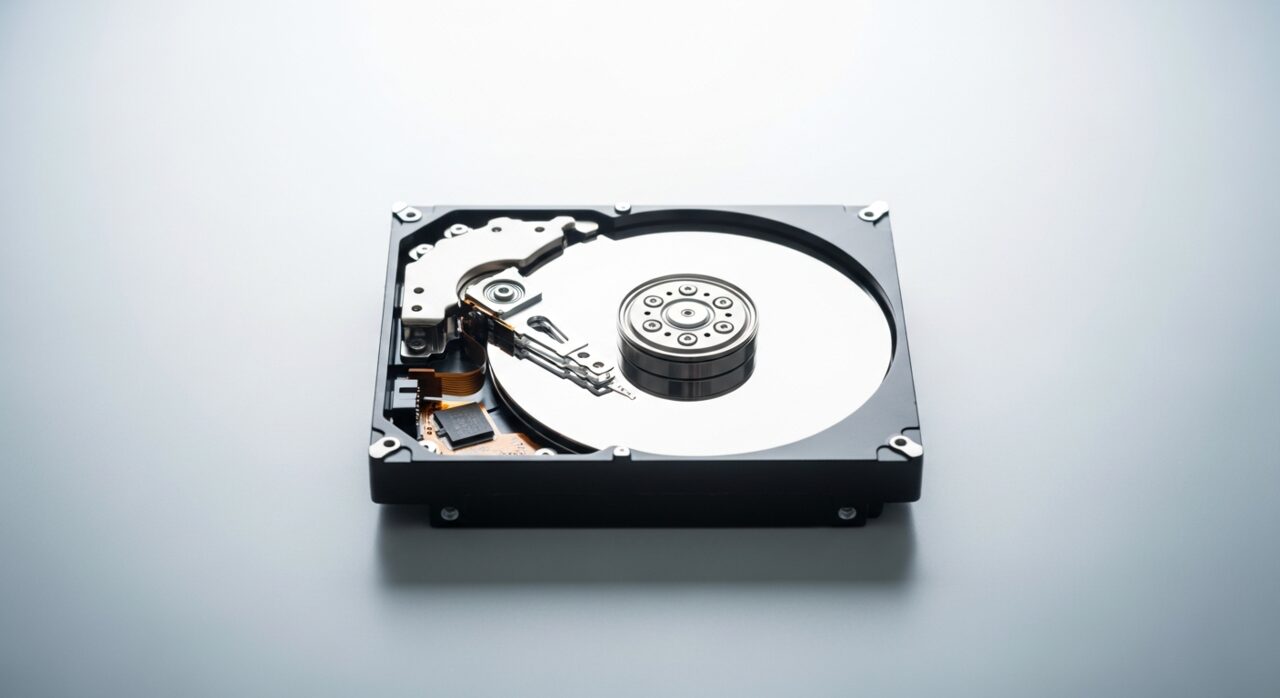
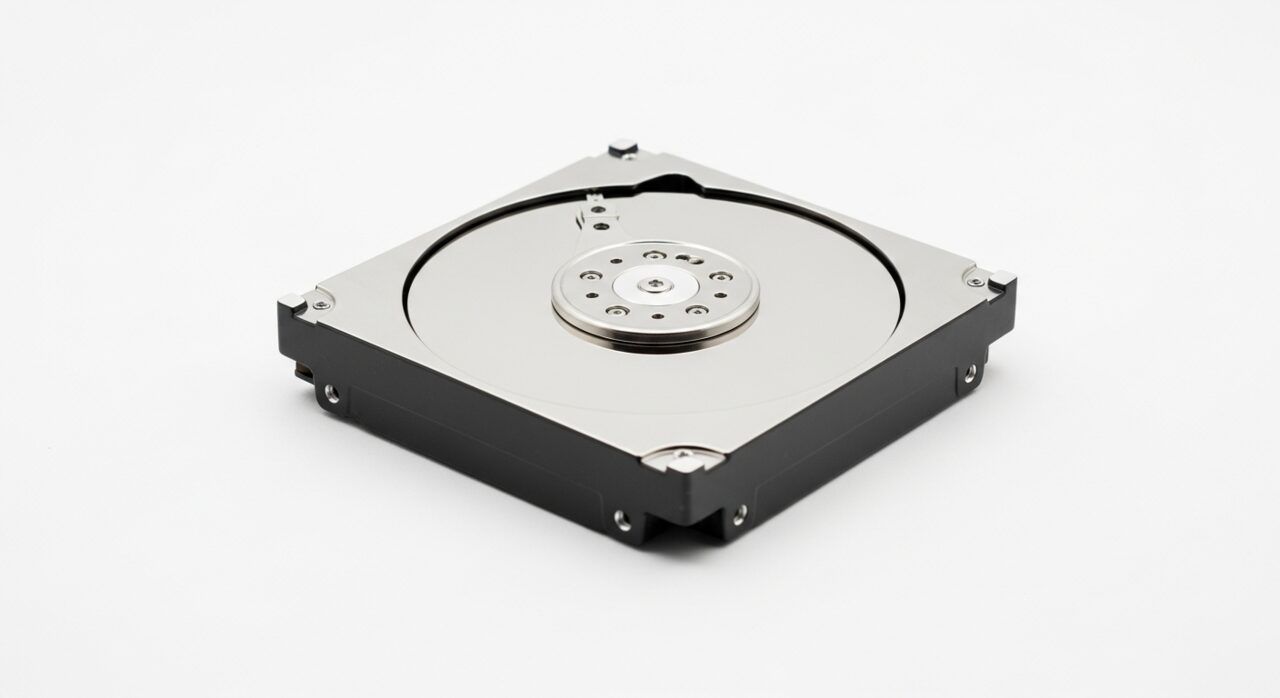
Inside a mechanical drive, tiny read heads float a hair's breadth above platters spinning thousands of times a minute. They constantly adjust position to find the right track. When a head cannot settle where it expects, it retreats and tries again, and that reset is the click you hear. The cause may be worn bearings, damage from an earlier knock, or power faltering so the drive repeatedly restarts. Each failed attempt strains delicate parts further, which is why the sound so often marks the beginning of physical decline rather than a passing glitch.
Symptoms
- A repeated clicking, ticking, or knocking from inside the device
- The noise rising when the drive is asked to read or write
- Files becoming slow or impossible to open as the sound continues
- The drive disappearing briefly when the clicking occurs
Likely causes
- 1Read heads struggling to align over the spinning platters
- 2Mechanical wear in the moving parts of a traditional drive
- 3Damage from an earlier knock, drop, or sudden movement
- 4A drive losing and regaining power, causing repeated reset attempts
- 5Internal components reaching the end of their working life
What to observe and check
- Note whether the clicking is steady or tied to specific activity
- Observe if the drive still appears reliably while it makes the sound
- Consider whether the noise followed a recent physical shock
- Listen for whether it spins up normally or stalls and retries
Step-by-step repair
 1
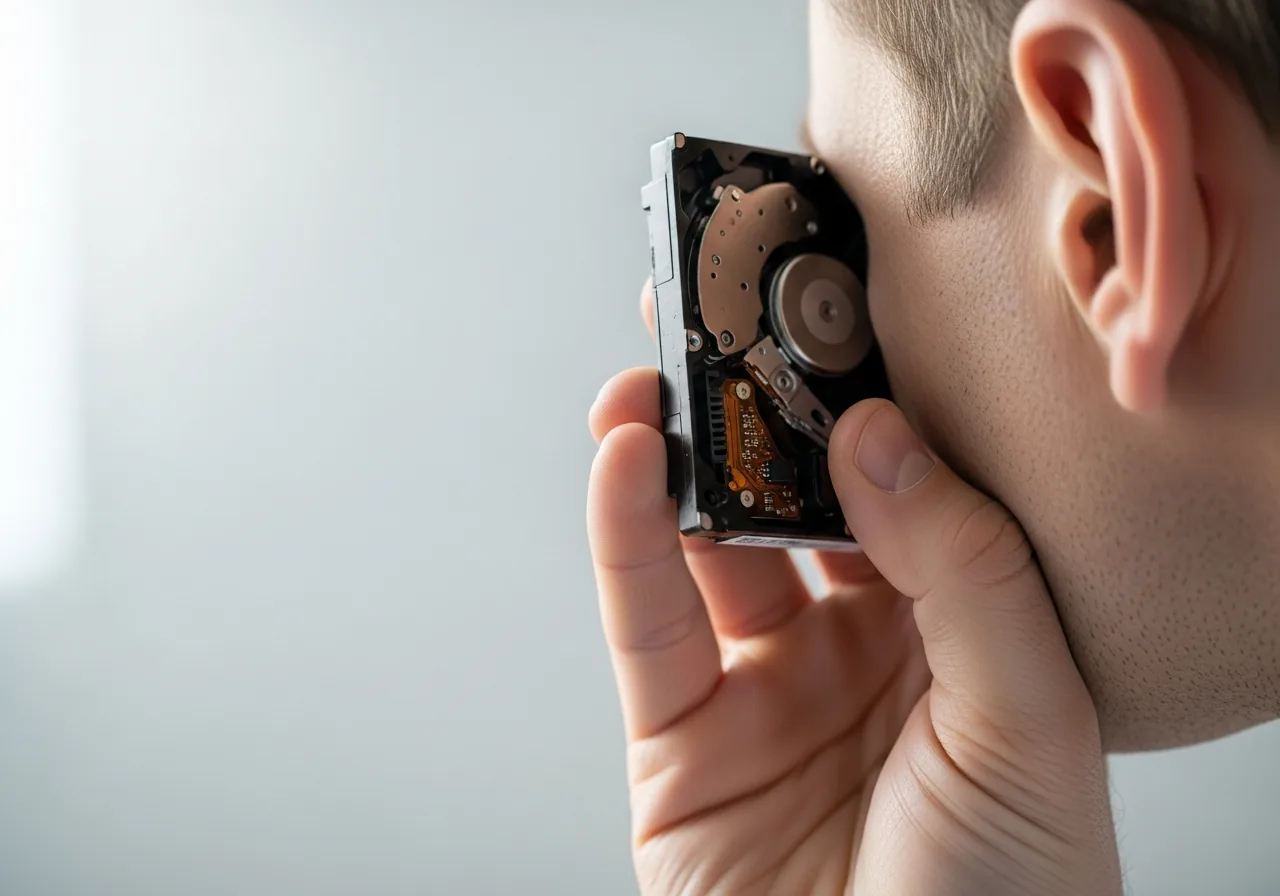
1Listen to confirm the source
Check the clicking truly comes from a mechanical drive and rises when it reads or writes, since that pattern marks physical strain rather than a passing glitch.
 2
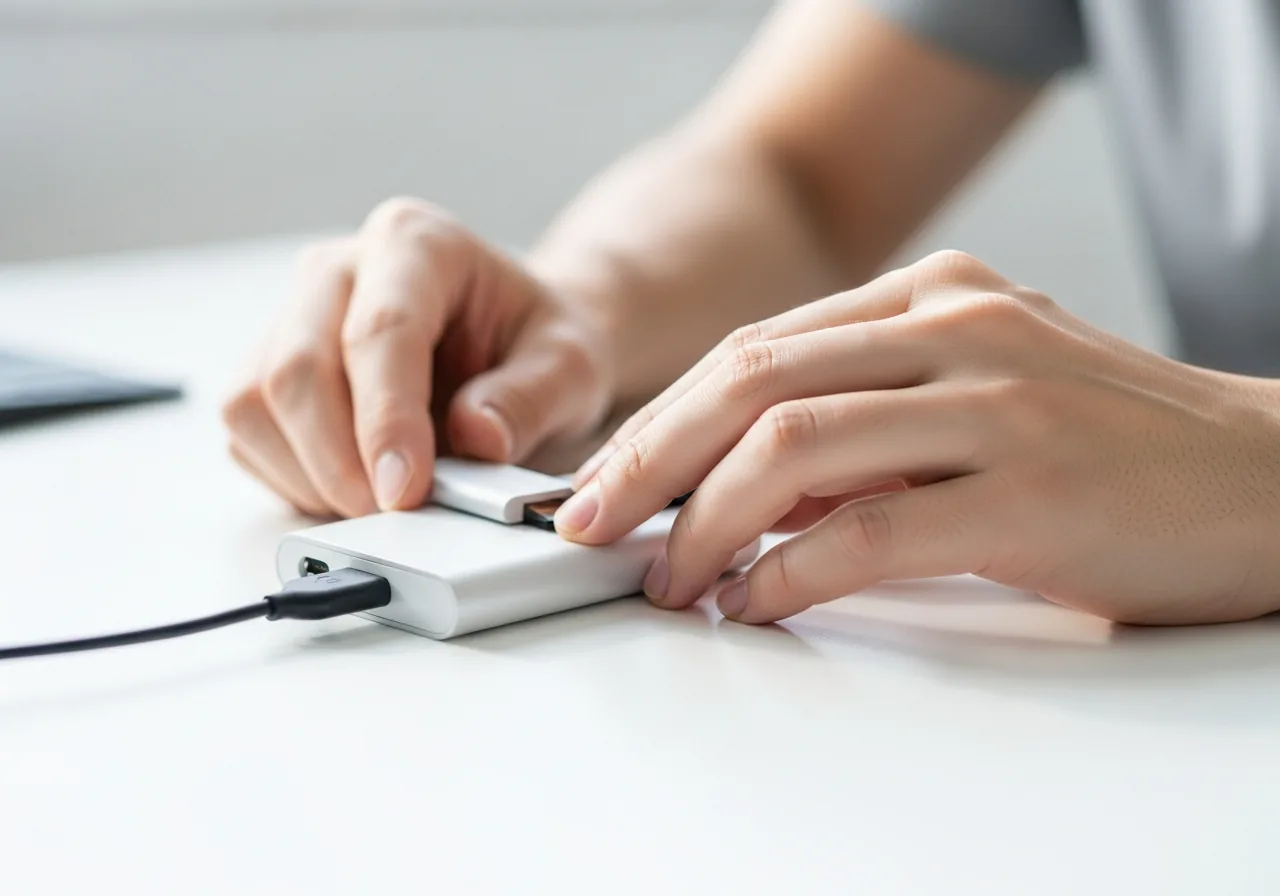
2Save important data immediately
While the drive still responds, copy anything you value to separate storage first, as a clicking drive can fail without further warning.
 3
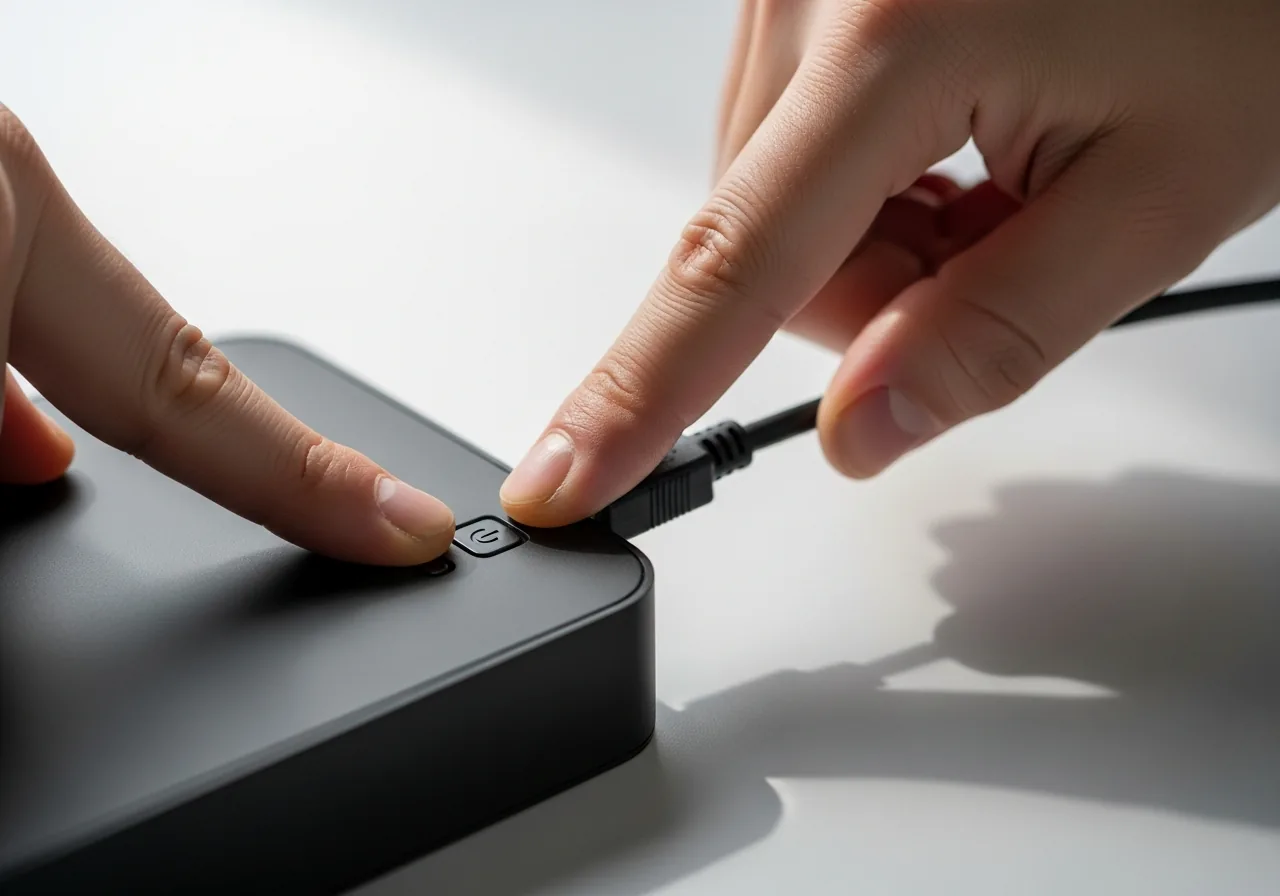
3Stop running the drive
Power the drive down once the data is safe, because each failed head retry strains delicate parts and continued use risks making recovery harder.
 4
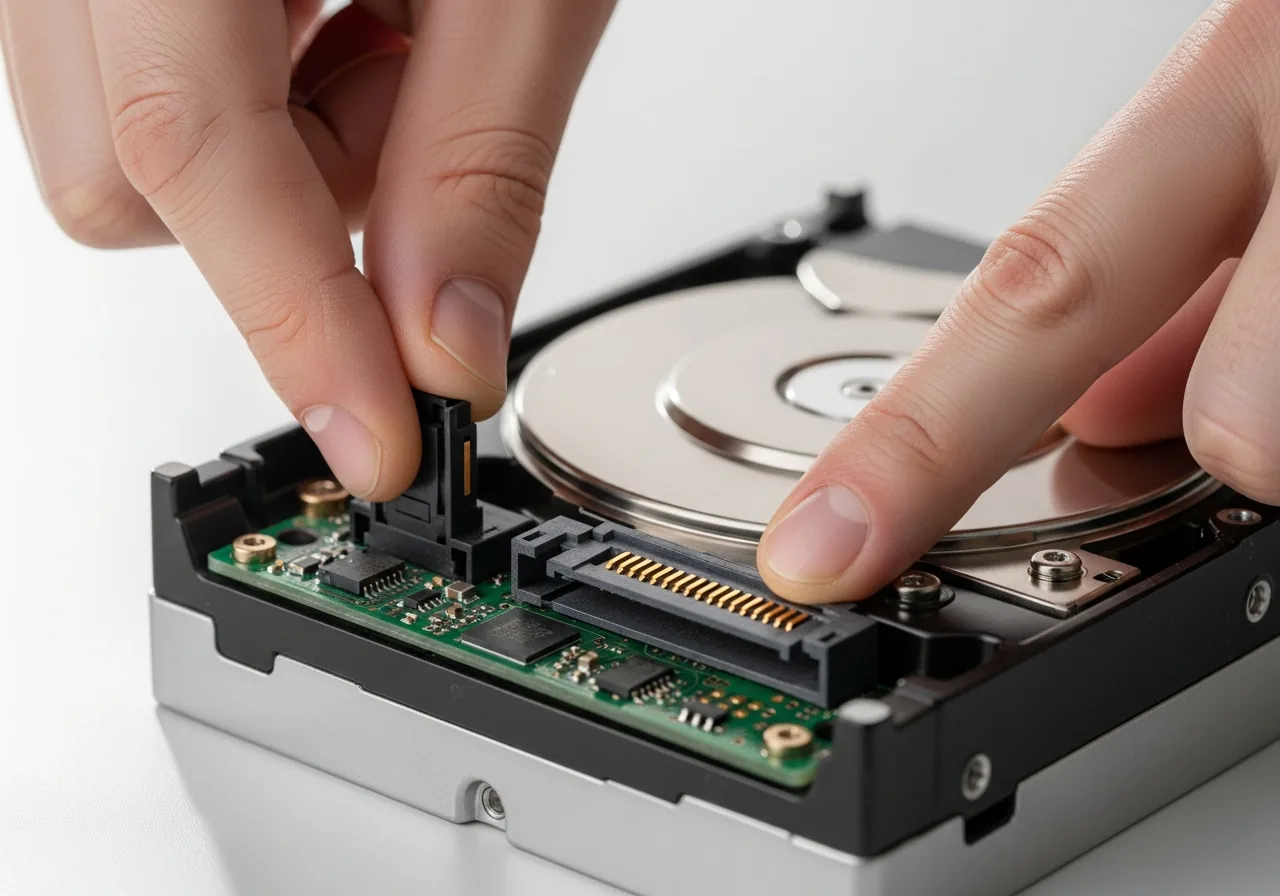
4Check power and connections
Confirm the drive has clean, steady power and a secure connection, since a drive losing and regaining power can repeatedly reset and click.
 5
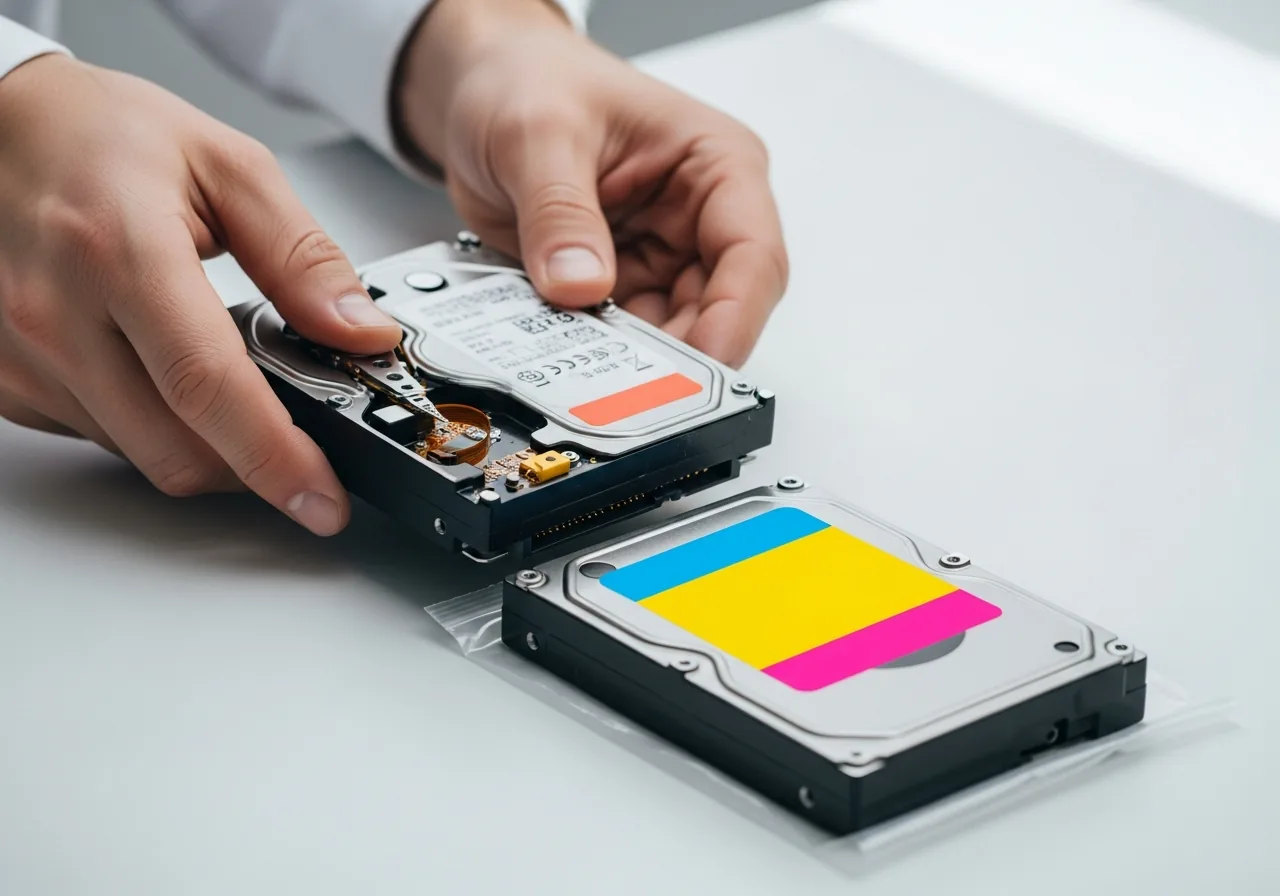
5Plan to swap the failing drive
Treat a drive that has begun to click as near the end of its life and arrange a sound replacement rather than relying on it further.
When to seek help
Clicking from a mechanical drive often precedes failure, so if it holds important data, power it down and consult a recovery specialist rather than running it further.
Reducing the chance it returns
Mechanical drives reward gentle handling. Keep the device on a steady surface, never move it while the disk is spinning, and cushion it against knocks during transport. Supply clean, consistent power so the drive is not forced through repeated restarts. Heat shortens the life of moving parts, so allow good airflow around the enclosure. Most importantly, keep a current copy of anything you value on separate storage, because a drive that has begun to click can fail without further warning, and a recent backup turns a crisis into an inconvenience.
Repair110 is a free, informational resource. These steps describe a careful, general approach — every device is a little different, so work slowly, back up anything you value, and prioritise your own safety. If a step feels beyond your comfort, stop and consult a qualified technician.