Understanding the problem
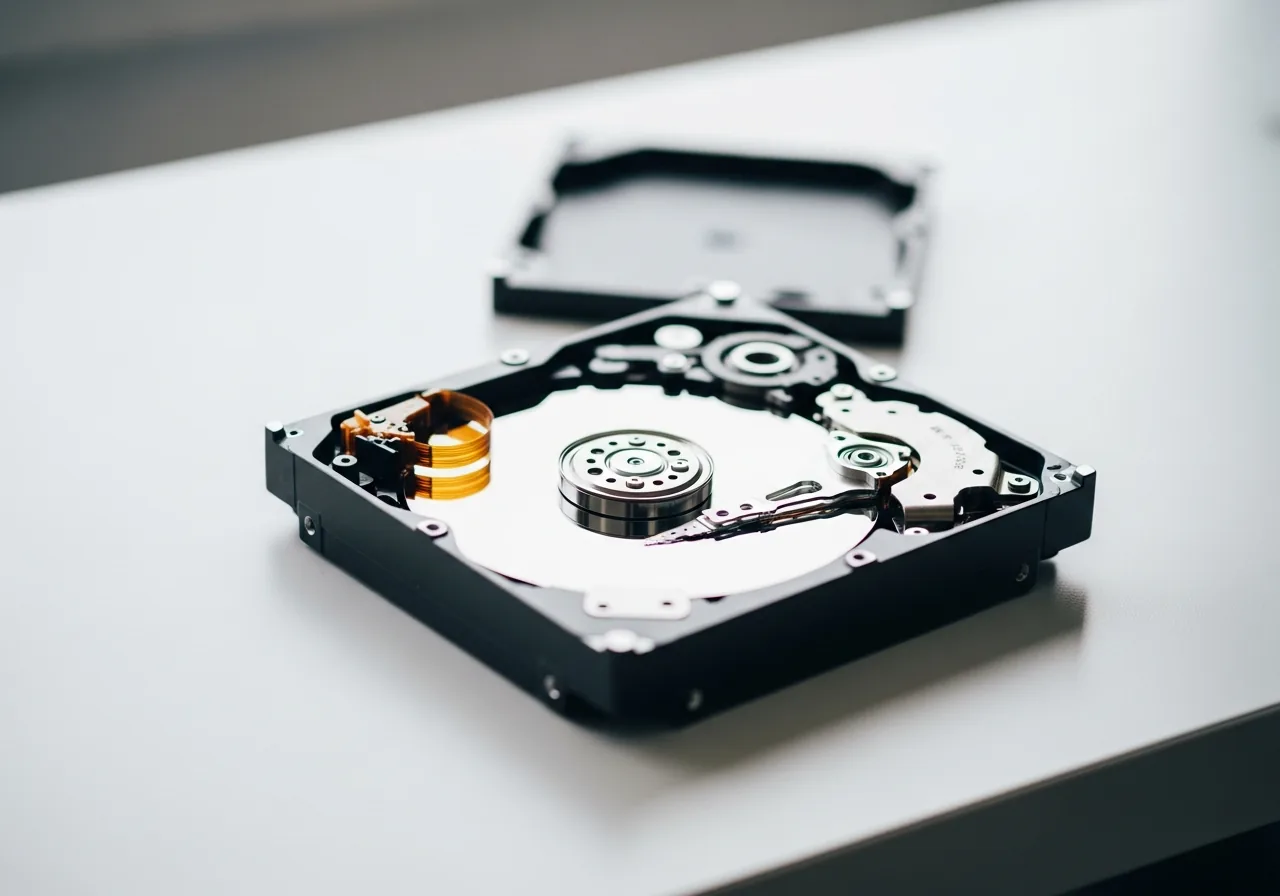
Early signs appear because a drive is wearing toward the end of its working life from the inside. In a spinning drive, the heads, bearings, and magnetic surface gradually lose precision, so reads need repeating and odd noises emerge. In a solid-state drive, each memory cell tolerates only so many writes before it grows unreliable. As individual sectors fail, the drive quietly reroutes data around them, but its supply of spares is finite. The stumbles you notice are the surface of this slow internal decline.
Symptoms
- Files take far longer to open than they recently did
- Occasional messages report that a file cannot be read
- Unusual clicking, buzzing, or grinding comes from a mechanical drive
- Folders or files appear and disappear without explanation
Likely causes
- 1Worn mechanical parts in an older spinning drive nearing the end of life
- 2Memory cells in a solid-state drive wearing out after heavy use
- 3Bad sectors developing and spreading across the storage surface
- 4Corruption in the file system layer confusing how data is tracked
- 5Heat or physical shock gradually degrading the storage hardware
What to observe and check
- Note whether read errors cluster around the same files or spread widely
- Observe any new noises a mechanical drive makes during access
- Consider whether slowdowns appear only with certain folders
- Understand that intermittent faults often precede a complete failure
- Watch whether the symptoms worsen steadily from day to day
Step-by-step repair
 1
1Note the early warning signs
Pay attention to slow-opening files, occasional read errors, or new clicking and grinding from a mechanical drive, treating these as a cue to act.
 2
2Copy your files while you can
Back up the data that matters straight away, while access is still easy, rather than waiting and hoping the symptoms pass on their own.
 3
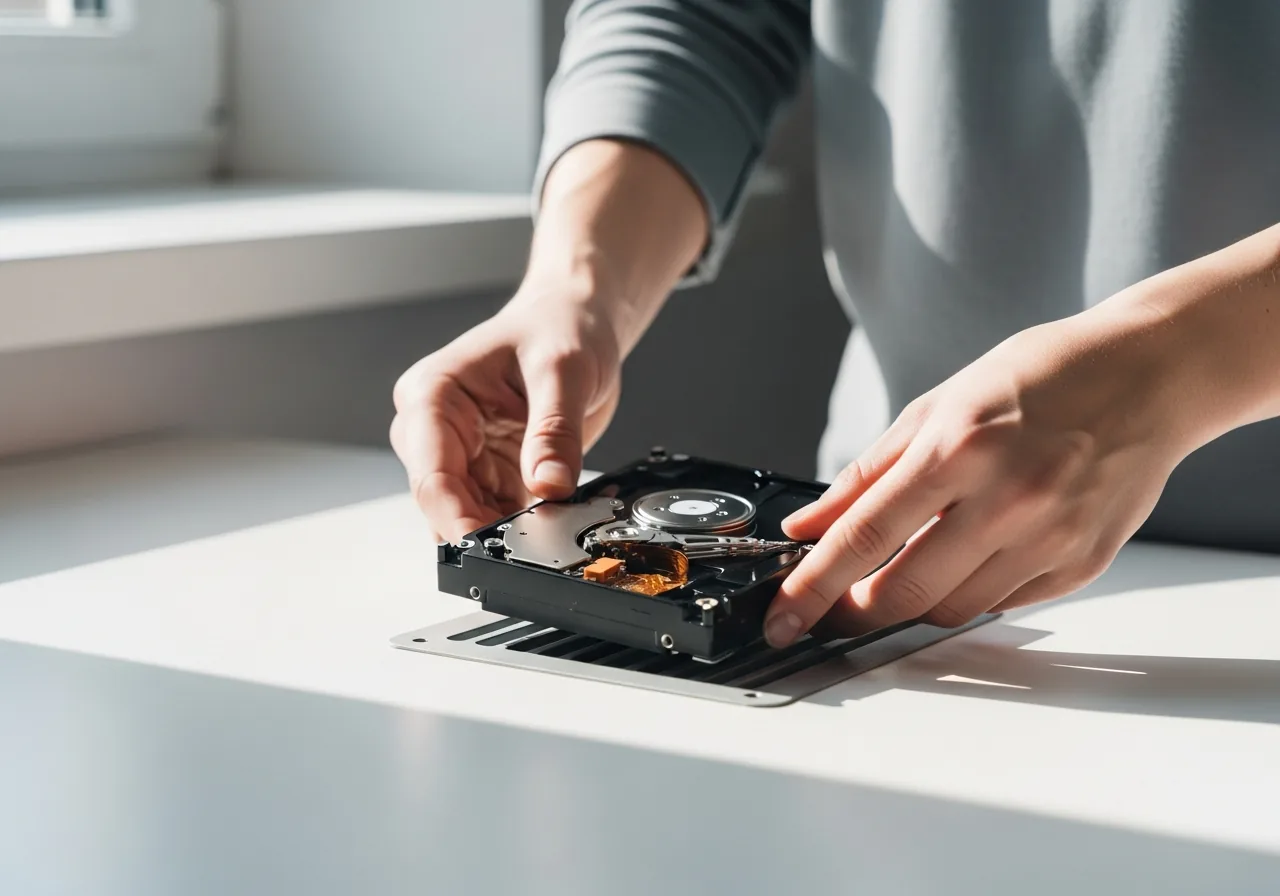
3Keep the drive cool and steady
Protect the drive from heat and knocks and avoid filling it to the brim, since both hasten the wear that brings failure forward.
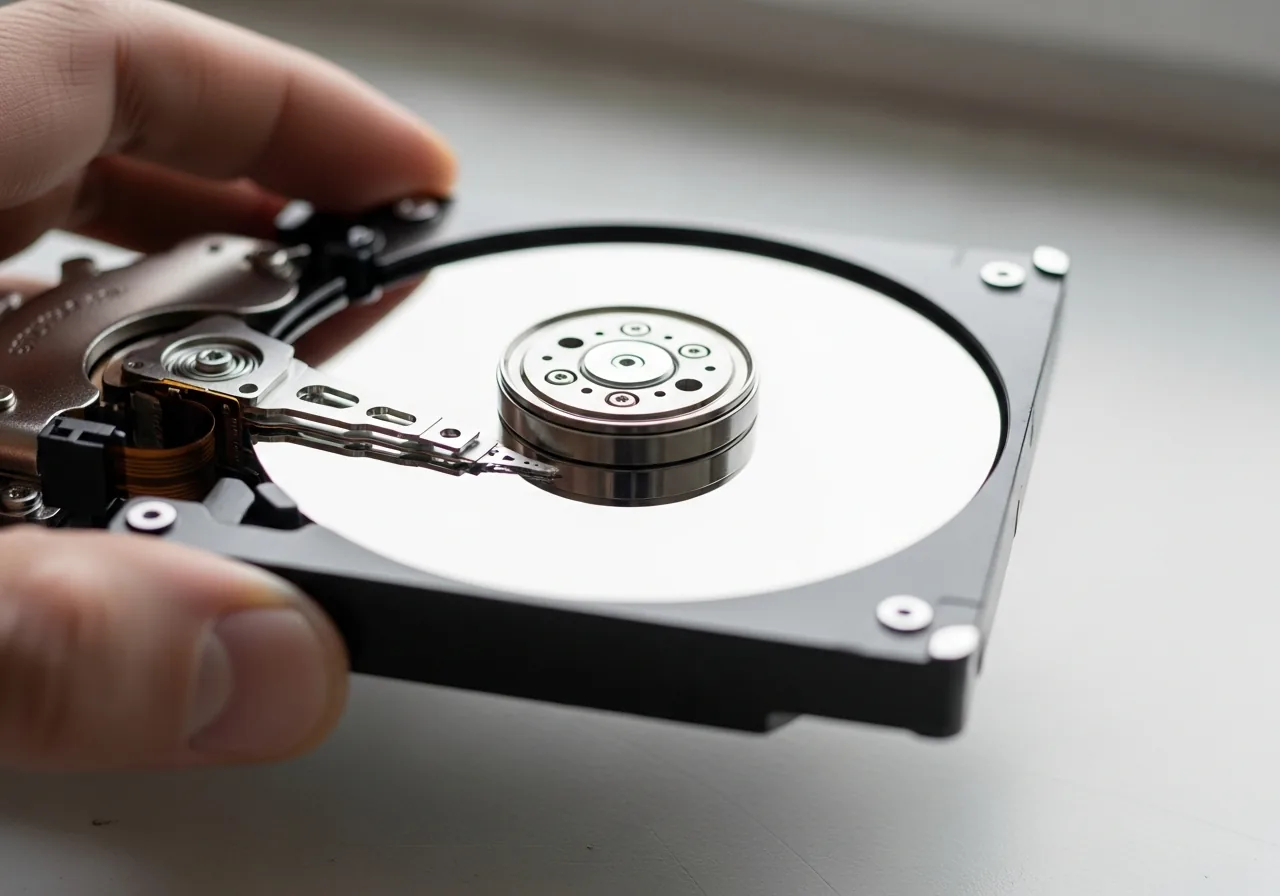 4
4Track whether it worsens
Watch from day to day whether errors cluster or spread, since intermittent faults often precede a complete failure and signal urgency.
 5
5Confirm the backup is complete
Open a sample of the copied files to make sure the backup is whole before the drive's condition declines any further.
When to seek help
If a drive clicks repeatedly, vanishes intermittently, or struggles to read essential files, stop using it and seek professional recovery; continued use can make the data unreadable.
Reducing the chance it returns
You cannot stop a drive ageing, but you can soften the landing. Keep the device cool and free of knocks, since heat and shock hasten the wear that brings failure forward. Avoid filling storage to the brim, as a drive working with little free room strains harder and tires sooner. Most of all, treat the first hesitation, stray noise, or read error as a cue to copy your files elsewhere while access remains easy. Acting on early warnings, rather than hoping they pass, is what keeps a tired drive from costing you anything.
Repair110 is a free, informational resource. These steps describe a careful, general approach — every device is a little different, so work slowly, back up anything you value, and prioritise your own safety. If a step feels beyond your comfort, stop and consult a qualified technician.