
Understanding the problem
The risk here is structural rather than mechanical: when everything important lives in one place, that place becomes a single point on which all your data balances. One failed drive, one theft, one spilled drink, or one mistaken deletion takes the lot, because nothing else holds the same files. Even synchronised copies share this weakness, since they faithfully repeat a deletion or a corruption across every linked location within moments. Redundancy works by breaking that dependency, spreading copies so no single event can reach all of them at once.
Symptoms
- Treasured files exist in exactly one location and nowhere else
- A lost or stolen device would take irreplaceable data with it
- Backups all live alongside the originals in the same building
- You are unsure how many copies of important files truly exist
Likely causes
- 1Relying entirely on the device's own internal storage
- 2Confusing a single backup with genuine redundancy
- 3Keeping every copy in one place, vulnerable to one accident
- 4Synchronisation that mirrors deletions as faithfully as it mirrors files
- 5Never establishing a routine for additional, separate copies
What to observe and check
- Note how many distinct copies of your most important files exist
- Observe whether those copies sit in physically separate locations
- Consider whether a single mishap could destroy every copy at once
- Understand that mirrored copies repeat mistakes as well as protect data
- Watch whether at least one copy stays offline and untouched
Step-by-step repair
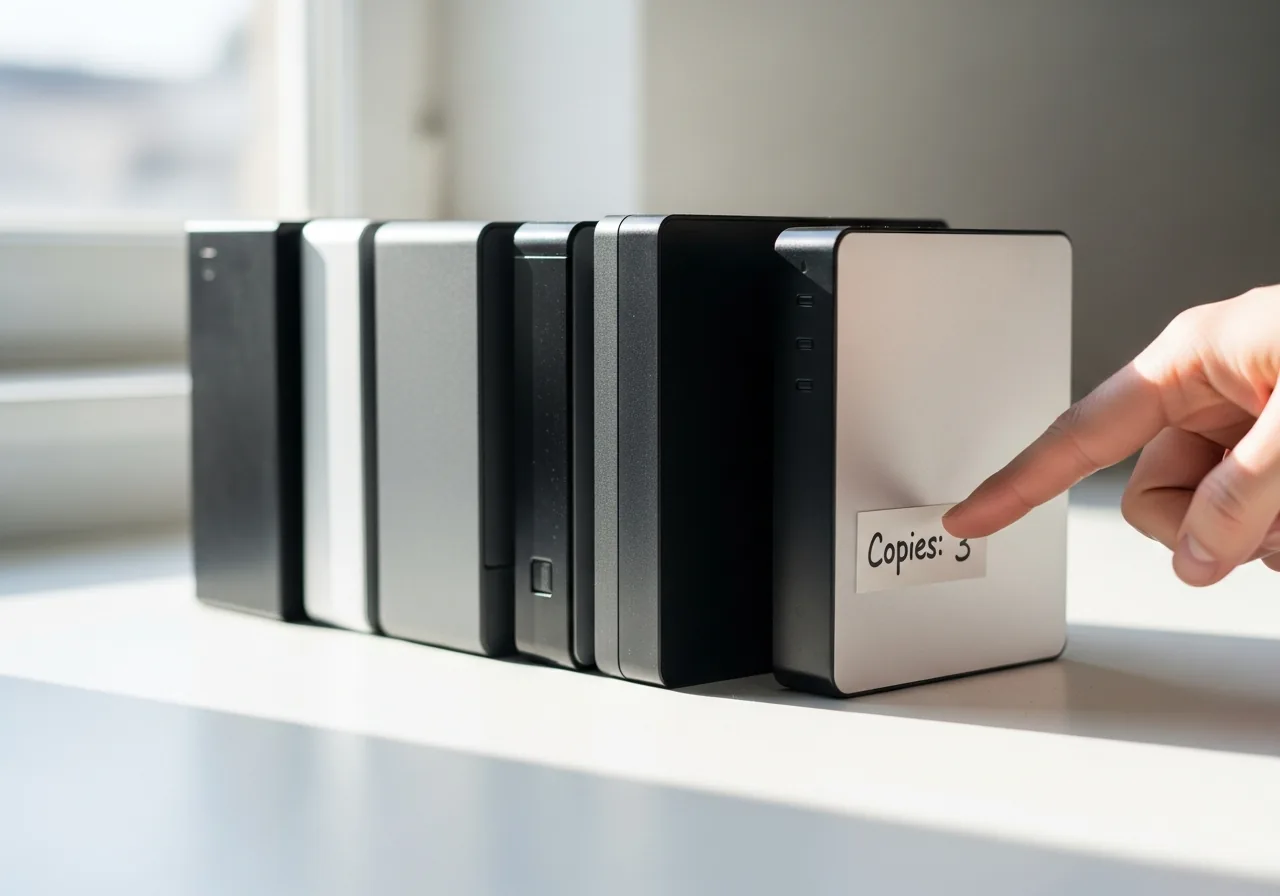 1
1Count your existing copies
Work out how many distinct copies of your most important files exist and whether any of them sit in physically separate locations.
 2
2Make a second copy
Create an additional copy of anything that lives in only one place, so a single failure, theft, or spill can no longer take the lot.
 3
3Keep one copy disconnected
Arrange for at least one copy to stay offline and not instantly mirrored, so a deletion or corruption has no clear path to follow.
 4
4Place a copy elsewhere
Keep one copy physically away from the others, beyond the reach of a single accident in a single room such as fire or flooding.
 5
5Confirm the copies are current
Revisit the arrangement occasionally and open a file from each copy to confirm the extra copies are genuinely up to date.
When to seek help
If you discover that critical data exists in only one place and the device shows signs of failing, pause and consult a recovery professional before risking that last copy.
Reducing the chance it returns
Aim for more than one copy, kept in more than one place, with at least one of them disconnected from everyday use. Let the originals live where you work, but arrange a separate copy that is not mirrored instantly, so a mistake has no clear path to follow. Keep one copy physically away from the others, beyond the reach of a single accident in a single room. Revisit the arrangement occasionally to confirm the extra copies are genuinely current. The habit is simple once established: never let anything you value rest on one device alone.
Repair110 is a free, informational resource. These steps describe a careful, general approach — every device is a little different, so work slowly, back up anything you value, and prioritise your own safety. If a step feels beyond your comfort, stop and consult a qualified technician.