
Understanding the problem
Heavy work draws more current and produces more heat than light tasks ever do, and that demand exposes weaknesses a quiet machine never reveals. If temperatures climb past a safe threshold, the system cuts power abruptly to protect itself. If the power supply cannot deliver enough current at the peak, voltages sag and the machine resets. Faulty memory or a marginal internal connection may behave perfectly until heavy load and warmth stress them just enough to fail. This is why light activity runs for hours yet intense work falters within minutes.
Symptoms
- The device powers off or reboots abruptly during demanding tasks
- A full-screen error or sudden black screen interrupts intensive work
- Light activity runs for hours, yet heavy load fails within minutes
- Crashes return whenever the same strenuous task is repeated
Likely causes
- 1Overheating that forces an emergency shutdown to protect components
- 2A power supply unable to deliver enough current under peak demand
- 3Faulty memory revealing errors only when heavily exercised
- 4An unstable driver crashing the system when stressed
- 5Loose or degraded internal connections disturbed by heat and vibration
What to observe and check
- Note whether crashes track closely with how hard the device is working
- Observe if the device feels very hot in the moments before it fails
- Consider whether the crashes began after new demanding software was added
- Watch whether reducing the workload prevents the shutdowns entirely
- Reflect on whether the timing is consistent, suggesting heat building to a limit
Step-by-step repair
 1
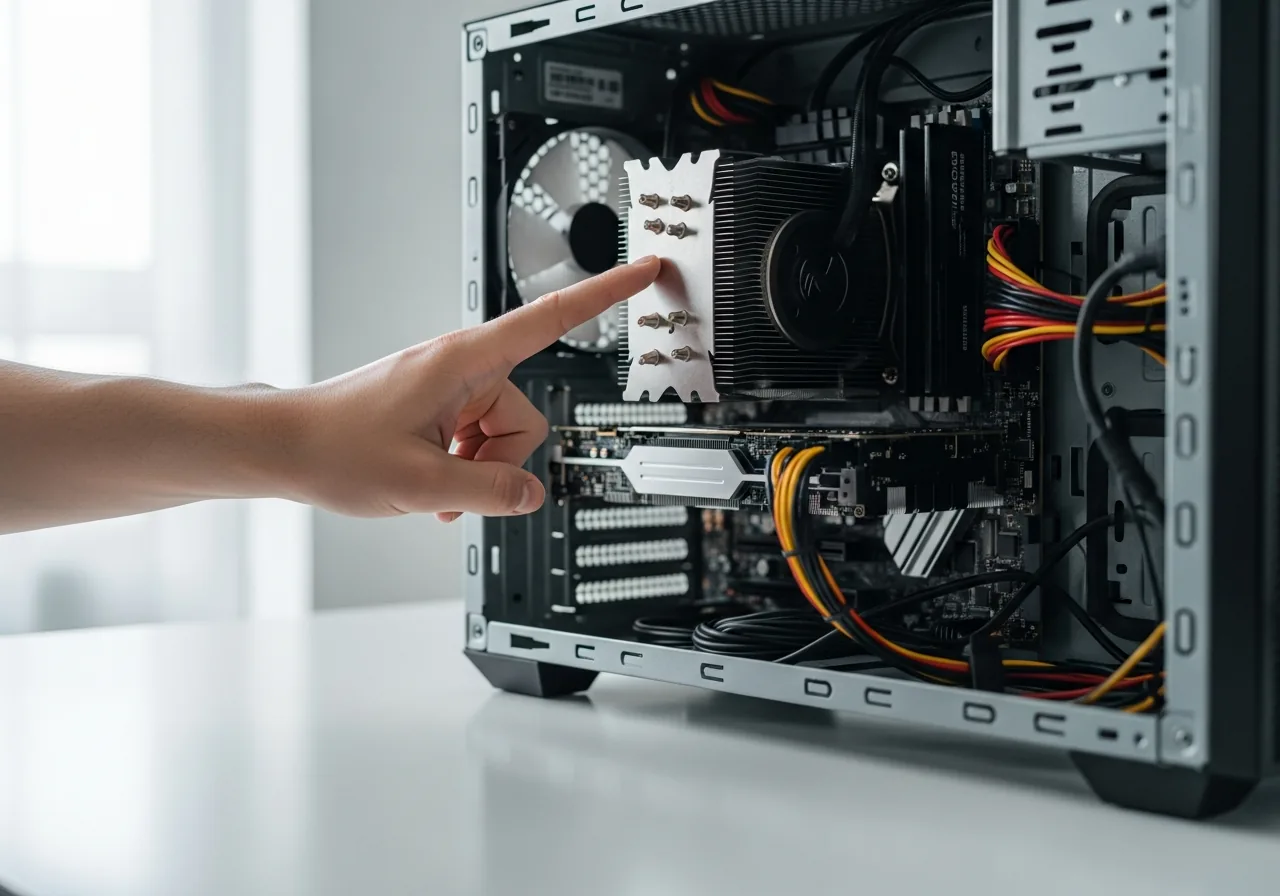
1Link crashes to the load
Note whether the shutdowns track closely with how hard the device is working and how hot it feels just before failing.
 2
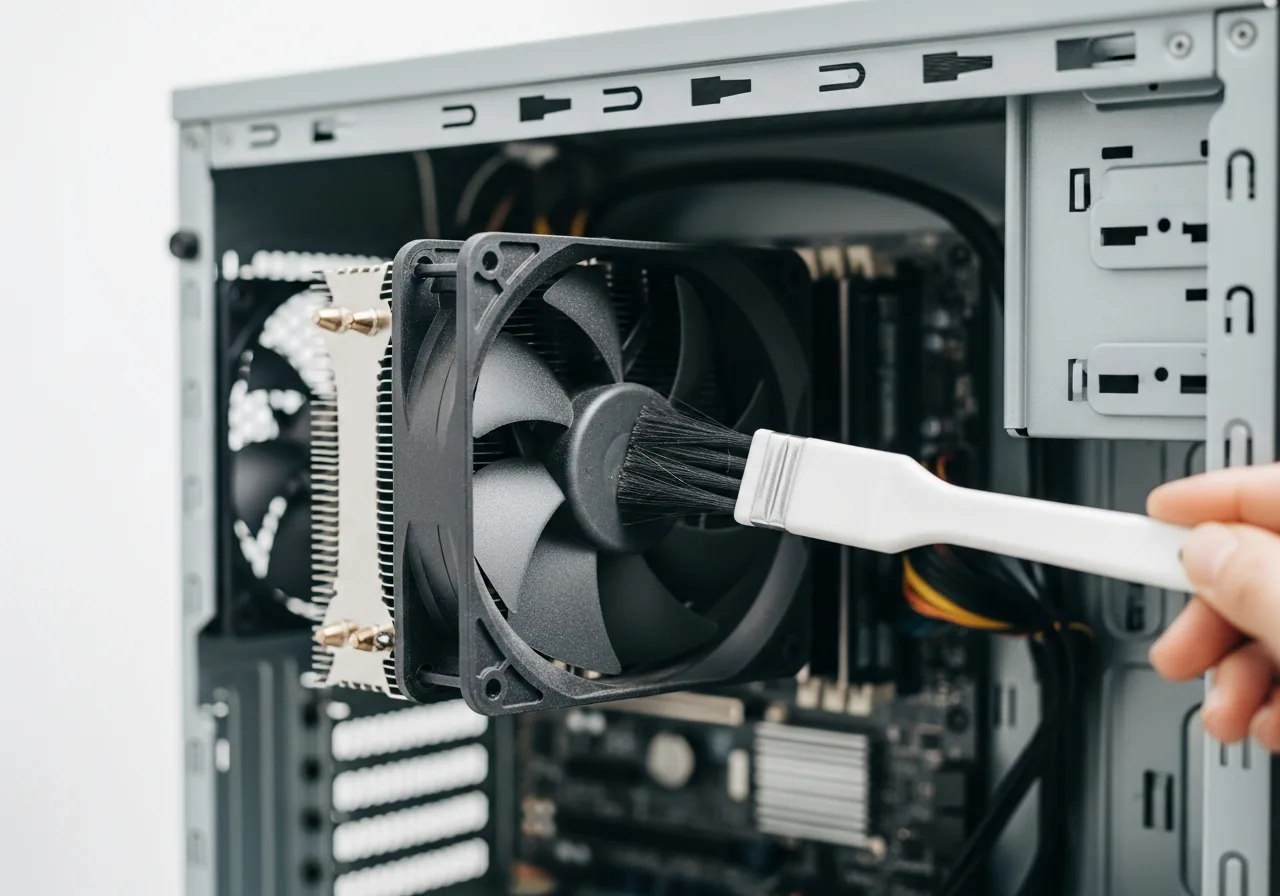
2Clear dust and free airflow
Remove dust from vents and fans and ensure nothing blocks the airflow, since overheating is the most common trigger for an emergency shutdown.
 3
3Reseat internal components
With power disconnected, check that memory and other parts are seated firmly so heat and vibration cannot loosen a marginal connection. Take static-safe care inside the case.
 4
4Ease the heaviest workload
If one strenuous task reliably triggers a crash, reduce its intensity to buy stability while the underlying weakness is investigated.
 5
5Run under load to confirm
Repeat the demanding task and check the device now holds steady without powering off or rebooting.
When to seek help
Sudden shutdowns under load can stem from power, heat, or failing parts; if accompanied by a burning smell, smoke, or swelling, disconnect power and seek qualified help immediately.
Reducing the chance it returns
Because heat is the most common trigger, keeping the device cool does the most good: clear dust from vents and fans, ensure nothing blocks the airflow, and work in a well-ventilated spot during demanding sessions. Make sure internal components are seated firmly so vibration and warmth cannot loosen a connection. Avoid asking the machine to run flat out for long stretches without a pause to cool. If a particular strenuous task reliably triggers a crash, easing back on its intensity buys stability while the underlying weakness is investigated.
Repair110 is a free, informational resource. These steps describe a careful, general approach — every device is a little different, so work slowly, back up anything you value, and prioritise your own safety. If a step feels beyond your comfort, stop and consult a qualified technician.