Understanding the problem
Modern drives quietly monitor their own condition, counting the errors they correct, the spare sectors they have used, and the temperatures they endure. These figures shift because the hardware is steadily working around small problems: a spinning drive reallocates data away from failing patches of surface, while a solid-state drive tracks how much of its limited write life remains. When the system raises a health warning, it is reporting that these internal measures have crossed a threshold the drive considers concerning. The slowdowns and retries you feel are the outward echo of that hidden bookkeeping.
Symptoms
- The system reports warnings about the condition of a drive
- Performance dips as the storage works harder to read or write
- Files occasionally need several attempts before they open
- Available space behaves unpredictably or reports inconsistently
Likely causes
- 1Accumulating bad sectors the drive is quietly working around
- 2Wear in a solid-state drive reducing its remaining lifespan
- 3Rising internal temperatures stressing the storage hardware
- 4File system errors in the software layer confusing reported space
- 5An ageing device approaching the limits of its design life
What to observe and check
- Note whether the system has raised any health or condition warnings
- Observe whether read and write speeds have slipped over time
- Consider whether the drive runs unusually warm during use
- Understand that declining health signals are a prompt to back up promptly
- Watch whether warnings recur or grow more frequent
Step-by-step repair
 1
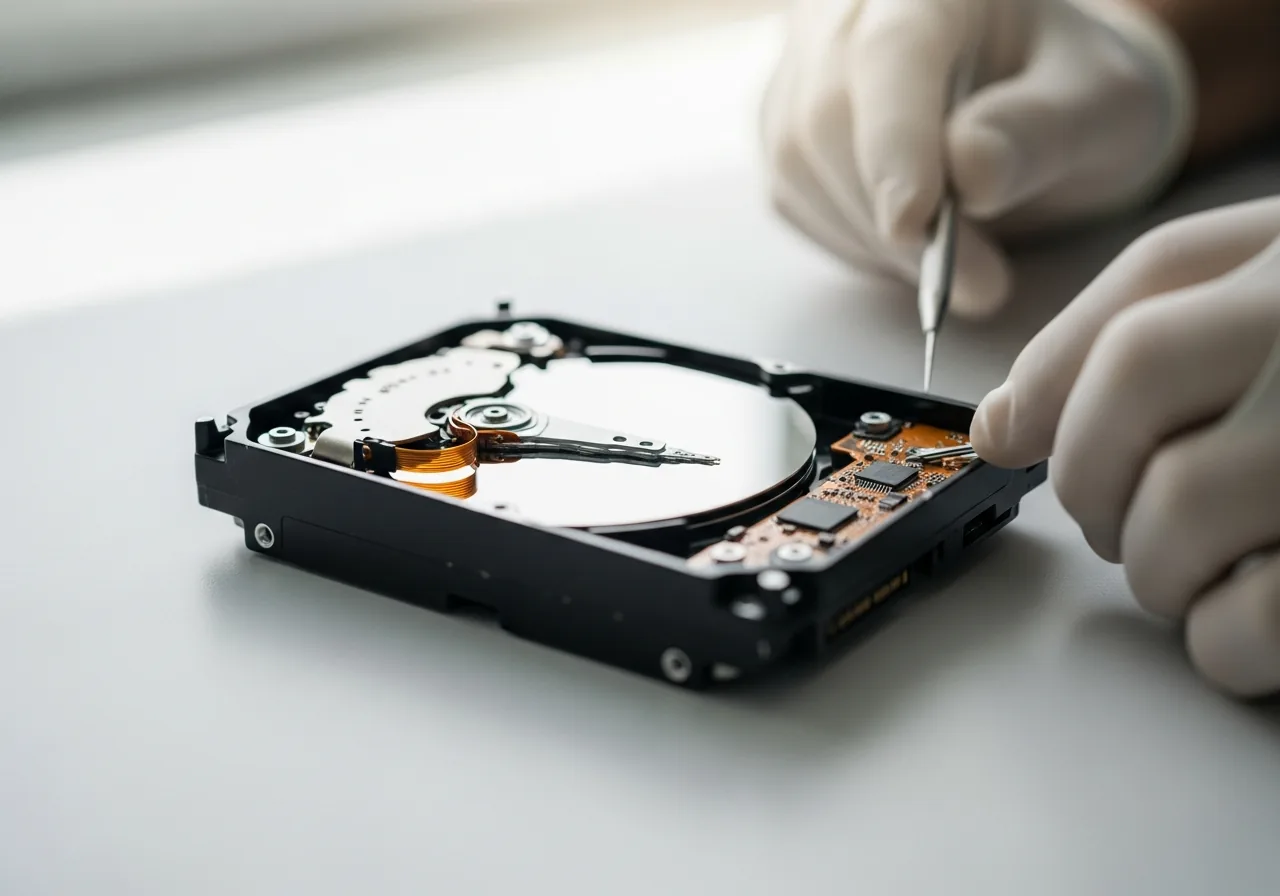
1Check any health warnings
Note whether the system has raised condition warnings about the drive, since these report that its internal measures have crossed a concerning threshold.
 2
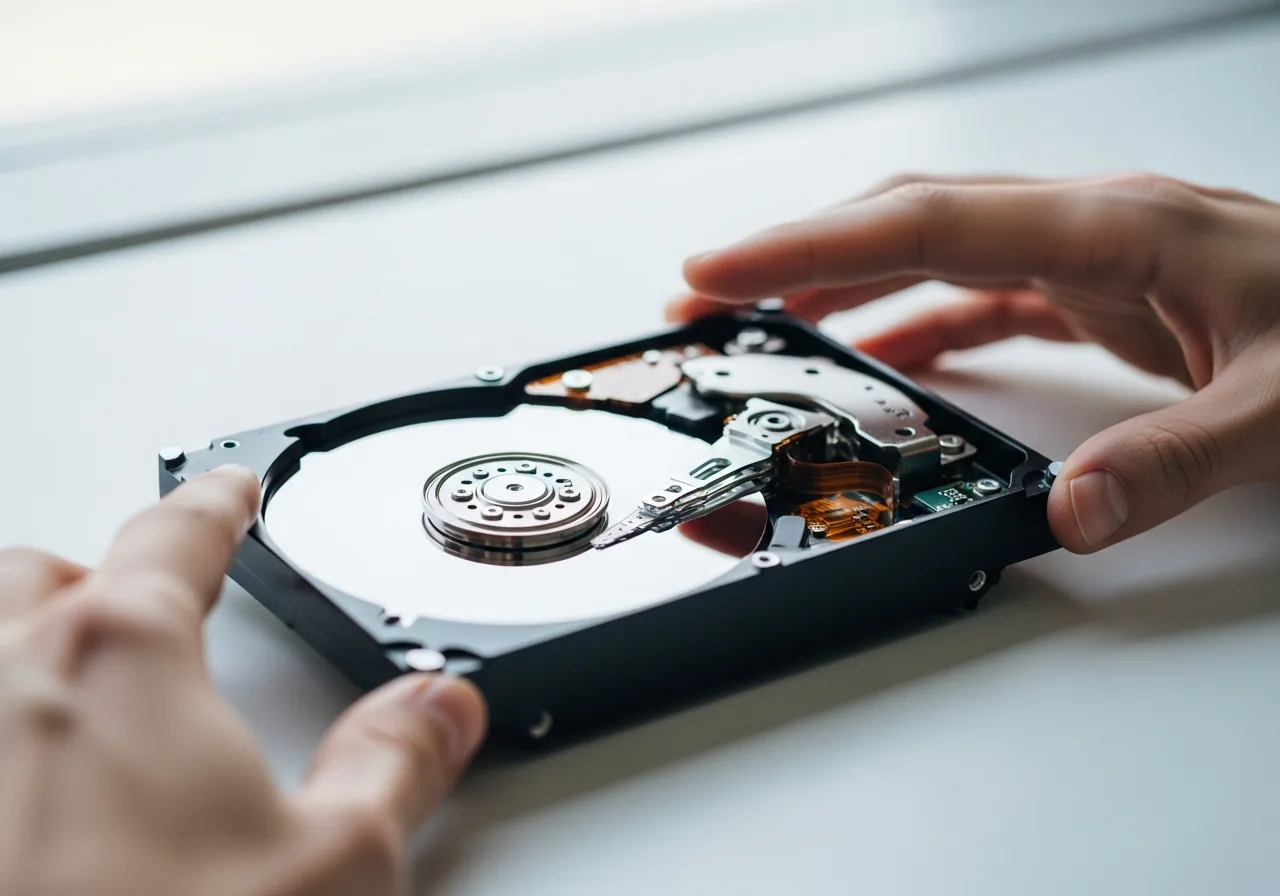
2Observe speed and warmth
Watch whether read and write speeds have slipped or the drive runs unusually warm, both of which are outward signs of internal strain.
 3
3Back up without delay
Treat a worsening trend as a prompt to copy your files while reading is still easy, rather than waiting for the drive to fall silent.
 4
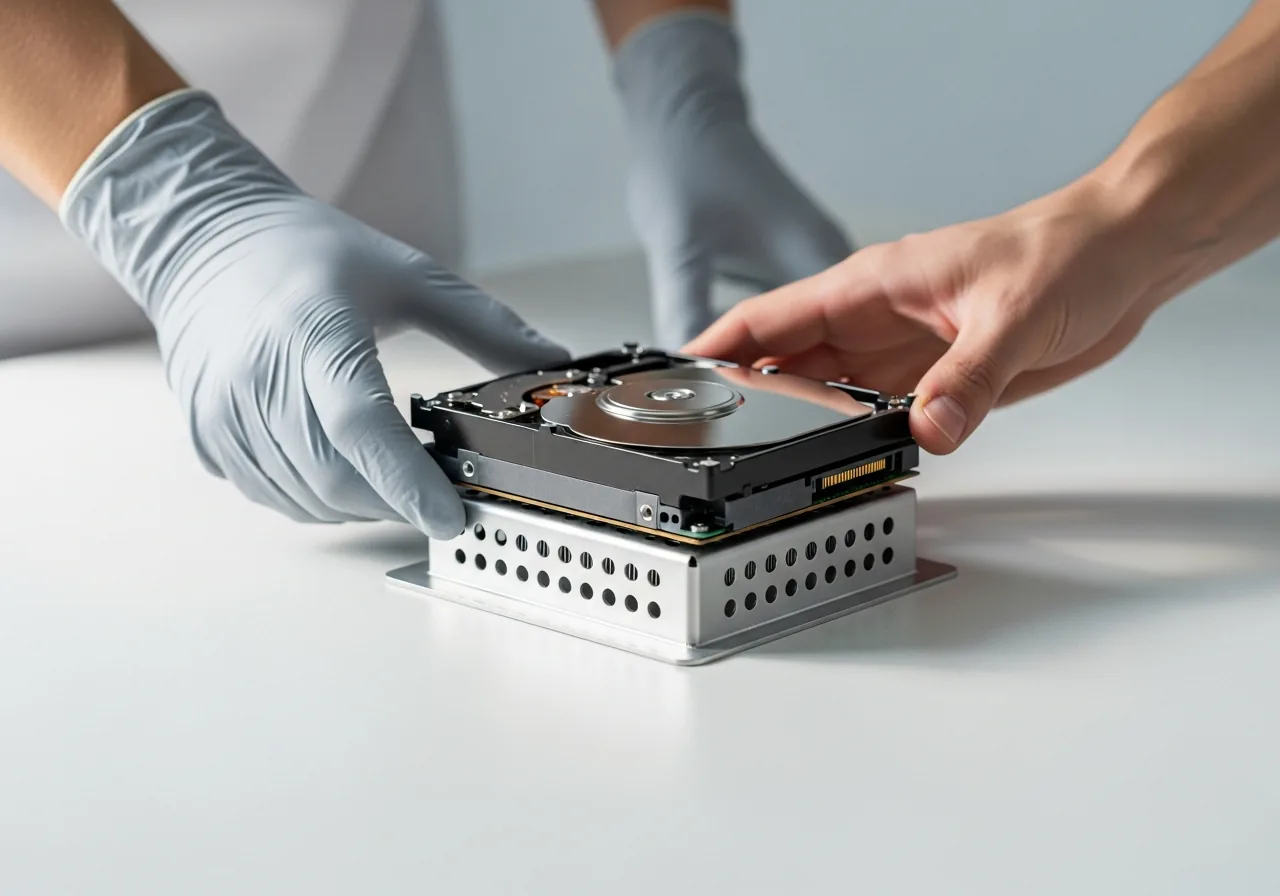
4Keep it cool and roomy
Ensure the drive is well ventilated and leave a comfortable margin of free space, since heat and a brimming drive both shorten its life.
 5
5Recheck the warnings later
Glance at the reported health figures again over time to confirm whether warnings recur or grow more frequent, signalling further decline.
When to seek help
If health signals indicate a drive is degrading, back up without delay and seek professional advice; waiting until it fails completely makes recovery far harder.
Reducing the chance it returns
Pay attention to the signals a drive offers rather than waiting for it to fall silent. Keep it cool and well ventilated, since sustained heat is among the surest ways to shorten its life. Leave a comfortable margin of free space so it is not constantly straining at its limits. Glance at any reported health figures from time to time, treating a worsening trend as a prompt to copy your files while reading is still easy. A drive showing early decline rarely improves, so acting on its warnings early is what keeps a gradual slide from ending in loss.
Repair110 is a free, informational resource. These steps describe a careful, general approach — every device is a little different, so work slowly, back up anything you value, and prioritise your own safety. If a step feels beyond your comfort, stop and consult a qualified technician.