Understanding the problem
When a demanding task pushes a component hard, it produces heat, and once a graphics chip or processor reaches its safe temperature it deliberately slows itself to cool down. That self-protection arrives in waves, which you feel as stutter rather than a steady drop. The same hitching appears when memory runs short and the system must keep fetching data from slower storage in the middle of the work, or when a driver mishandles a peak in demand. Because the strain is intermittent, performance returns the moment the heavy moment passes.
Symptoms
- Smooth playback or animation breaks into short, repeated hitches
- Demanding work runs well at first, then stutters as it continues
- The pointer or audio skips precisely when the workload peaks
- Performance recovers the instant the heavy task ends
Likely causes
- 1A graphics chip or processor reaching its thermal limit and throttling
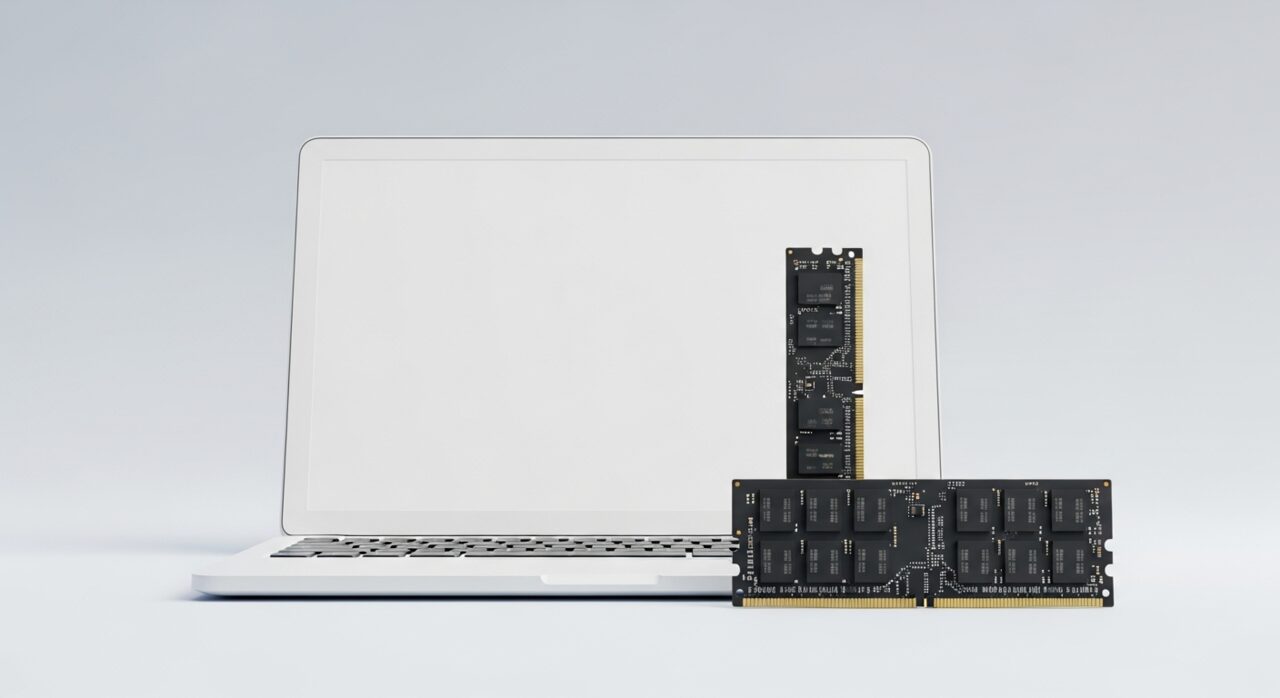
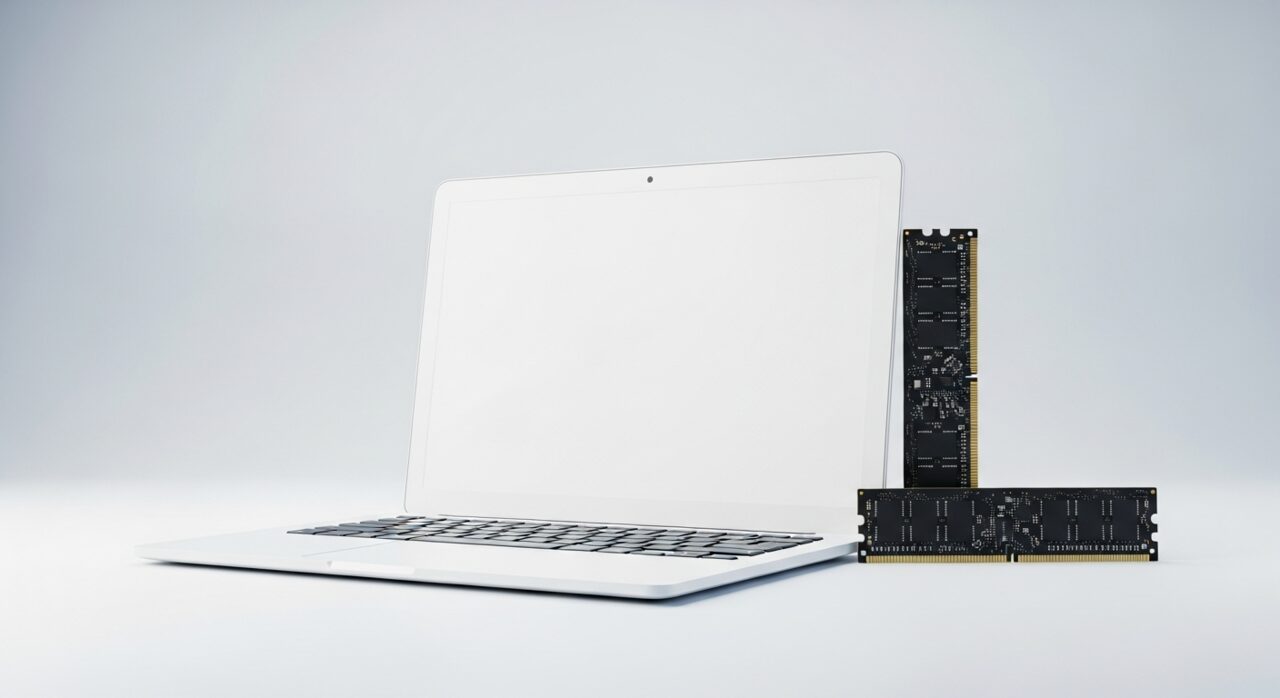
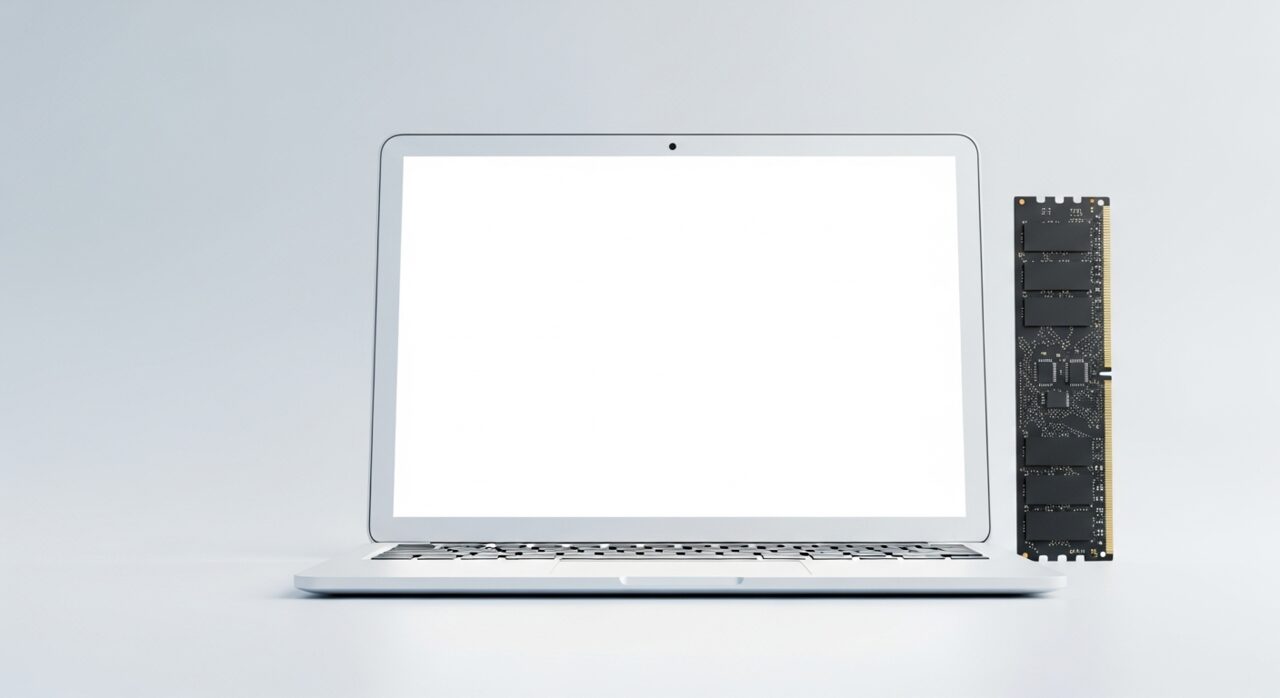
- 2Memory filling up so the system shuffles data to slower storage
- 3An outdated or unstable driver mishandling the demanding workload
- 4A storage device too slow to feed large files quickly enough
- 5Background processes stealing resources at the worst moment
What to observe and check
- Note whether the stutter appears only after the device warms up under load
- Observe if the hitching worsens the longer the heavy task runs
- Consider whether closing other programs reduces the interruptions
- Watch whether the fault follows one type of task or affects all heavy work
- Reflect on whether a recent driver change altered the behaviour
Step-by-step repair
 1
1Watch when the stutter starts
Note whether the hitching only begins once the device warms up under load, which points to a component reaching its thermal limit.
 2
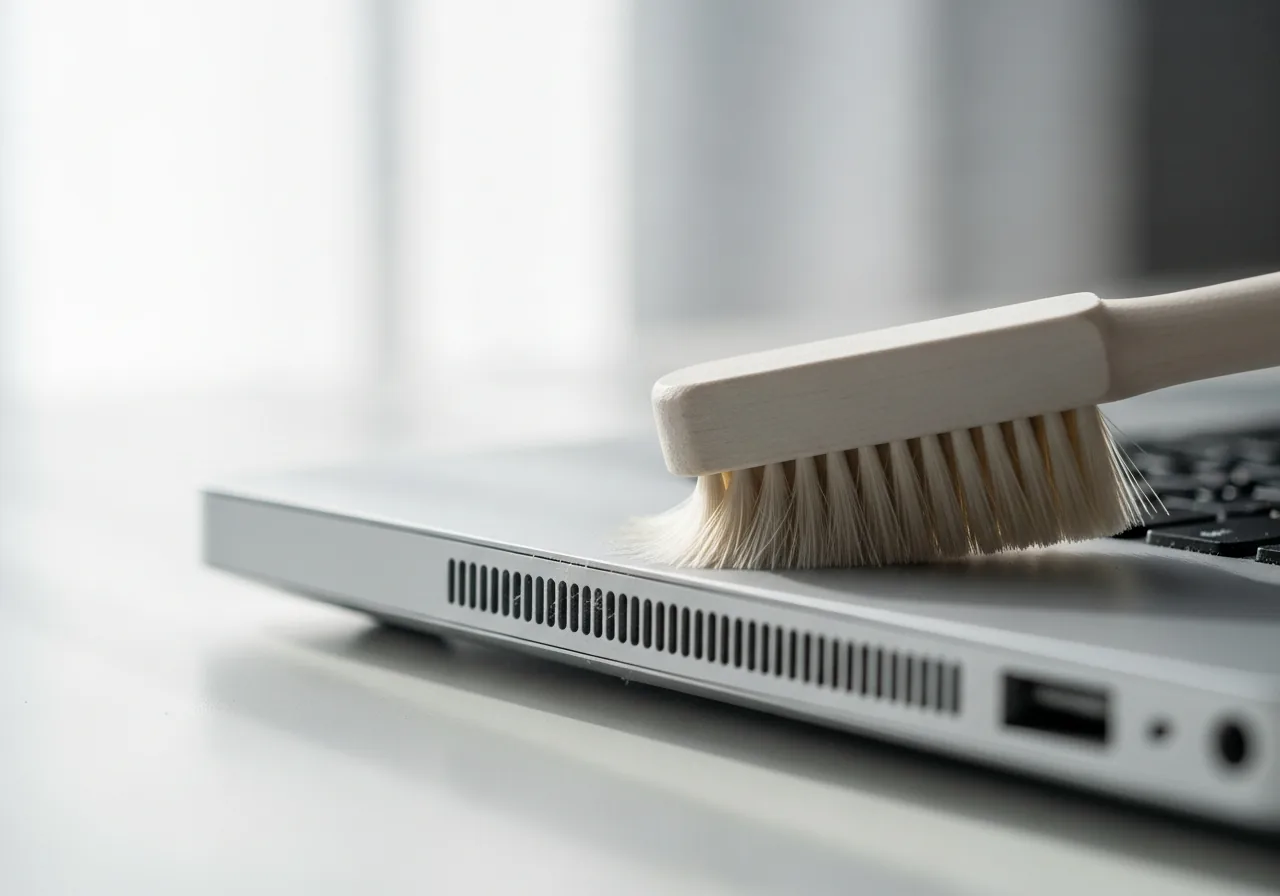
2Keep vents clear for airflow
Make sure the vents are unobstructed and clear away dust, since a chip that cannot shed heat throttles itself in waves you feel as stutter.
 3
3Close other programs
Free memory by shutting background tasks, sparing the system from shuffling data to slower storage in the middle of heavy work.
 4
4Revert an unstable driver
If the hitching followed a graphics driver change, return to a known-good version that handled the demanding workload smoothly.
 5
5Run the heavy task to confirm
Repeat the demanding work and check the playback or animation now holds steady without the repeated hitches.
When to seek help
If stuttering comes with very high temperatures, sudden shutdowns, or a burning smell, stop the demanding task and seek qualified help before damage occurs.
Reducing the chance it returns
Helping demanding components shed heat keeps them from throttling, so make sure vents are unobstructed, give the device a firm surface that does not block airflow, and clear away dust before it builds. Closing other programs frees memory for the heavy task, which spares the system from leaning on slower storage mid-work. Keep the drivers for graphics and similar parts in a known-good state, reverting any update that introduced the hitching. Tackling the most demanding work in a cooler room, with fewer things running, lets the machine sustain its pace.
Repair110 is a free, informational resource. These steps describe a careful, general approach — every device is a little different, so work slowly, back up anything you value, and prioritise your own safety. If a step feels beyond your comfort, stop and consult a qualified technician.