Understanding the problem
The percentage you see is an estimate, not a direct measurement. A small gauge tracks voltage and the flow of current in and out, then models how much capacity remains. Over many cycles its picture of the cell's true size drifts, especially if the device is rarely run fully down or charged fully up. The model then sticks at a comfortable value or jumps in clumsy steps as it corrects itself. Ageing chemistry and temperature swings widen the gap further, so the number freezes while the cell quietly behaves differently.
Symptoms
- The percentage holds at one value for an unusually long time
- Charge jumps suddenly after sitting motionless for a while
- The device shuts down while still showing plenty of charge
- The reading climbs or drops in large, abrupt steps
Likely causes
- 1A miscalibrated charge gauge losing track of true capacity
- 2A software or firmware layer misreading the battery's state
- 3An aging cell whose real capacity no longer matches the estimate
- 4A charging fault holding the cell at one level
- 5Temperature extremes confusing the measurement circuitry
What to observe and check
- Note whether the reading is simply frozen or genuinely not charging
- Observe if the device dies at a percentage far above zero
- Watch whether the figure leaps after rest, hinting at a gauge fault
- Consider whether the issue followed a system update
- Notice if cold or heat coincides with the stuck reading
Step-by-step repair
 1
1Confirm reporting, not charging
Watch whether the figure is merely frozen or the cell genuinely is not filling, which separates a gauge fault from a real charging fault.
 2
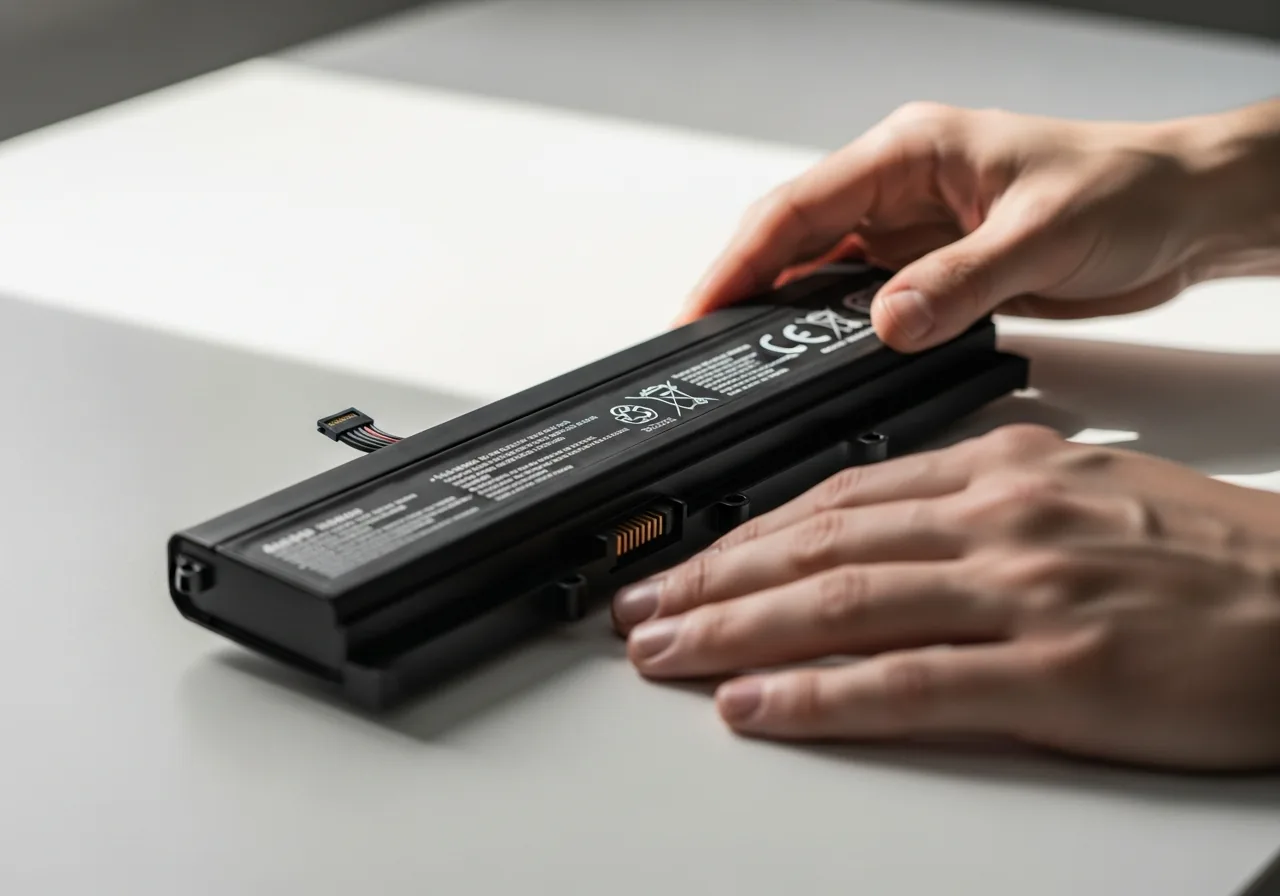
2Check the cell for swelling
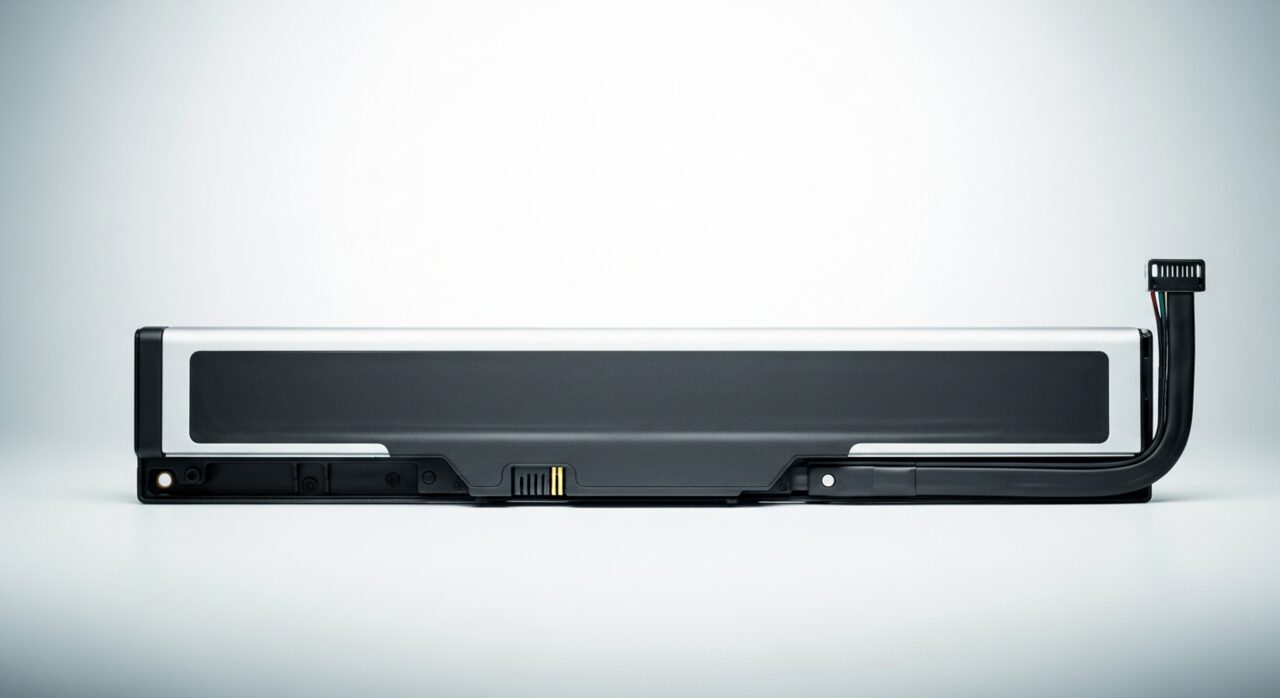
Before recalibrating, glance at the casing for any bulge, since a swollen cell behind a stuck reading is a safety concern, not a display glitch.
 3
3Install pending system updates
Apply any waiting system updates so the reporting logic that estimates the cell's charge stays correctly calibrated.
 4
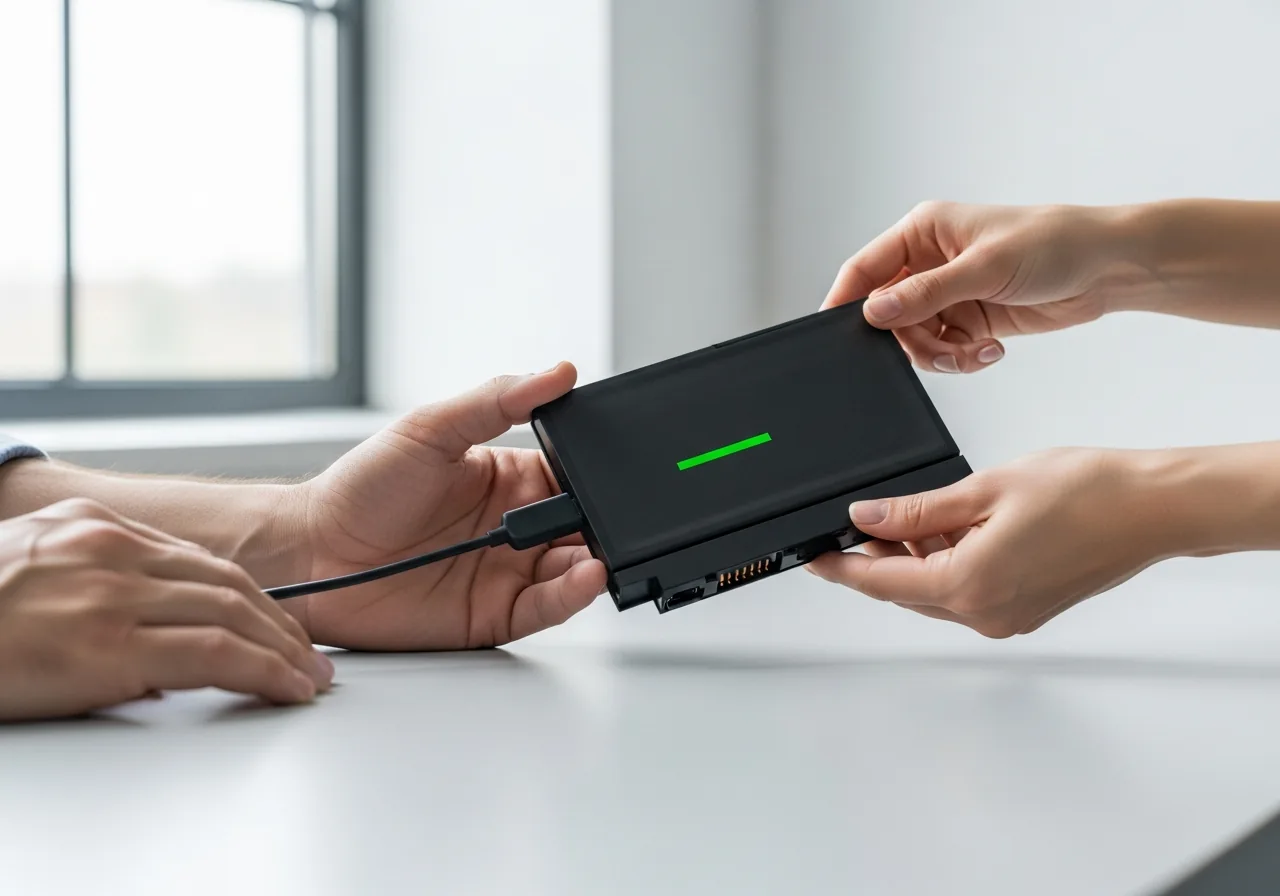
4Run one full charge cycle
Let the charge run low, then fill it in one unhurried session so the gauge can re-anchor to the cell's true endpoints.
 5
5Check the reading tracks again
Use the device normally and confirm the percentage now moves smoothly rather than sticking or jumping in large steps.
When to seek help
If the battery feels swollen, runs hot, or the casing has lifted, stop using it and seek qualified help. A failing cell behind a stuck reading is a safety concern, not just a display glitch.
Reducing the chance it returns
Help the gauge keep an honest picture of the cell. Now and then let the charge run low and then fill it back up in one unhurried session, so the model can re-anchor to the cell's real endpoints. Avoid leaving the device permanently topped up and barely used, which gives the gauge nothing to learn from. Charge in comfortable temperatures rather than the cold or heat that confuse the measurement, and keep the system software current so the reporting logic stays well calibrated over time.
Repair110 is a free, informational resource. These steps describe a careful, general approach — every device is a little different, so work slowly, back up anything you value, and prioritise your own safety. If a step feels beyond your comfort, stop and consult a qualified technician.