Understanding the problem
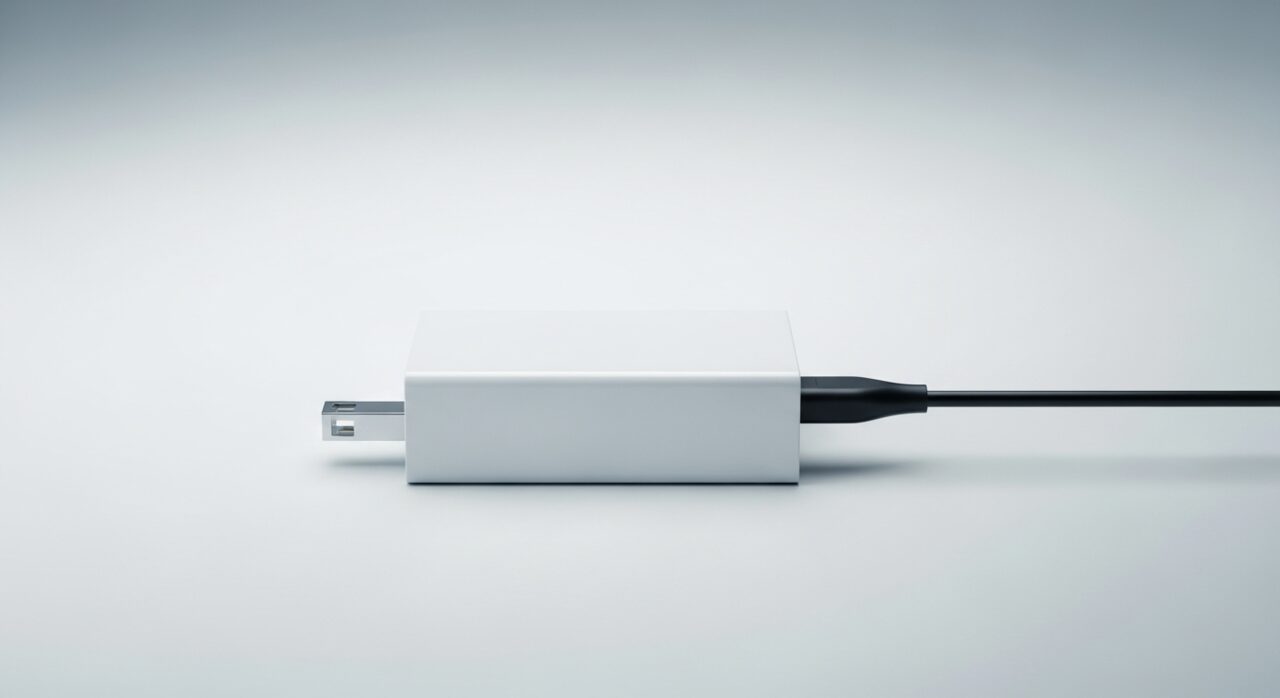
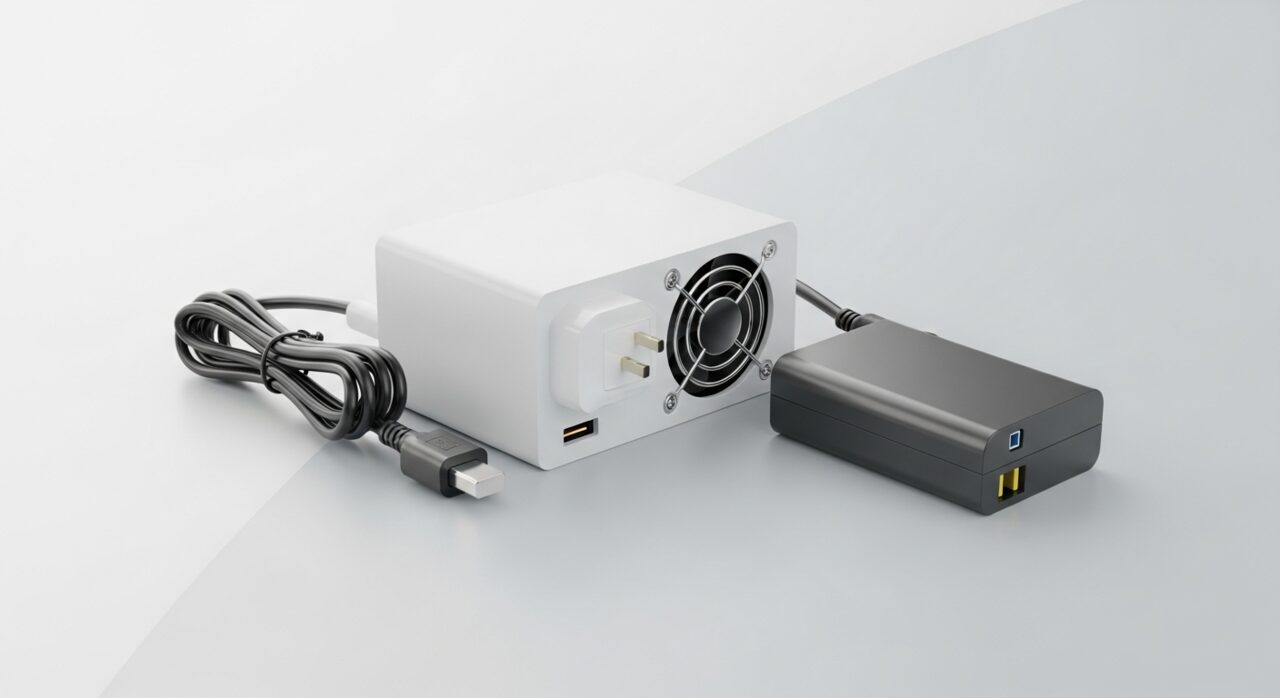
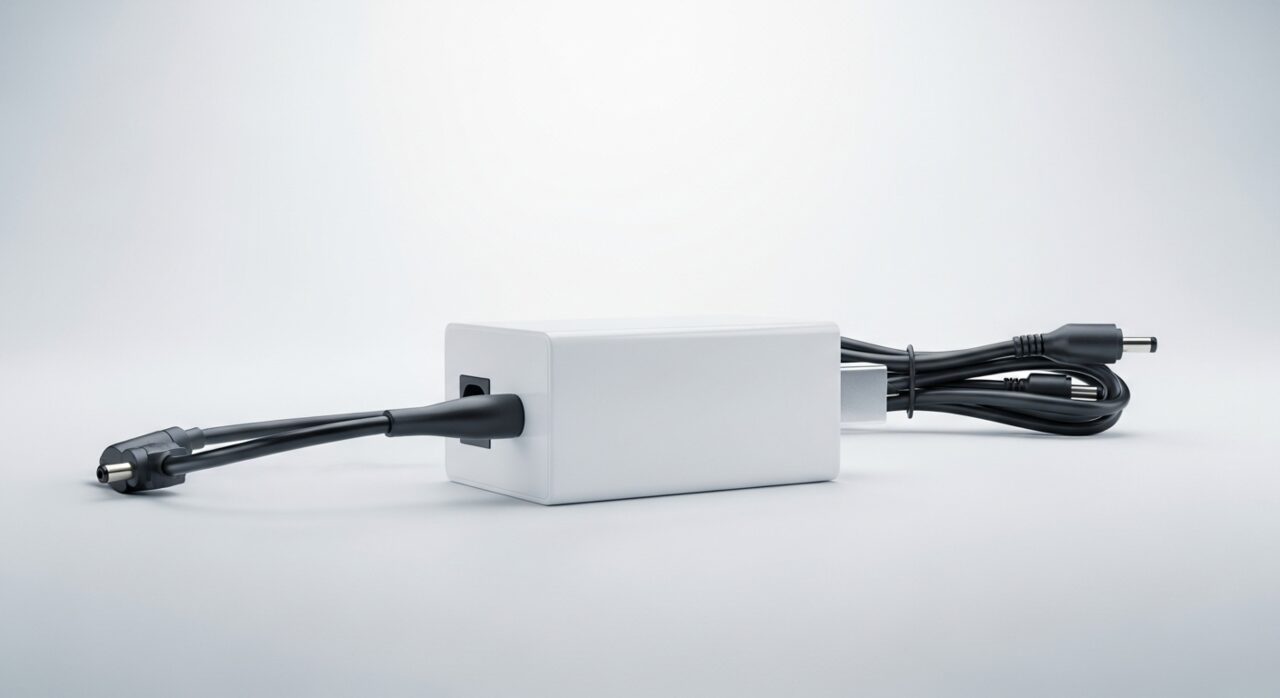
An adapter converts high-voltage mains into the low, steady supply a device needs, and that conversion is never perfectly efficient. The small losses appear as heat, which is why a working brick feels mildly warm. Trouble starts when it must work harder than designed, perhaps driving a strained cable, recovering a deeply flat cell, or fighting trapped air around its casing. Internal components then run hotter, the plastic can soften, and efficiency falls further in a worsening loop. Excessive heat therefore signals an adapter pushed beyond its comfortable limit.
Symptoms
- The adapter becomes too hot to hold comfortably
- A faint plastic or burnt odor comes from the brick
- The casing feels softened or slightly deformed
- Charging slows or stops as the adapter heats up
Likely causes
- 1An overloaded or aging adapter working beyond its safe limit
- 2A damaged cable forcing the adapter to strain
- 3Poor ventilation around the brick trapping heat
- 4An internal fault in the adapter's conversion circuitry
- 5A mismatched adapter delivering the wrong power profile
What to observe and check
- Note how hot the adapter becomes compared with normal use
- Observe whether a burnt smell accompanies the heat
- Watch if the casing has warped or discolored over time
- Consider whether the adapter sits in a confined, airless space
- Notice whether heat eases with a different, known-good cable
Step-by-step repair
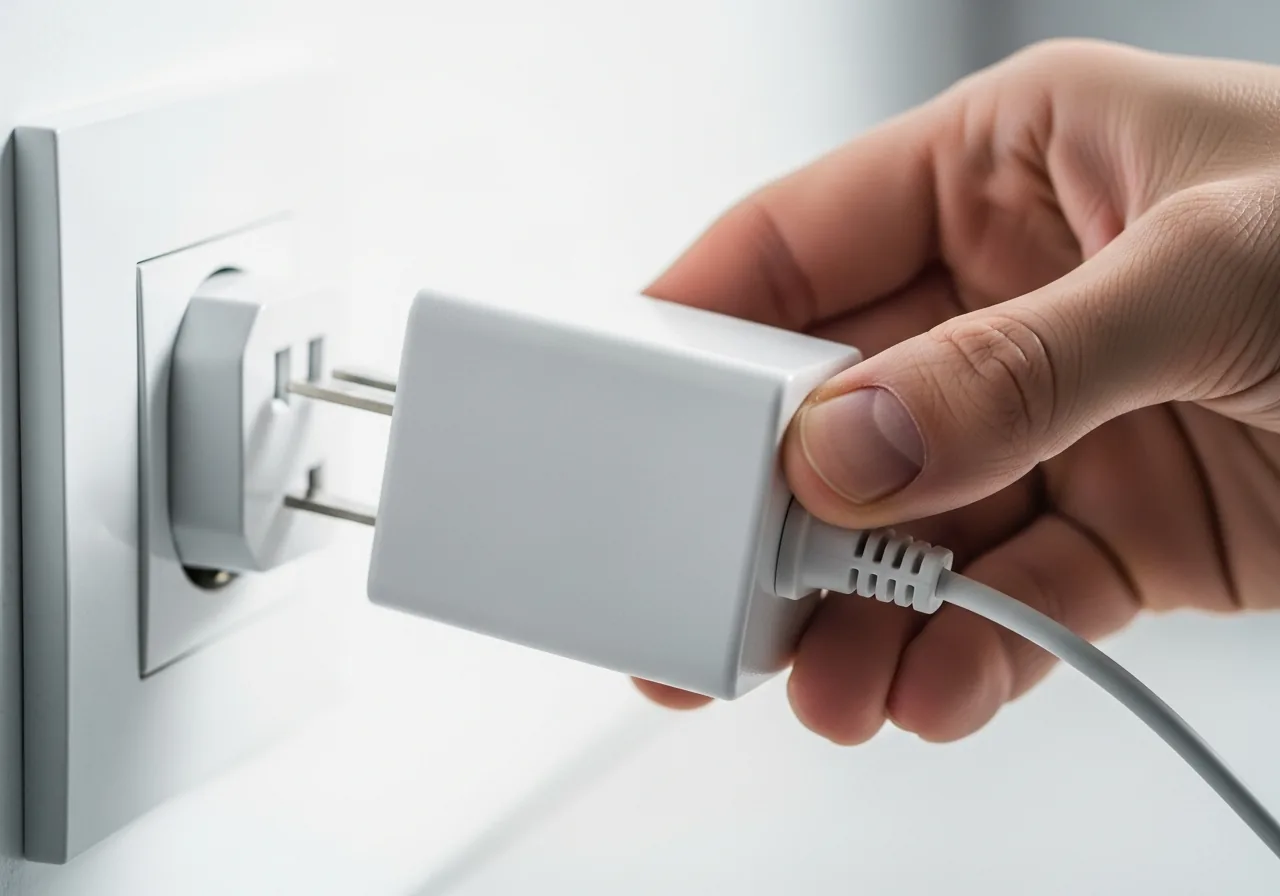 1
1Unplug the overheating adapter
If the brick is too hot to hold, disconnect it from the wall and let it cool fully before handling, since real heat is a genuine hazard.
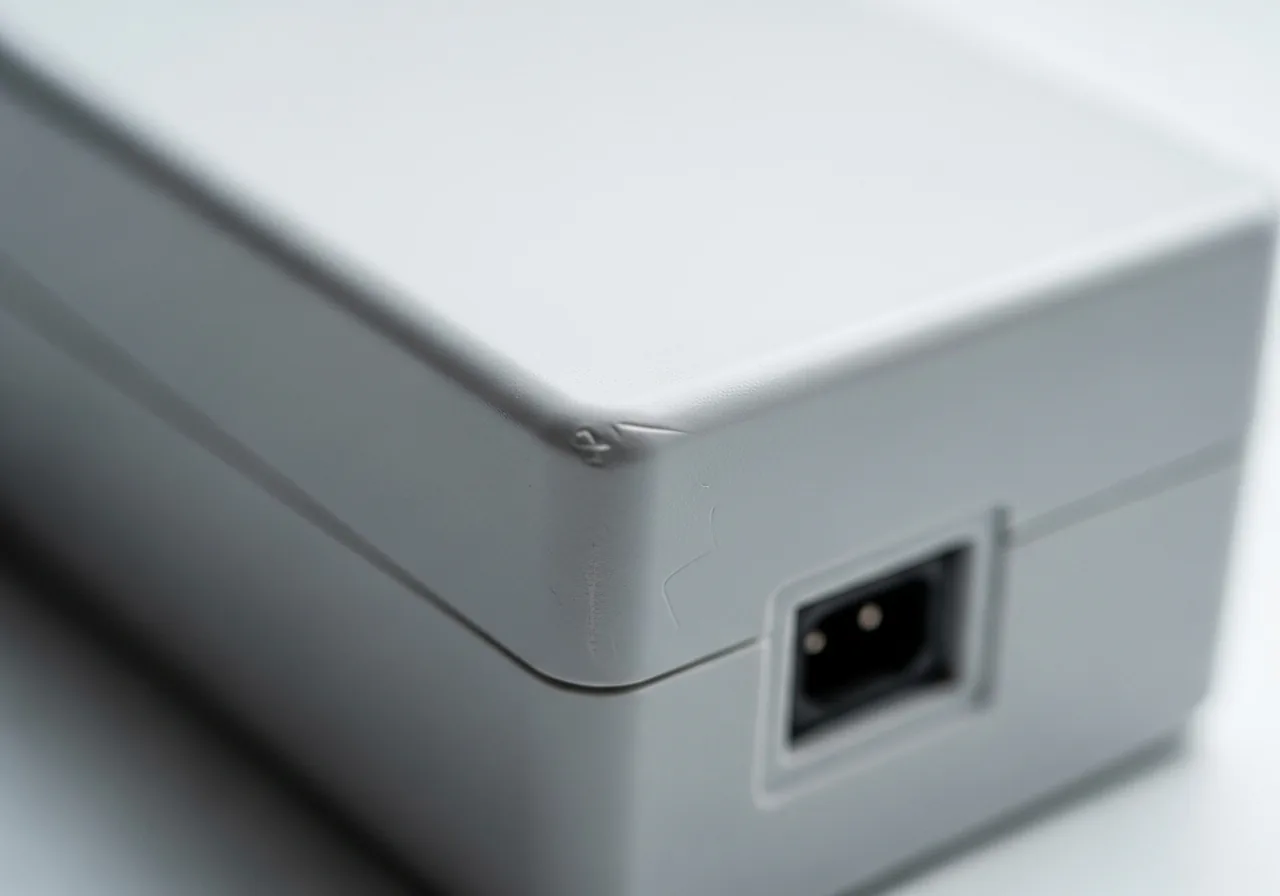 2
2Check the casing for damage
Look for softened, warped, or discoloured plastic and a burnt smell, which signal an adapter being pushed past its safe limit.
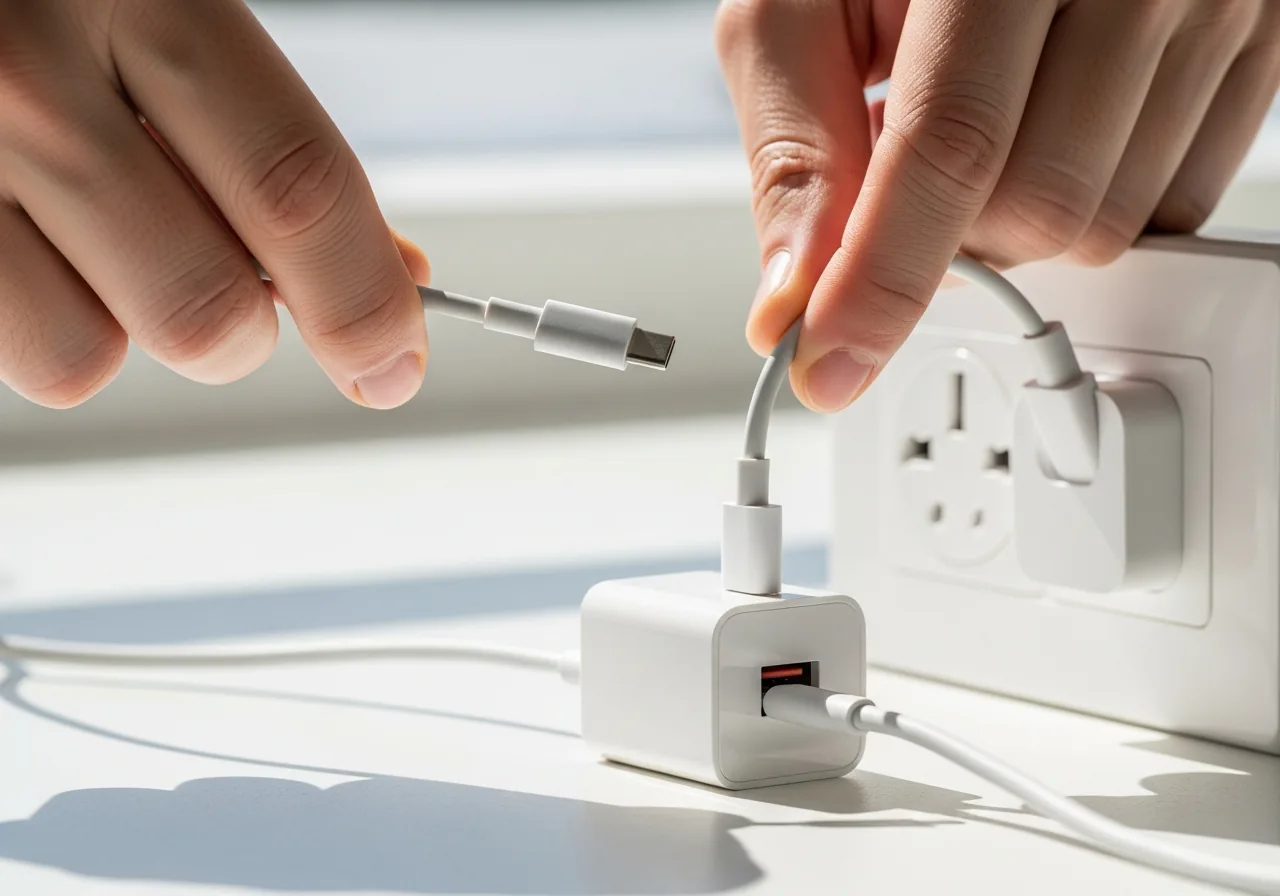 3
3Try a known-good cable
Swap in a sound lead, as a damaged cable forces the adapter to strain and run hotter than it should.
 4
4Give the brick open airflow
Move the adapter onto a hard, open surface and watch whether it still overheats once trapped heat can escape.
 5
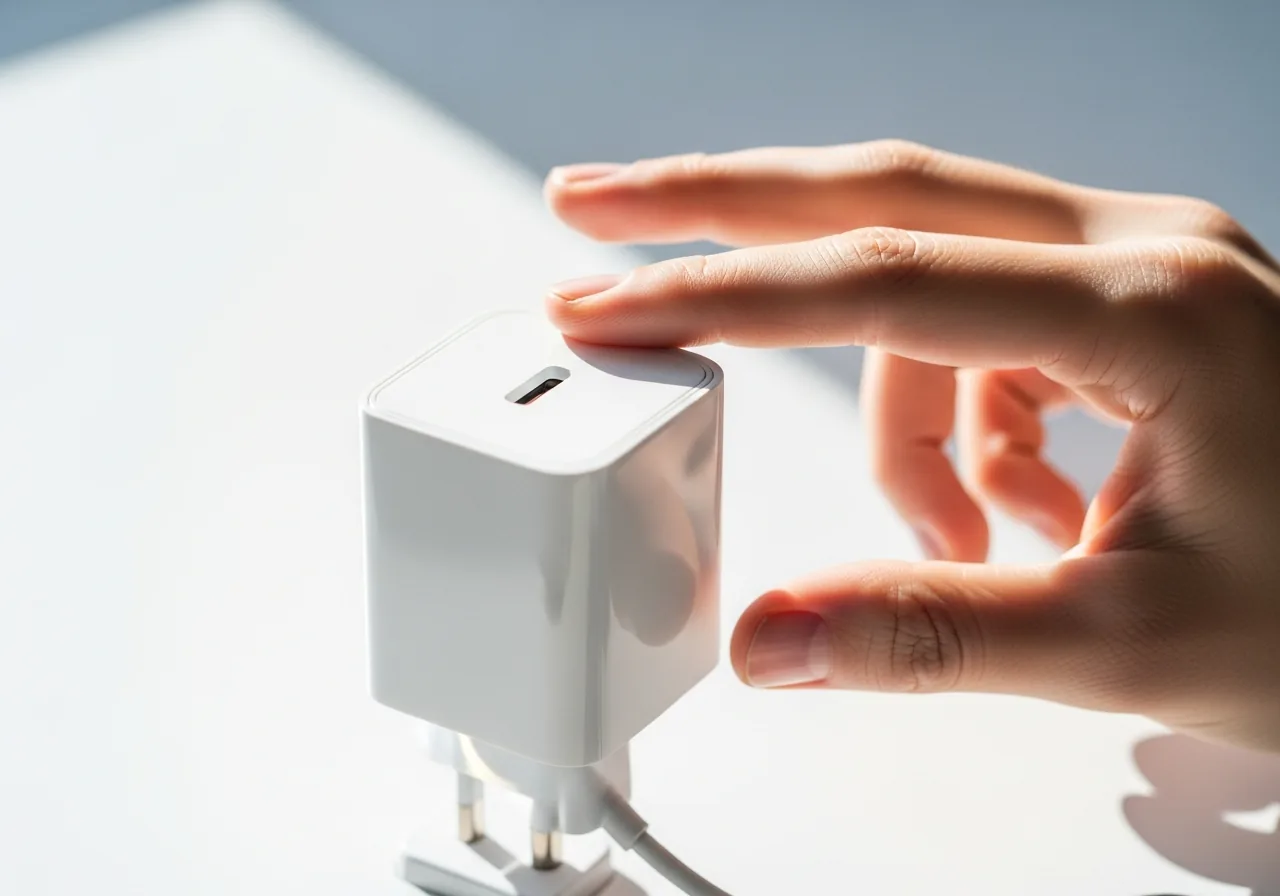
5Confirm it runs only warm
With a good cable and airflow, check that the adapter settles to mildly warm rather than hot during charging.
When to seek help
If the charger smells burnt, deforms, or becomes painfully hot, unplug it immediately and stop using it. A failing adapter is a fire risk and should be assessed by qualified help.
Reducing the chance it returns
Give the adapter room to breathe. Rest it on a hard, open surface rather than burying it under bedding, cushions, or paper where the heat it sheds has nowhere to go. Pair it only with a sound cable, since a damaged lead makes the brick strain. Avoid leaving it plugged in and loaded continuously in a warm, stuffy corner. Inspect the casing now and then for discolouration or softening, and retire any adapter that has begun to deform before its heat becomes a hazard.
Repair110 is a free, informational resource. These steps describe a careful, general approach — every device is a little different, so work slowly, back up anything you value, and prioritise your own safety. If a step feels beyond your comfort, stop and consult a qualified technician.