Understanding the problem
A device can draw power from two sources: the cell, or the cable feeding it directly. When the battery can no longer store usable energy, the system simply runs on whatever the adapter supplies, so it lives on the cable and dies the moment it is removed. This happens as the cell's chemistry wears out after years of cycling, after a deep discharge it never recovered from, or when the link between battery and board fails and the system stops trusting the cell entirely.
Symptoms
- The device powers off instantly when the cable is removed
- It runs normally only while connected to power
- The battery shows little or no usable charge
- Run time on battery has collapsed to almost nothing
Likely causes
- 1A worn-out battery that can no longer hold a charge
- 2A failed connection between the battery and the board
- 3A charge-management fault that powers the device but never fills the cell
- 4A battery the system no longer recognizes correctly
- 5Deep discharge that left the cell unable to recover
What to observe and check
- Note whether removing the cable causes an instant shutdown
- Observe if the battery ever reports a rising charge
- Watch whether the system recognizes the battery at all
- Consider the cell's age and how many years it has served
- Notice if the fault followed a long period of full discharge
Step-by-step repair
 1
1Save your work first
Because the device dies instantly without the cable, copy anything important to safe storage while it is still powered.
 2
2Shut down and disconnect
Power the device down fully and unplug the cable before any internal work, so the worn cell can be handled safely.
 3
3Locate and check the battery
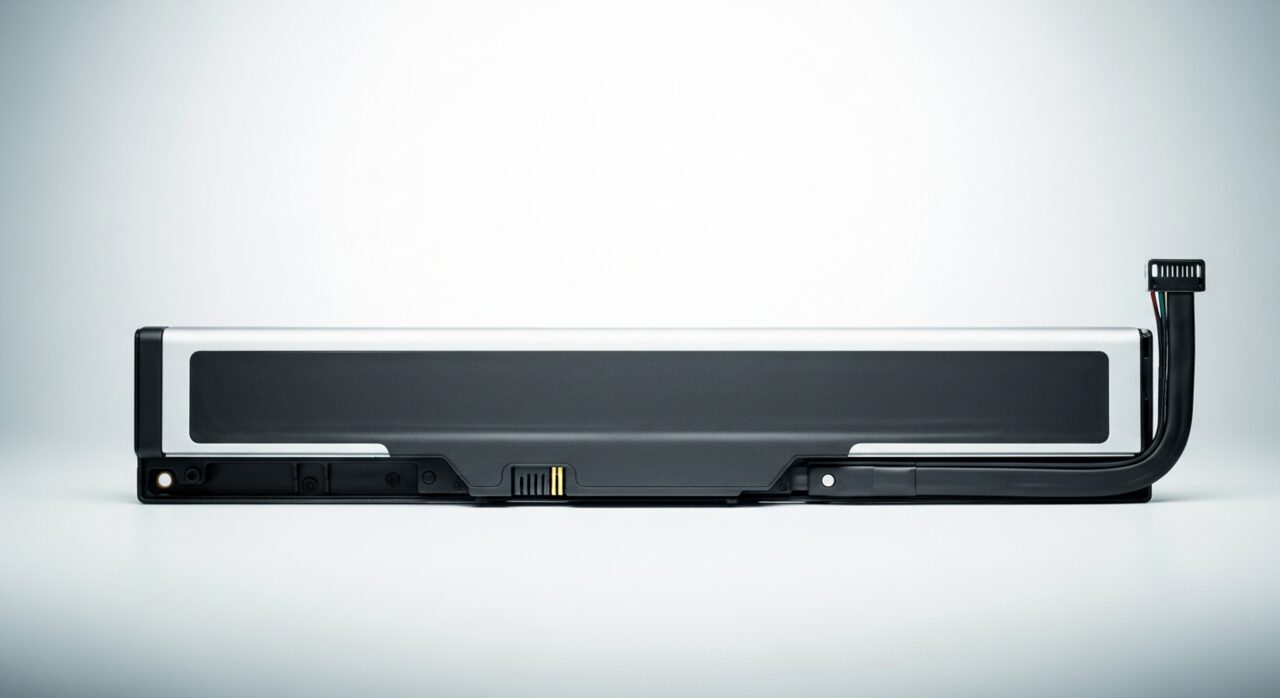
Open access to the cell and confirm whether it is simply unplugged from the board or genuinely worn, noting any swelling.
 4
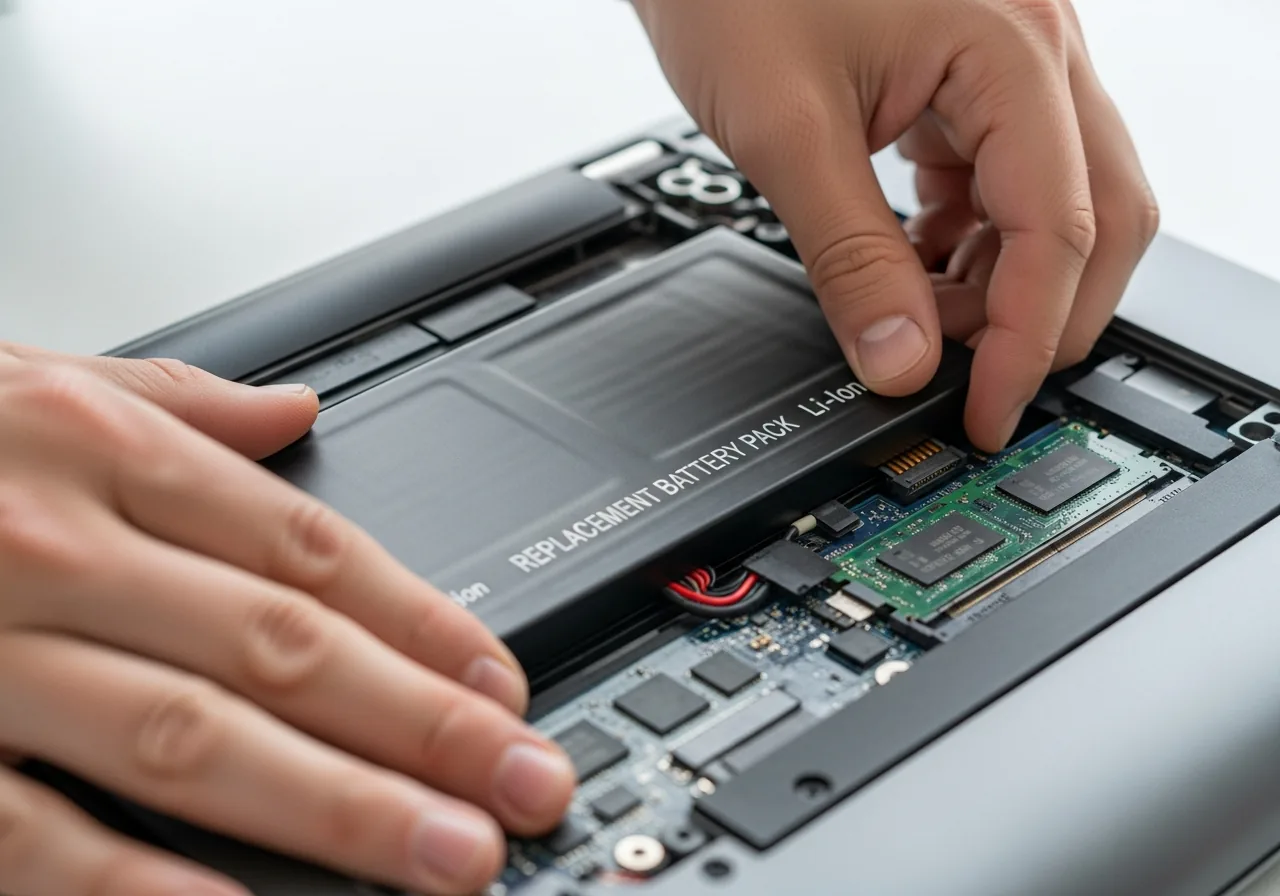
4Fit a sound battery
Swap in a healthy replacement cell and seat its connector firmly; never force or puncture an old, swollen battery.
 5
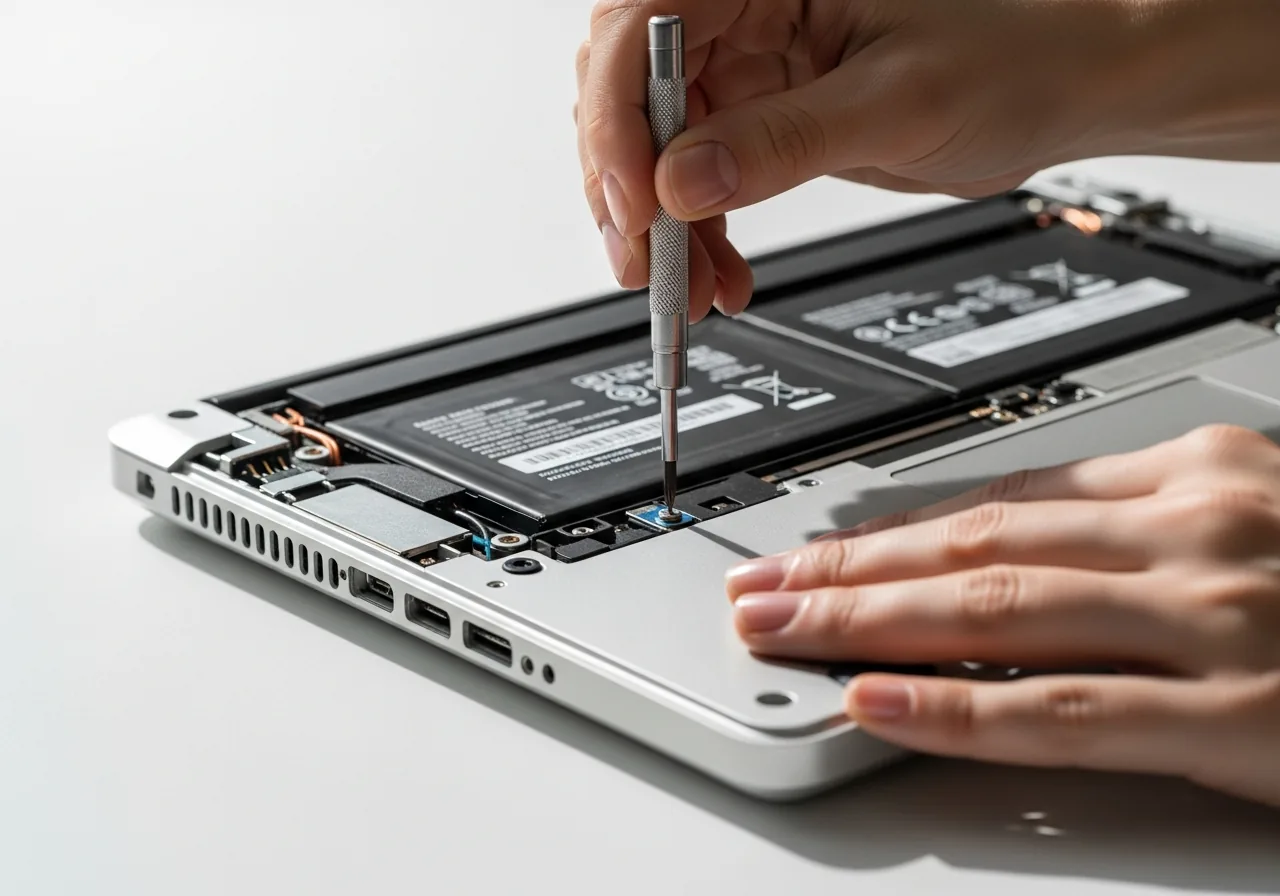
5Close the device up
Refit the panels and screws once the new cell and its connector are secure.
 6
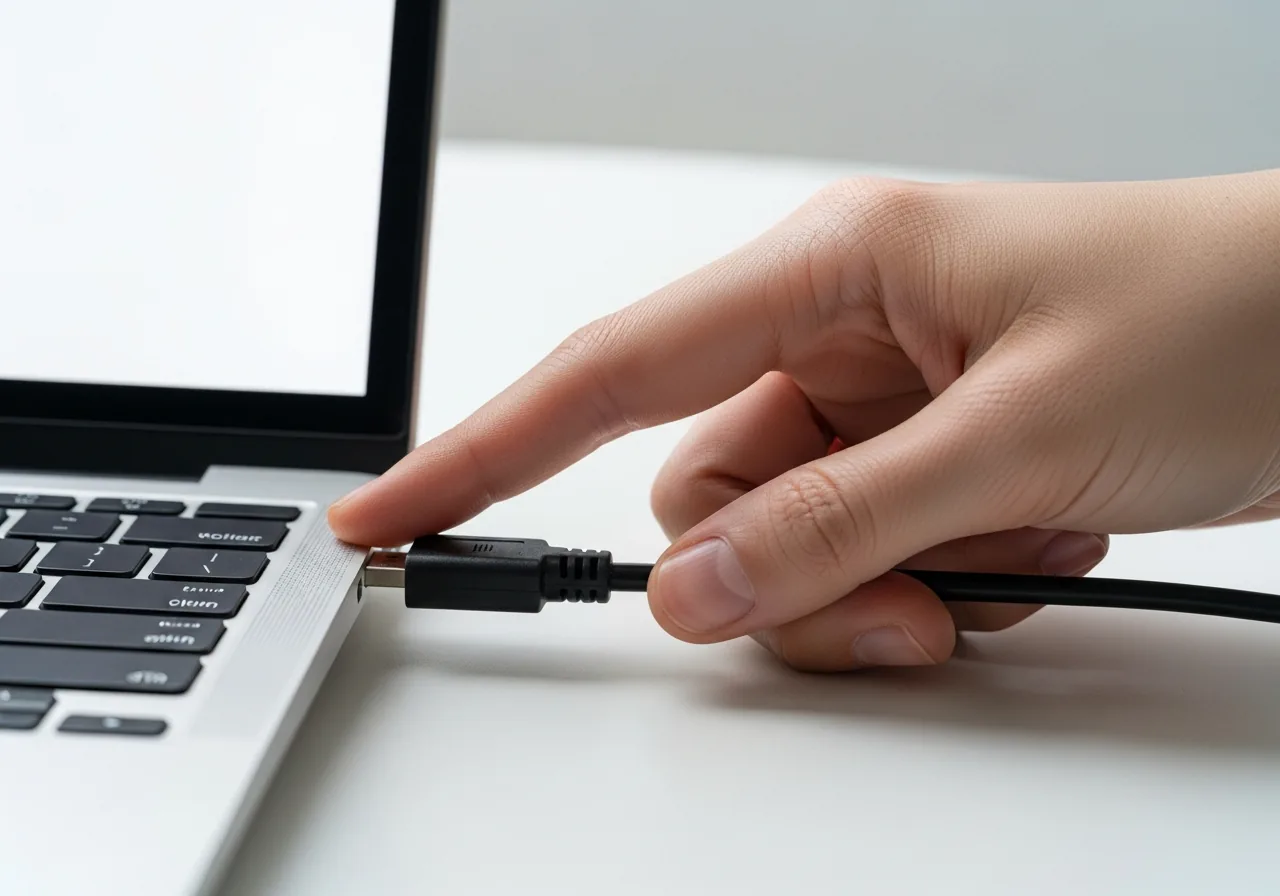
6Run on battery alone
Unplug the cable and confirm the device now stays alive on its own stored charge rather than dying at once.
When to seek help
If the battery is swollen, hot, or visibly damaged, stop using it and seek qualified help. A cell that no longer holds charge should be assessed rather than repeatedly drained and recharged.
Reducing the chance it returns
Cells last longest when they are neither starved nor stressed. Avoid letting a device sit empty for weeks, as a flat cell left long enough may slip into a deep discharge it cannot climb out of; top it up partway before long storage. Keep it away from prolonged heat, which quietly shortens chemical life. Try not to hold it permanently full and hot at the same time. Treating the battery as a part that ages, and replacing it once run time collapses, prevents the cable-only dependence returning.
Repair110 is a free, informational resource. These steps describe a careful, general approach — every device is a little different, so work slowly, back up anything you value, and prioritise your own safety. If a step feels beyond your comfort, stop and consult a qualified technician.