Understanding the problem
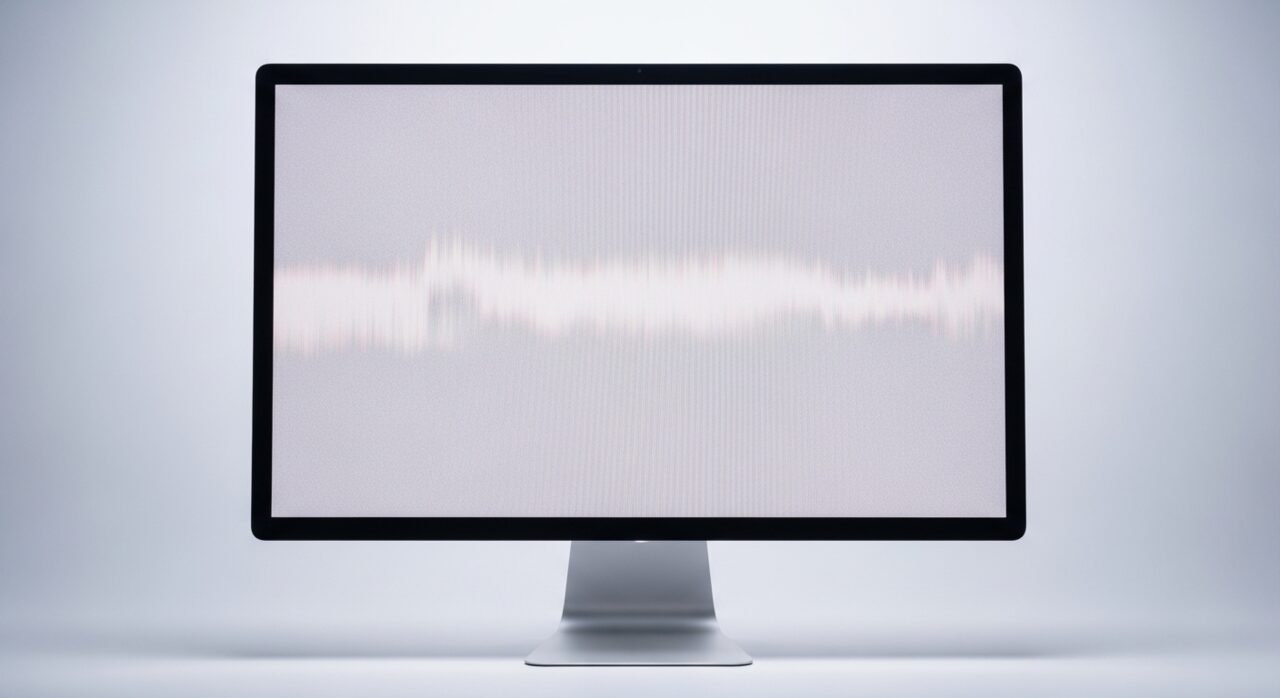
A modern panel draws the image in one layer and lights it from behind in another. The pixels themselves produce no light, so a bank of small emitters sits behind the glass and a dedicated circuit raises or lowers their output to set brightness. When that circuit weakens, a cable feeding it is damaged, or the emitters fade with age, the image is still drawn correctly but barely lit. This is why a faint picture survives under a torch even when the screen looks dead, and why brightness keys often make no difference.
Symptoms
- The screen is very dark even at maximum brightness
- A faint image is visible under a bright light at an angle
- Brightness controls produce little or no change
- The display dims further as the device runs longer
Likely causes
- 1A failing backlight or its power circuit losing output
- 2A brightness setting or driver layer stuck at a low level
- 3A damaged backlight cable through the hinge or bezel
- 4An adaptive brightness feature misreading the surroundings
- 5An aging panel whose backlight has weakened over years
What to observe and check
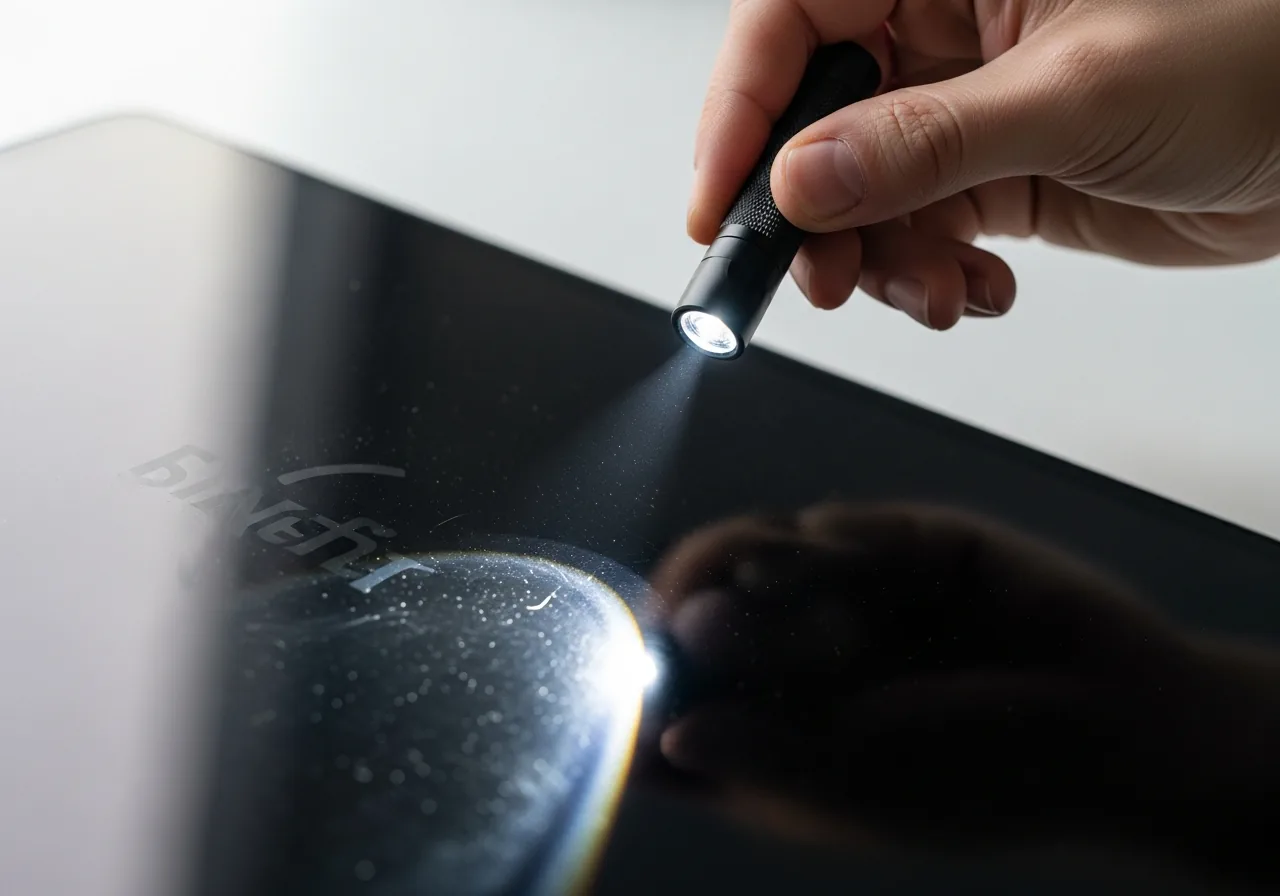
- Shine a bright light at the panel to confirm a faint image is present
- Note whether brightness keys change anything at all
- Observe if an automatic brightness feature is overriding control
- Watch whether an external screen behaves normally
- Consider whether dimming worsens as the device warms
Step-by-step repair
 1
1Confirm the image survives
Shine a bright light at the panel from an angle to check a faint picture is still there, which points to the backlight rather than the image.
 2
2Raise brightness and disable auto
Turn brightness fully up and switch off any adaptive feature that may be quietly dimming the screen to match the surroundings.
 3
3Compare an external screen
Connect a second display; if it is bright and normal, the fault lies in the built-in backlight or its cable, not the system.
 4
4Reinstall the display driver
Update or reinstall the display driver in case a software layer is holding the brightness level low.
 5
5Confirm normal brightness
After the adjustments, check the panel lights properly and responds across its brightness range.
When to seek help
If a faint image confirms the backlight has failed, repair involves opening the display assembly, which is best left to a technician who can handle the fragile components safely.
Reducing the chance it returns
Backlights last longer when they are not run flat out all day, so set brightness only as high as the room requires and let an automatic feature ease it down in dim surroundings. Lower the brightness on battery, and allow the screen to switch off during long idle periods rather than glowing needlessly. Keep the panel cool and well ventilated, since heat shortens the life of the lighting circuit, and treat the hinge gently so the cable carrying power to the backlight is never crushed or stretched.
Repair110 is a free, informational resource. These steps describe a careful, general approach — every device is a little different, so work slowly, back up anything you value, and prioritise your own safety. If a step feels beyond your comfort, stop and consult a qualified technician.