
Understanding the problem
Each pixel is made of three tiny sub-cells that mix red, green and blue, switched by minuscule transistors that twist the light passing through. A dead pixel has lost its switch entirely, so it receives no power and stays black against everything. A stuck pixel keeps one or more of its sub-cells frozen open or shut, leaving it glowing a fixed colour. The difference comes down to whether the controlling transistor has failed completely or merely jammed, which is why one type may sometimes be coaxed back while the other rarely recovers.
Symptoms
- A small dot stays permanently black against any background
- A point glows a fixed color regardless of the image
- The flaw is visible only on certain colors or shades
- One or more dots never change with the picture
Likely causes
- 1A dead pixel that receives no power and stays dark
- 2A stuck pixel frozen on a single color
- 3Minor manufacturing variation in the panel
- 4Pressure or impact damaging a small cluster of pixels
- 5Age-related wear on the panel's pixel structure
What to observe and check
- Note whether the dot is always black or shows a fixed color
- Observe if the flaw appears on every background or only some
- Watch whether the spot ever flickers or changes at all
- Consider whether it followed pressure on the screen surface
- Notice whether the number of affected dots is growing over time
Step-by-step repair
 1
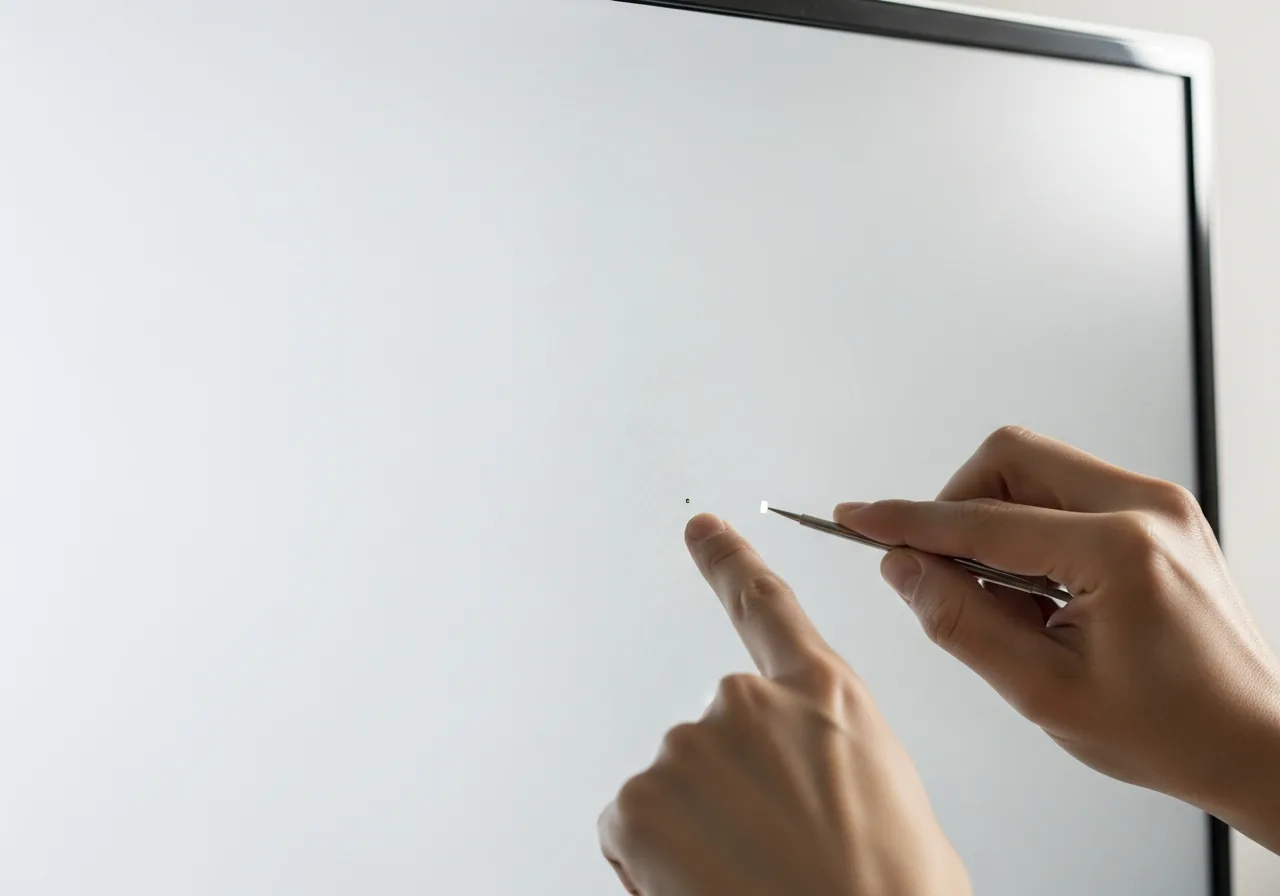
1Identify dead versus stuck
Check whether the dot stays black on every background or glows a fixed colour, which decides how much can realistically be done.
 2
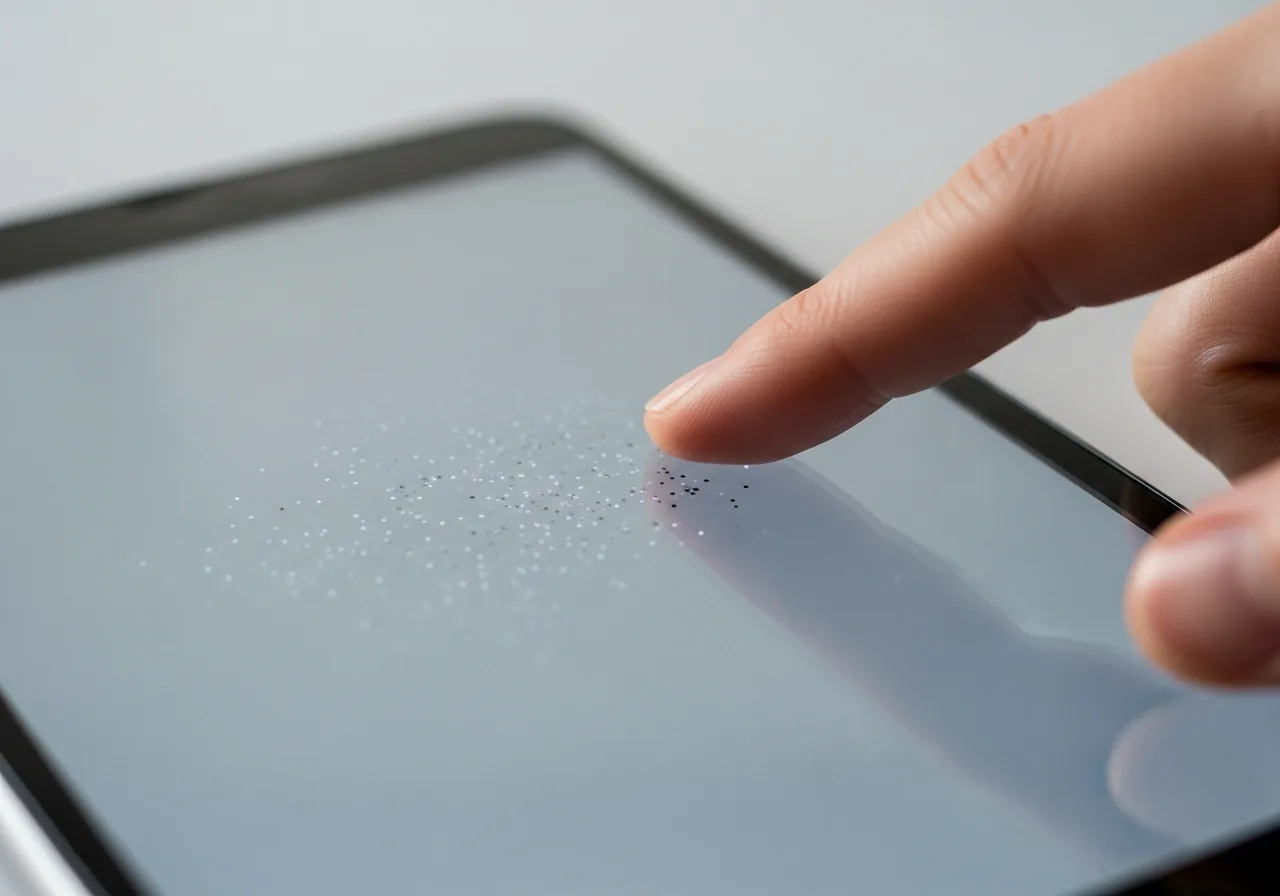
2Cycle through solid colors
Show full-screen solid colours and watch the spot; a pixel that shifts is merely stuck, while one that stays black is likely dead.
 3
3Watch for spreading dots
Note whether the number of affected dots is growing over time, which suggests the panel itself is beginning to fail.
 4
4Judge whether it persists
Decide if the flaw is a single stable dot you can live with or a worsening patch worth a technician's view.
When to seek help
If affected dots multiply or spread into larger patches, the panel may be failing and a technician can advise whether replacement is warranted.
Reducing the chance it returns
Many stuck or dead pixels begin with pressure on the glass, so the surest safeguard is to keep anything from pressing into the surface. Never close a laptop with a pen, cable or earphones resting on the keyboard, and avoid poking or prodding the screen. Vary what is shown rather than leaving a single static image fixed in place for hours, which spares the sub-cells from overworking. Keep the panel within comfortable temperatures and shield it from knocks, since both heat and impact can wear pixels prematurely.
Repair110 is a free, informational resource. These steps describe a careful, general approach — every device is a little different, so work slowly, back up anything you value, and prioritise your own safety. If a step feels beyond your comfort, stop and consult a qualified technician.