Understanding the problem
A device gives little warning as it drifts towards trouble. Dust settles a fraction at a time, cables fray strand by strand, storage fills in quiet increments, and backups lapse without announcement. Each change is too small to notice day to day, yet they accumulate steadily in the background. Shifts in season add their own pressure, as warmer months strain cooling and damp ones encourage corrosion. Because nothing prompts attention until a fault becomes disruptive, problems that began as trivial have usually grown well established by the time they finally make themselves felt.
Symptoms
- Long stretches pass with no cleaning, checking, or tidying of the device
- Vents and ports quietly accumulate grime between rare clean-ups
- Storage fills and backups lapse because no one stops to review them
- Small issues go unnoticed until they grow into disruptive faults
Likely causes
- 1No regular habit of inspecting the device when all seems well
- 2Maintenance only happening reactively after a problem appears
- 3Seasonal changes in temperature and humidity going unaccounted for
- 4Cables, ports, and vents drifting out of mind during daily use
- 5Backups and storage health left unchecked for months at a time
What to observe and check
- Note whether vents and ports look clear when you set aside time to look
- Observe how the device runs at the start of a warmer or cooler season
- Consider whether cables and connectors show early signs of wear
- Understand whether recent backups exist and can actually be opened
- Watch whether storage has quietly filled since the last review
Step-by-step repair
 1
1Set a seasonal reminder
Schedule a recurring prompt tied to the changing seasons so the device gets a brief, regular look before small problems grow disruptive.
 2
2Look over vents and ports
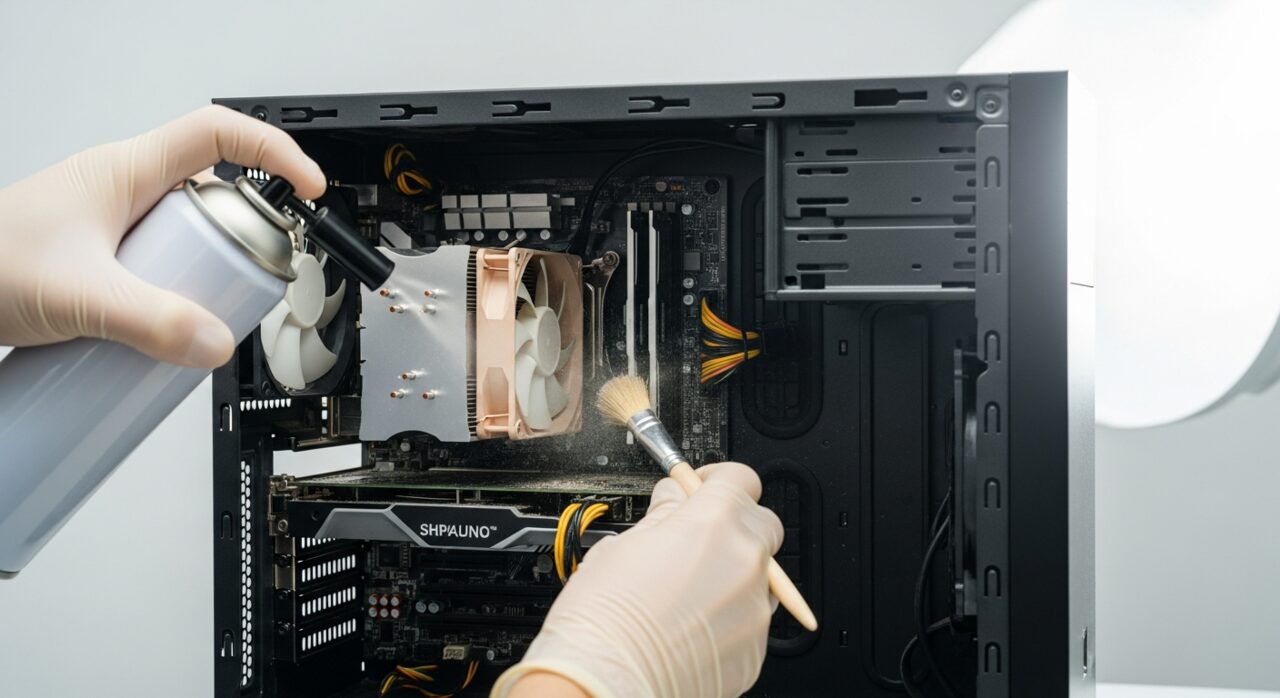
When the reminder arrives, check that the vents and ports are clear of grime, since build-up gathers quietly between rare clean-ups.
 3
3Feel along the cables
Run a hand over the cables and connectors for early fraying or looseness, catching wear while it is still minor and easy to address.
 4
4Confirm a recent backup opens
Verify that a recent backup actually exists and that a sample file from it opens, rather than assuming the backups are still running.
 5
5Review remaining storage
Check how much free space is left and clear what is no longer needed, since storage fills in quiet increments between reviews.
When to seek help
If a seasonal check reveals swelling, corrosion, persistent overheating, or a burning smell, set the routine aside and bring in qualified help before using the device further.
Reducing the chance it returns
The cure for slow, invisible decline is a short routine repeated a few times a year. Set a recurring reminder tied to the changing seasons, and on each occasion glance over the vents and ports, run a hand along the cables for early wear, confirm a recent backup actually opens, and check how much storage remains. None of it takes long, yet catching dust, fraying, or a full disk while still minor keeps every problem in the realm of easy fixes rather than disruptive faults that arrive without warning.
Repair110 is a free, informational resource. These steps describe a careful, general approach — every device is a little different, so work slowly, back up anything you value, and prioritise your own safety. If a step feels beyond your comfort, stop and consult a qualified technician.