Understanding the problem
Behind the image sits an even sheet of light, and a stack of thin filters is meant to block it completely wherever the picture should be black. Bleed occurs when that blocking is imperfect at the edges, letting stray light leak past as glows or clouds. The usual cause is mechanical: the surrounding frame pressing unevenly on the layers, small gaps in the assembly, or a knock that has nudged the stack out of true. Because the leak shows only where the screen is dark, it stands out most on black scenes in a dim room.
Symptoms
- Patches or clouds of light glow along the screen edges
- The bleed is most noticeable on dark or black backgrounds
- Corners appear brighter than the center of the panel
- The uneven lighting persists across all content
Likely causes
- 1Uneven pressure on the panel from the surrounding frame
- 2Slight gaps in the assembly letting backlight escape
- 3A knock or drop shifting the layers of the panel
- 4Heat over time loosening the panel's seating
- 5Normal manufacturing variation in edge sealing
What to observe and check
- View a dark image in a dim room to judge how strong the bleed is
- Note whether it sits at corners, edges, or specific patches
- Observe if gentle even pressure on the bezel changes it
- Consider whether it appeared or worsened after a knock
- Watch whether the bleed is growing over time or stable
Step-by-step repair
 1
1Judge the bleed in the dark
View a black image in a dim room and note whether the glow gathers at corners, edges, or patches, since a little is normal.
 2
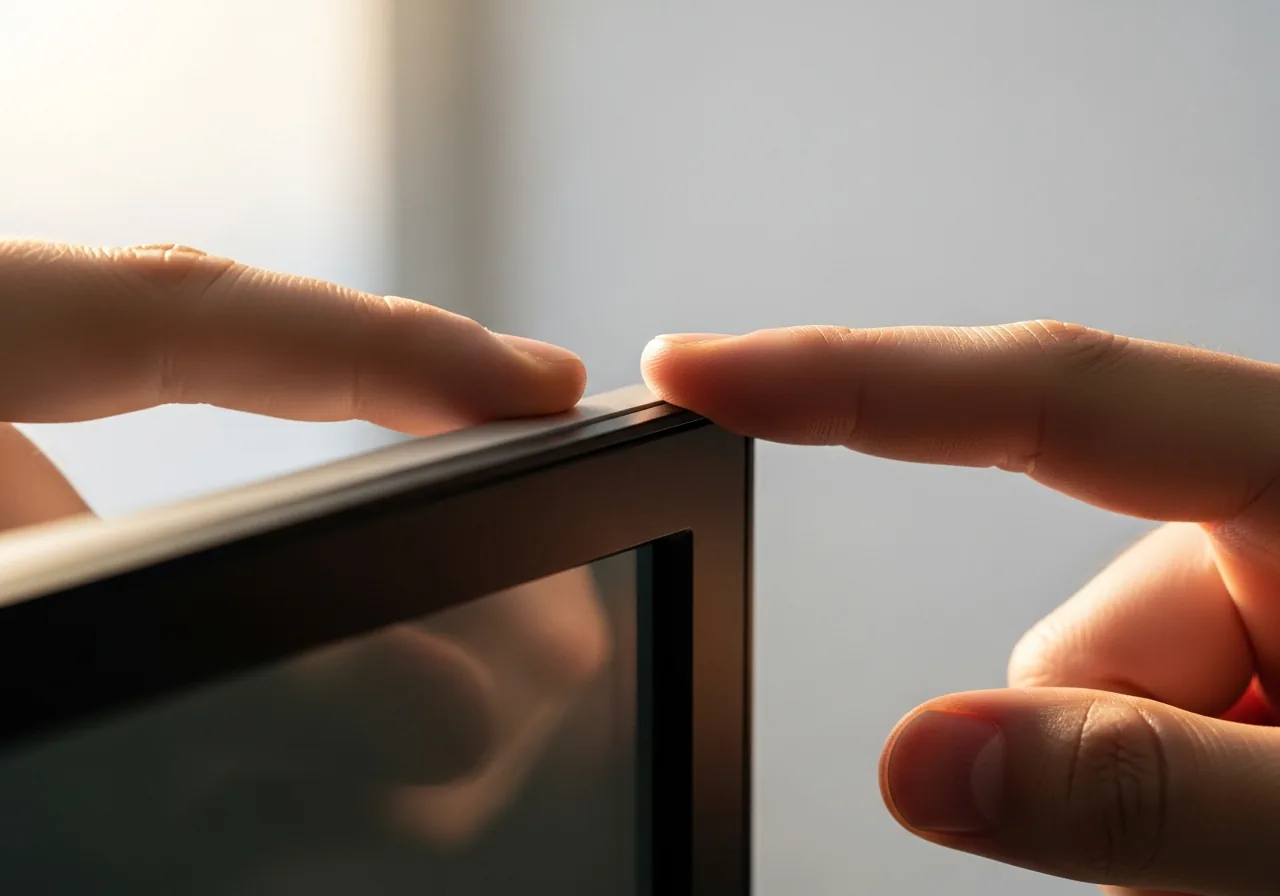
2Test gentle even pressure
Press lightly and evenly on the bezel to see if the leak eases, which hints at uneven frame pressure; never press hard on the glass.
 3
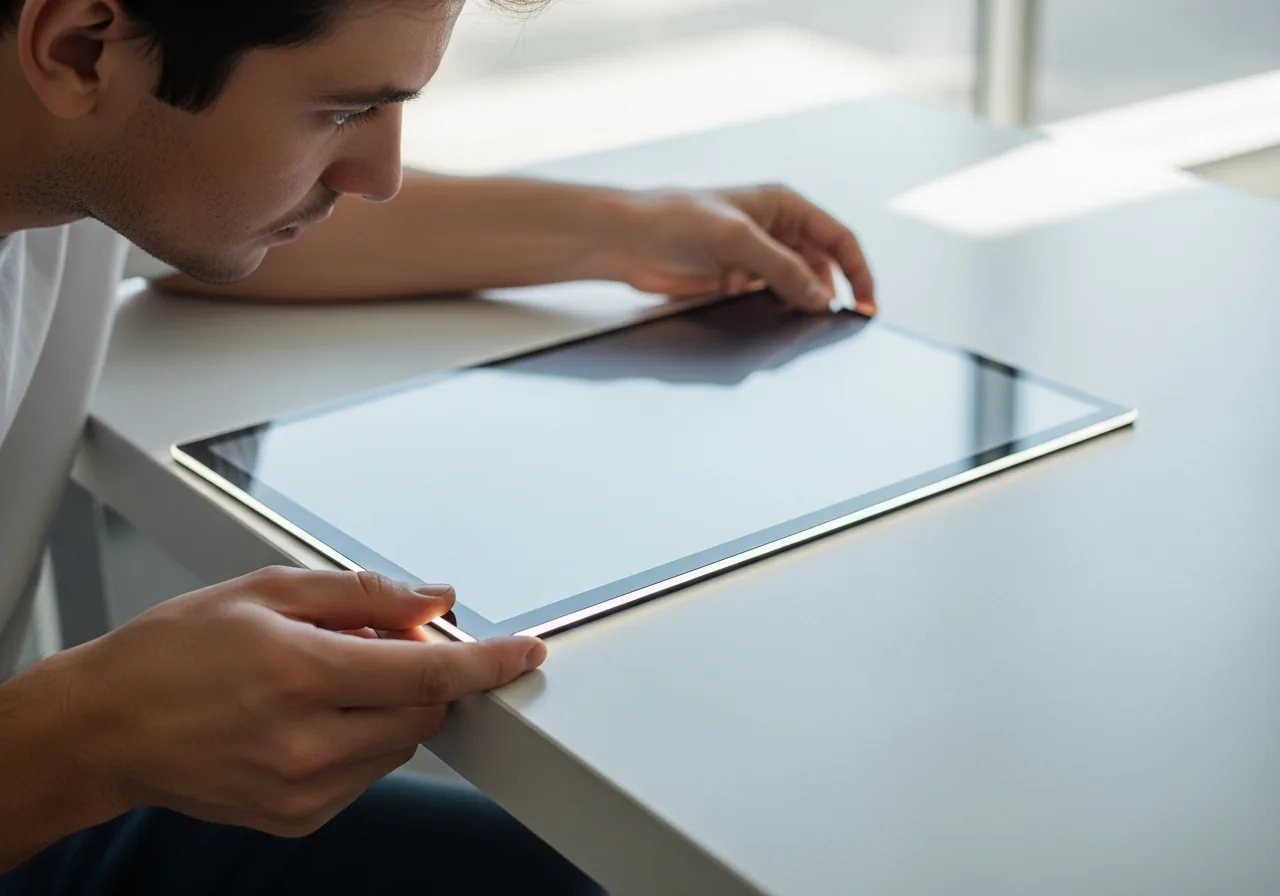
3Watch for change over time
Note whether the bleed is stable or spreading, and whether it appeared or worsened after a knock or sustained heat.
 4
4Decide if it is excessive
Compare against the normal slight glow to judge whether the panel assembly needs professional reseating or replacement.
When to seek help
If bleed is severe, spreading, or paired with cracks or pressure marks, a technician can assess whether the panel assembly needs reseating or replacement.
Reducing the chance it returns
Since bleed is largely a matter of pressure and alignment, the kindest habit is to avoid stressing the panel and its frame. Lift and carry a laptop from its base rather than gripping a corner that flexes the screen, and never squeeze the lid shut against an obstruction. Keep the device from sustained heat, which can soften and loosen the seating of the layers over time. Cushion it during travel so jolts do not shift the stack, and resist pressing the bezel, which can leave the edges glowing unevenly.
Repair110 is a free, informational resource. These steps describe a careful, general approach — every device is a little different, so work slowly, back up anything you value, and prioritise your own safety. If a step feels beyond your comfort, stop and consult a qualified technician.