Understanding the problem
A device is an assembly of rigid boards, fine solder joints, and a thin display panel held within a casing meant to share loads evenly. When it is gripped by one corner or lifted by the screen, that even support is lost and the stress concentrates on a few small points, flexing joints and glass that were never meant to carry the weight alone. A single hard knock can crack a panel or loosen a port in an instant, and spilled liquid seeps along surfaces to bridge contacts and begin quiet corrosion that surfaces only later.
Symptoms
- Hairline cracks or dents appearing around corners and edges
- A screen that flexes or creaks when the device is picked up
- Ports loosening after the device has been lifted by its cable
- Marks or residue from a near-miss with liquid nearby
Likely causes
- 1Carrying the device by a single corner or by its screen
- 2Setting it down hard on edges rather than flat surfaces
- 3Keeping drinks and liquids within easy reach of the keyboard
- 4Stacking heavy objects on top during storage or transport
- 5Twisting or flexing the casing while opening or moving it
What to observe and check
- Note whether new marks appear after the device is carried a certain way
- Observe how the device is supported when lifted, by the base or the screen
- Consider whether liquids are routinely kept too close during use
- Understand where the device is most fragile, usually corners and hinges
- Watch whether transport in a bag exposes it to pressure or knocks
Step-by-step repair
 1
1Inspect edges and hinges
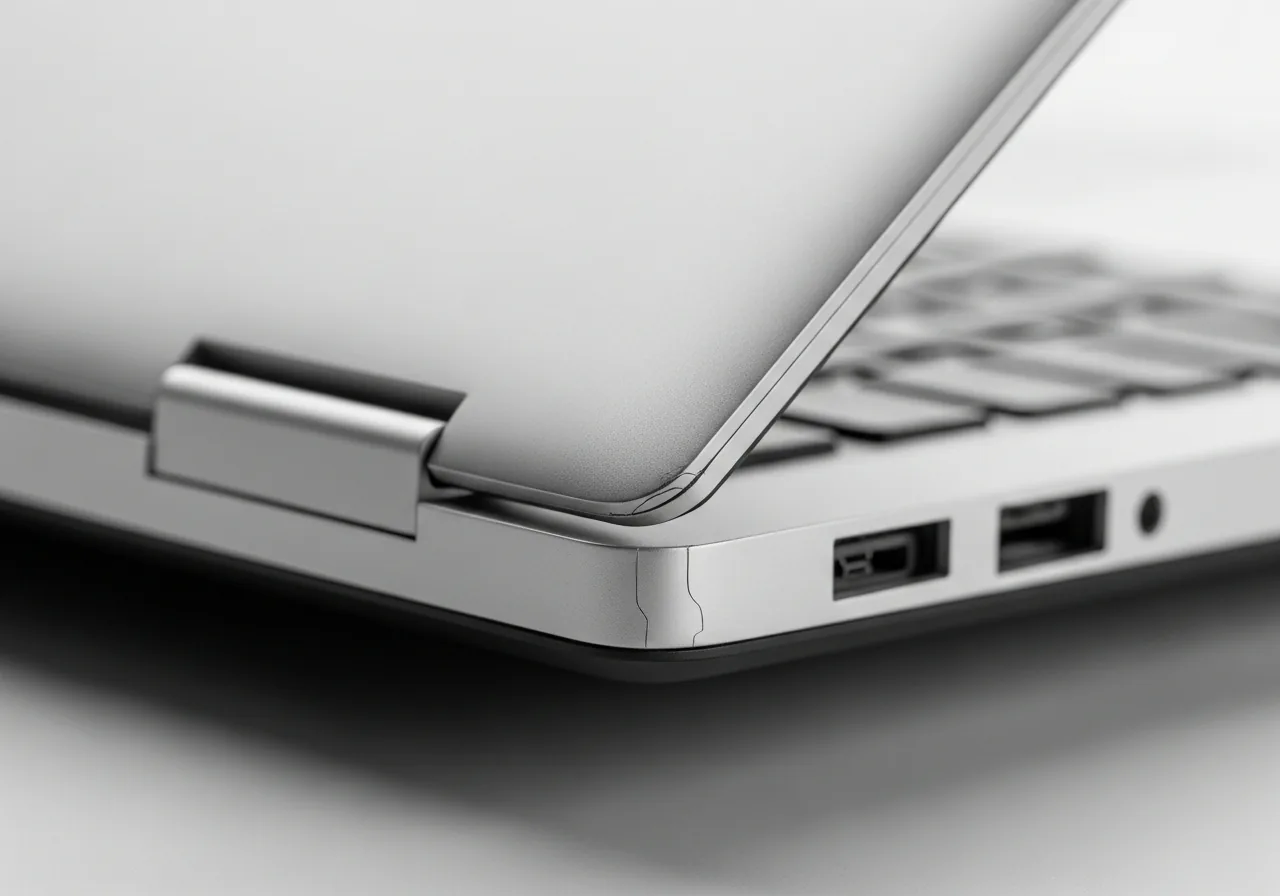
Look over the corners, edges, and hinge area for hairline cracks or dents, and notice whether the screen flexes or creaks when lifted.
 2
2Clear a stable surface
Set aside a firm, flat place to put the device down, away from the table's edge, so it is never balanced precariously or dropped onto a corner.
 3
3Move liquids out of reach
Shift drinks and other liquids well away from the keyboard, where a single knock could send them into the electronics beneath.
 4
4Lift and carry by the base
Support the device with both hands under its base rather than by a corner or the screen, and carry it in a padded compartment.
 5
5Check for new damage
After moving or transporting it, glance over the casing again to confirm no fresh cracks, loose ports, or marks have appeared.
When to seek help
If a device suffers a hard knock or a liquid spill, power it down, leave it to dry, and have it inspected; hidden internal damage and corrosion are not always visible at first.
Reducing the chance it returns
Damage becomes rare once handling turns into a calm habit. Lift the device by its base with both hands rather than by a corner or the screen, and set it down flat instead of dropping it onto an edge. Keep drinks and other liquids away from the keyboard, where a single knock can reach the electronics. Carry it in a padded compartment, and never stack heavy objects on top during storage or travel. Treating every lift and journey as deliberate spares the device the careless moment that causes most cracks and spills.
Repair110 is a free, informational resource. These steps describe a careful, general approach — every device is a little different, so work slowly, back up anything you value, and prioritise your own safety. If a step feels beyond your comfort, stop and consult a qualified technician.