Understanding the problem
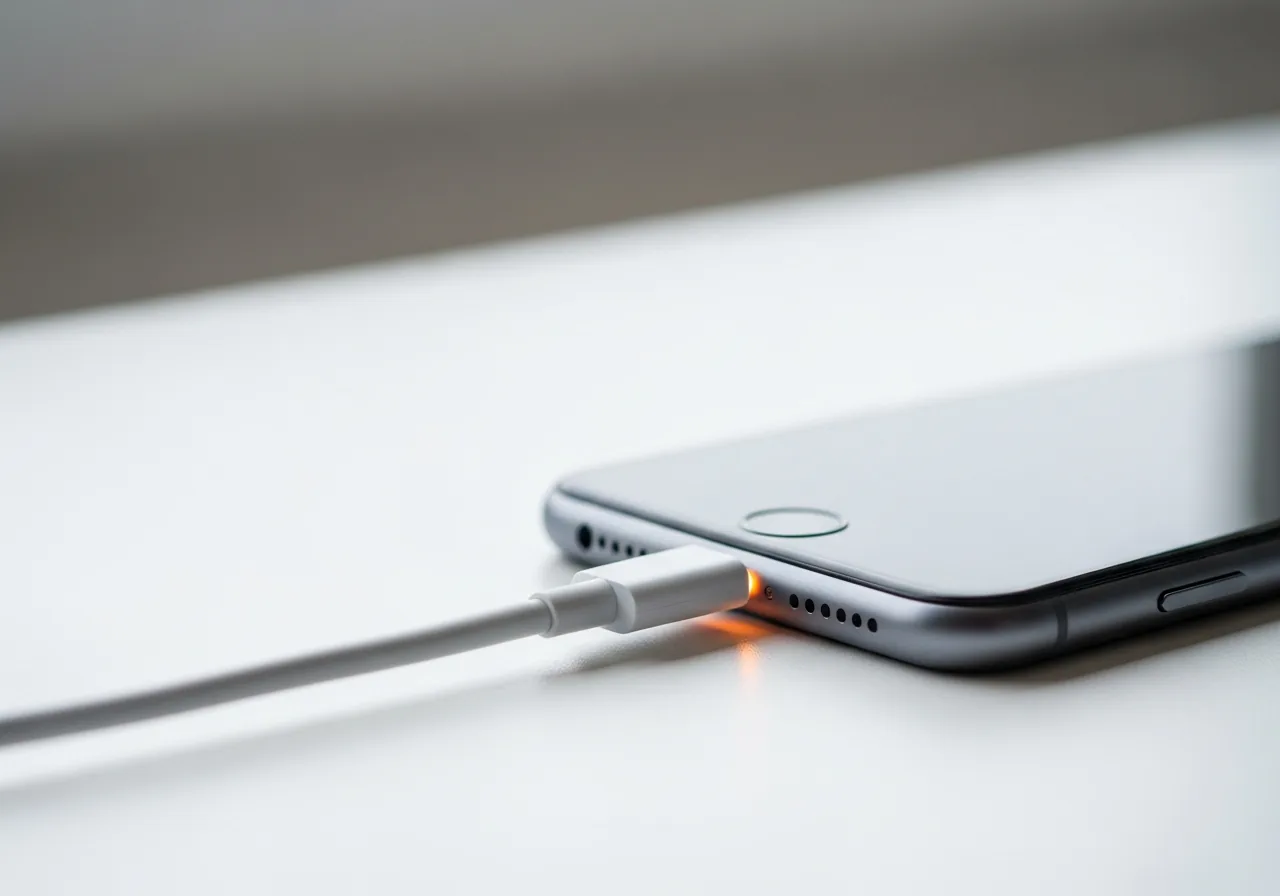
Charging needs an unbroken metal-to-metal contact from plug to port. When that contact is marginal, the smallest movement makes and breaks the circuit, and each break tells the management chip to stop, then restart once contact returns. The flicker you see is that on-off cycle repeating. The weak point is usually mechanical: a port loosened by repeated insertions, a cable whose inner strands have partly snapped near a bend, or debris wedged between the contacts. Because the fault is physical, it tracks with angle, pressure, and movement rather than charge level.
Symptoms
- The charging indicator flickers on and off repeatedly
- Charging resumes only when the cable is held at an angle
- Progress stalls and restarts without any obvious reason
- A clicking or chiming sound repeats as charging cycles
Likely causes
- 1A worn or wobbly charging port losing contact intermittently
- 2A frayed cable breaking connection as it flexes
- 3Lint or debris in the port interrupting the link
- 4A charge-management chip cutting power as it detects faults
- 5A loose adapter tip that no longer seats firmly
What to observe and check
- Note whether wiggling the cable triggers the interruptions
- Observe if a particular angle keeps the charge steady
- Inspect the cable for kinks, fraying, or exposed wire
- Watch whether a different cable or adapter behaves better
- Consider whether debris in the port is breaking contact
Step-by-step repair
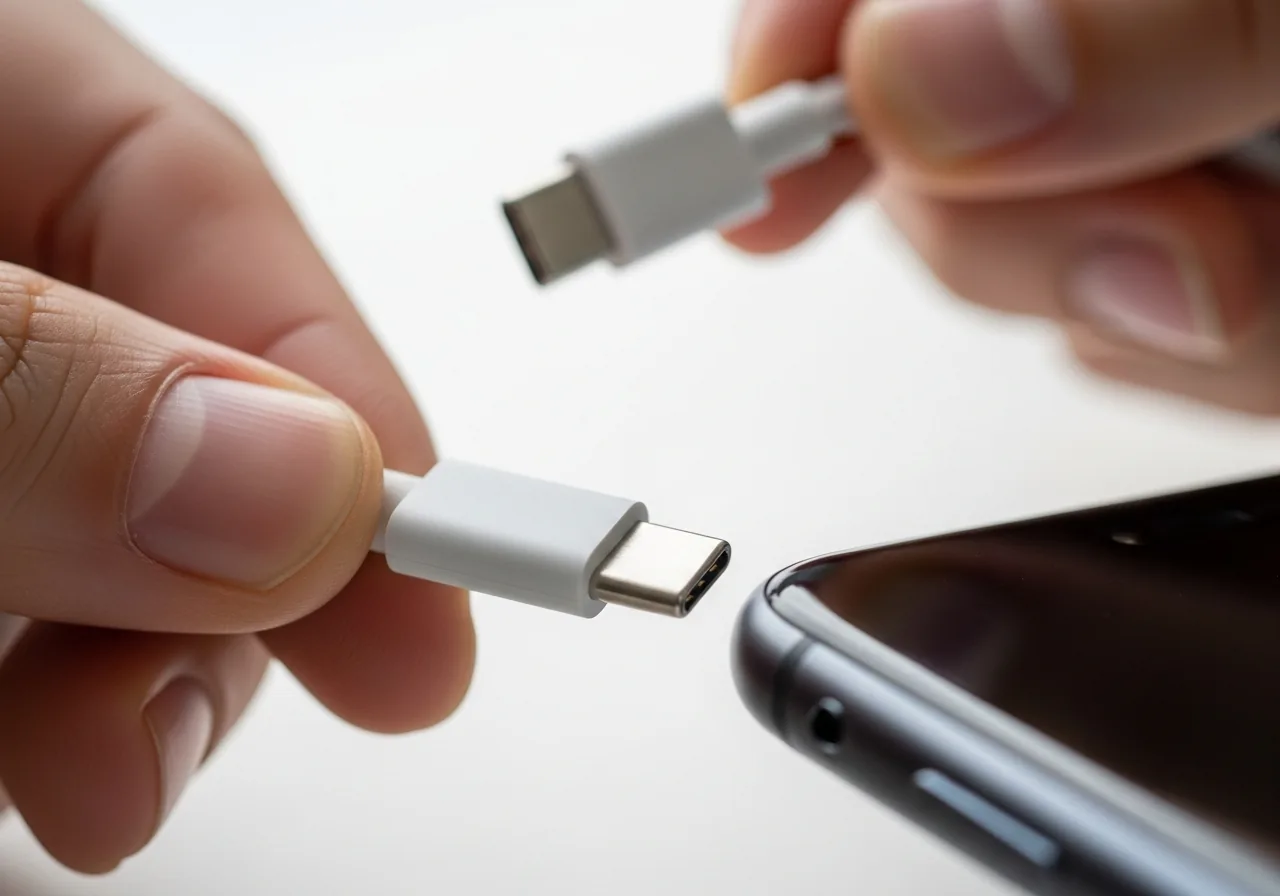 1
1Disconnect before inspecting
Unplug the cable so you can examine the connector and port safely without repeatedly making and breaking a live charging circuit.
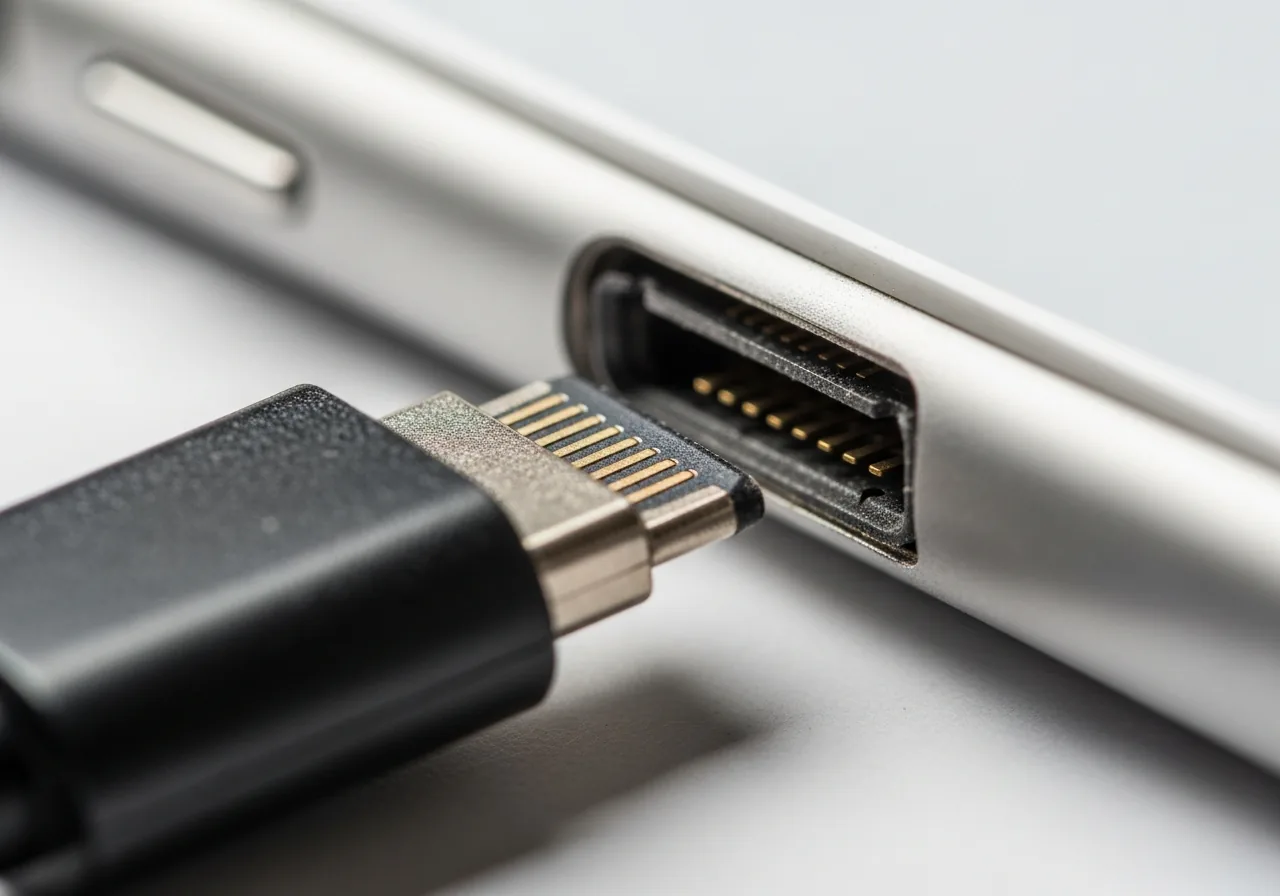 2
2Examine the cable and port
Look for fraying near the connector and check whether the port feels wobbly or worn, since a loose fit loses contact as it moves.
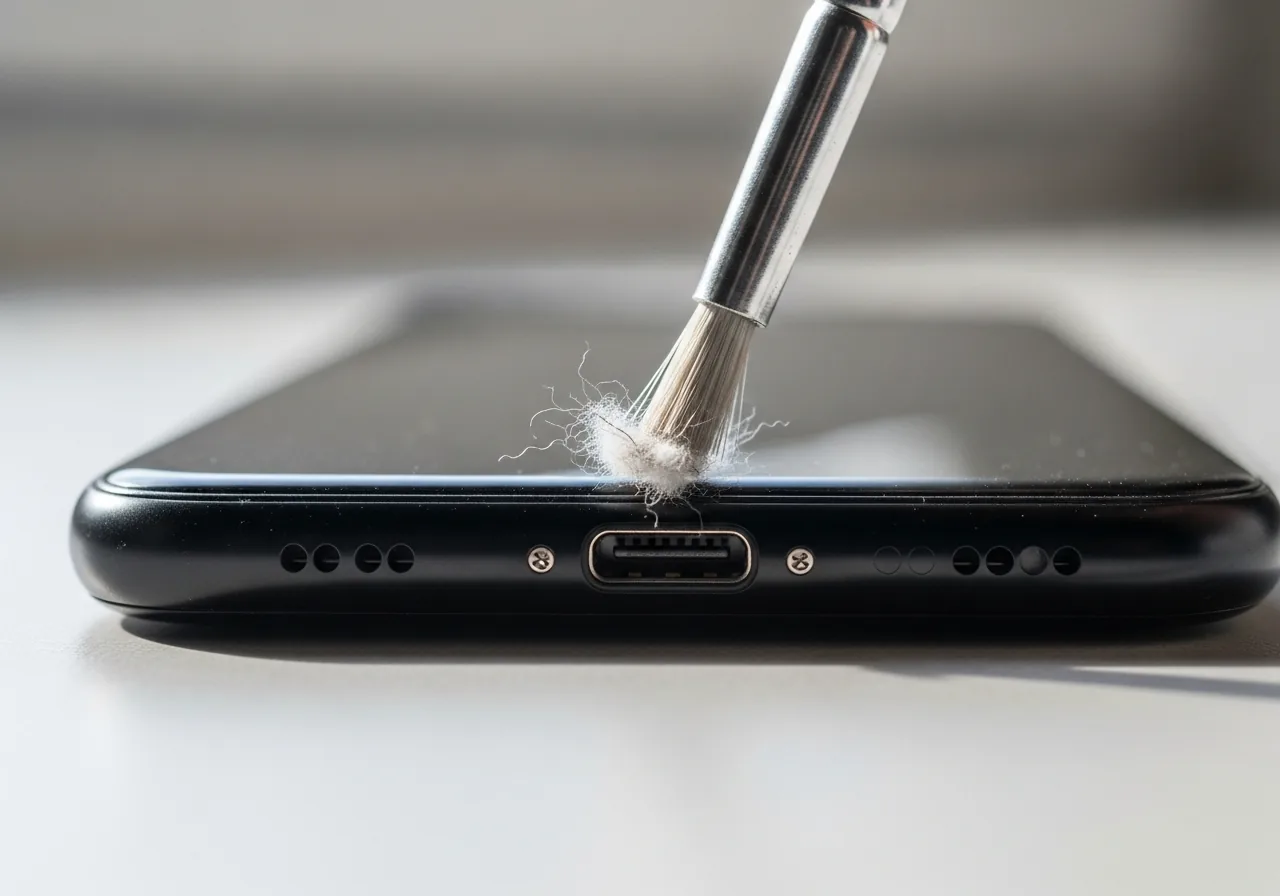 3
3Clear debris from the port
Gently remove pocket lint packed between the contacts, as trapped debris interrupts the link and makes charging cut in and out.
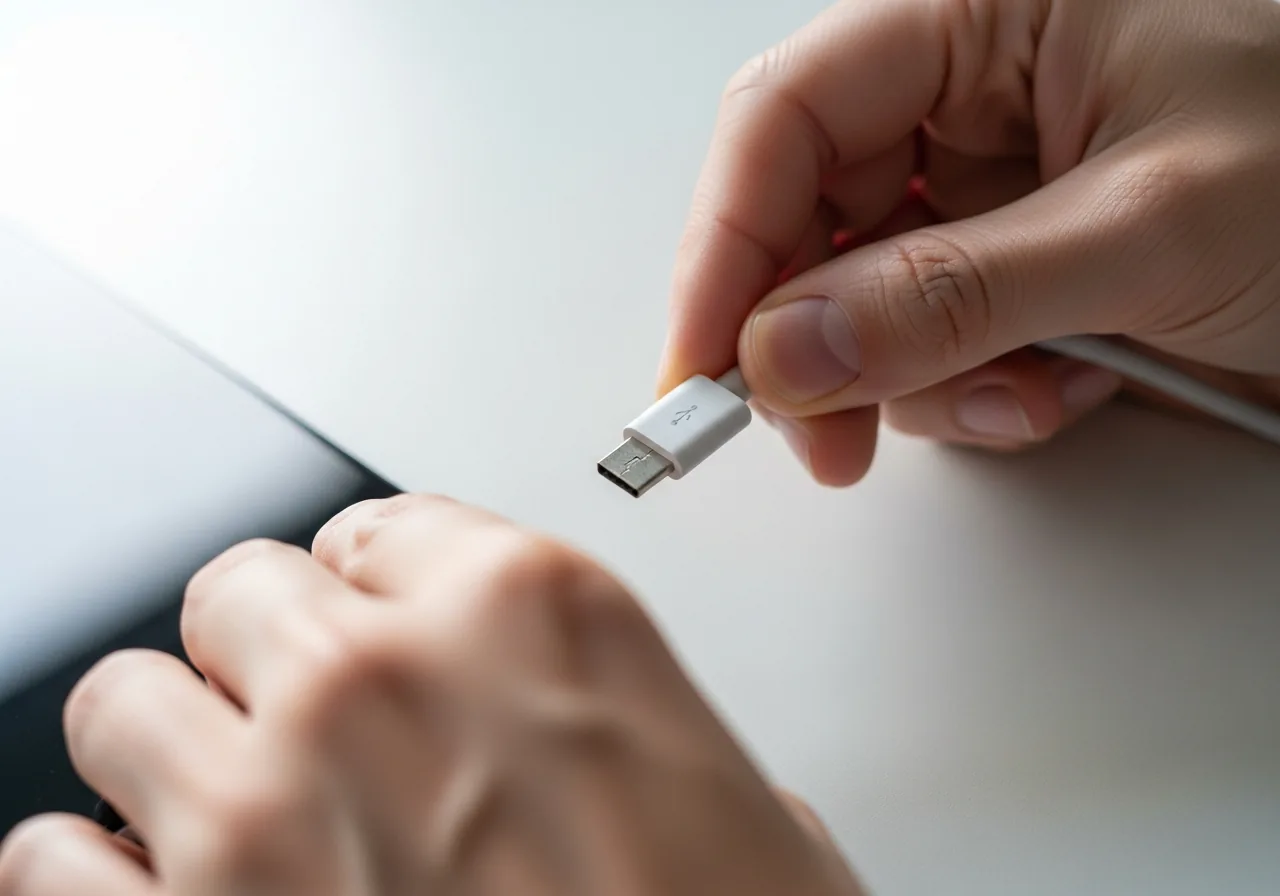 4
4Try a firmer cable and tip
Swap to a known-good lead and adapter that seat snugly, ruling out a loose tip or a frayed wire breaking as it flexes.
 5
5Charge without disturbing it
Reconnect power and watch whether charging now holds steady rather than flickering when the lead is touched or angled.
When to seek help
If the port or plug grows hot, sparks, or shows scorch marks during these cycles, stop charging and seek qualified help, as intermittent contact can generate dangerous heat.
Reducing the chance it returns
Most flickering starts with handling, so insert and remove the plug straight rather than at an angle that levers the port. Route the cable so it is not bent hard where it meets the connector, and never charge with the lead pulled taut across an edge. Clear the port of pocket lint before it packs around the contacts. Support the connector instead of letting a heavy plug dangle and waggle in the socket. Retire a cable once its outer sheath splits or its strands begin to fray near the ends.
Repair110 is a free, informational resource. These steps describe a careful, general approach — every device is a little different, so work slowly, back up anything you value, and prioritise your own safety. If a step feels beyond your comfort, stop and consult a qualified technician.