Understanding the problem
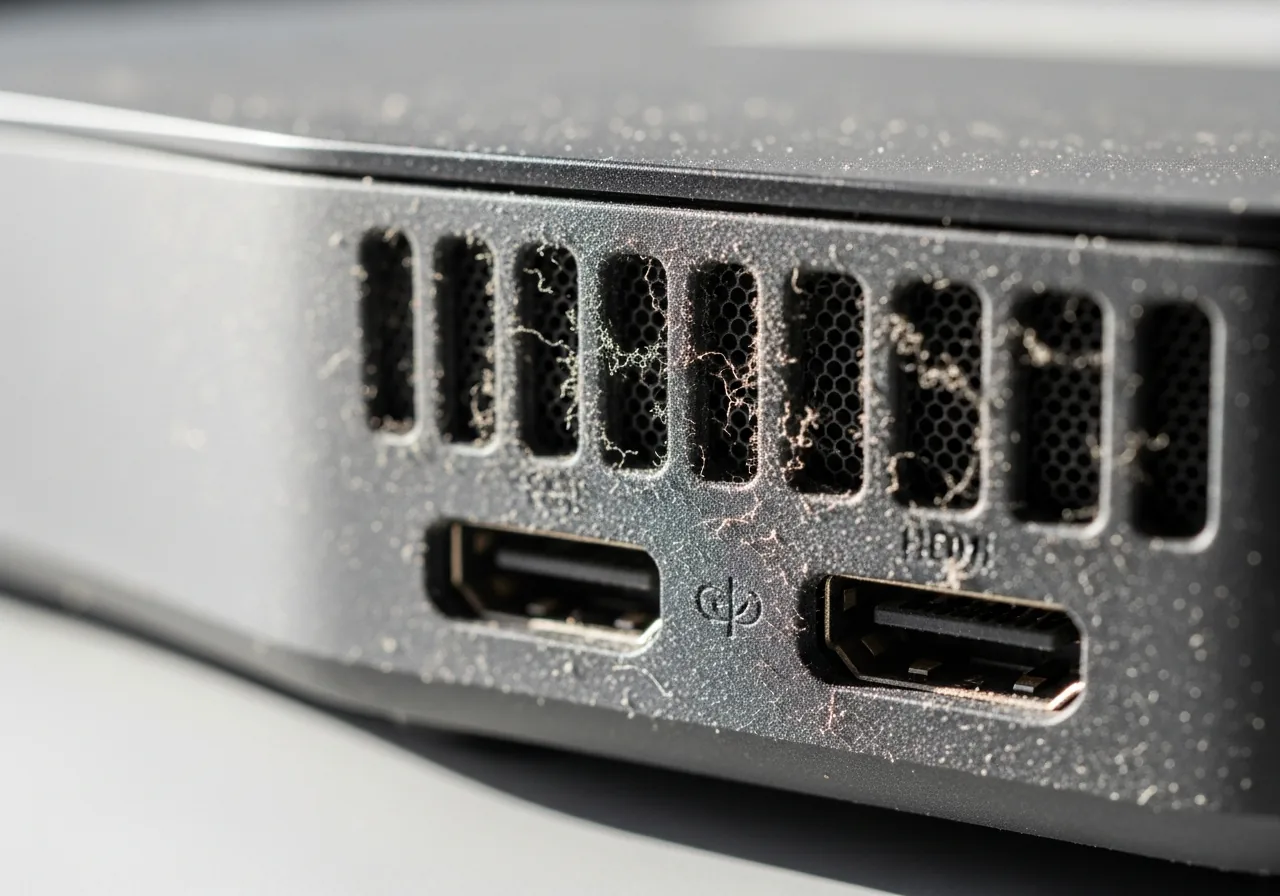
A working device behaves like a gentle pump, continually drawing room air through its openings to carry heat away. That same airflow brings in whatever floats nearby: skin flakes, fabric fibres, pet hair, and the fine grit that drifts near floors. Most of it passes through, but a portion settles on internal surfaces and gathers fastest where the device sits low or faces a draught. Static on the casing helps hold these particles in place. Left undisturbed, the layer slowly compacts, clogging ports and narrowing airflow until temperatures climb without any change in how the device is used.
Symptoms
- A fine grey film settling on surfaces and around the vents
- Fans working harder over the months for the same everyday tasks
- Ports that look clogged or no longer grip connectors firmly
- Rising operating temperatures with no change in how the device is used
Likely causes
- 1Placing the device on the floor where dust naturally gathers
- 2A room with carpet, pets, or open windows feeding airborne particles
- 3Constant airflow through the device drawing dust steadily inside
- 4Infrequent cleaning allowing build-up to compact over time
- 5Static on the casing attracting and holding fine particles
What to observe and check
- Observe how much dust collects on nearby surfaces over a week
- Note whether the device sits low down where debris settles fastest
- Consider whether vents face directly into a dusty draught
- Understand which ports and openings let dust find its way in
- Watch whether raising the device off the floor slows the build-up
Step-by-step repair
 1
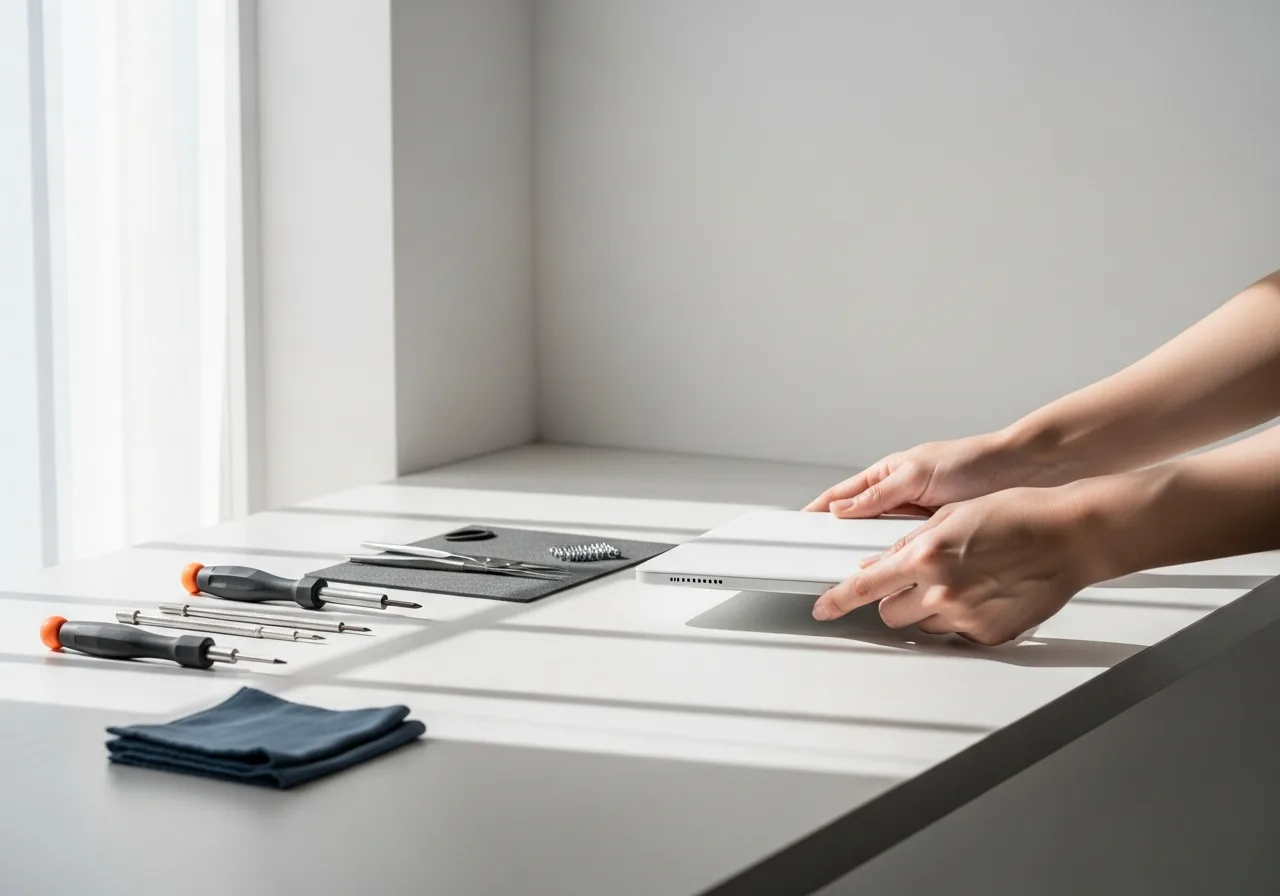
1Inspect for a dust film
Look over the casing, vents, and ports for a fine grey film and note where it gathers fastest, which is usually lowest to the floor.
 2
2Raise it off the floor
Stand the device on a desk or shelf, away from the heaviest settling grit, so it draws cleaner air instead of dust stirred up near the ground.
 3
3Aim vents into open air
Position the device so its intake and exhaust face open space rather than a draught carrying fibres, and keep carpet and bedding clear of them.
 4
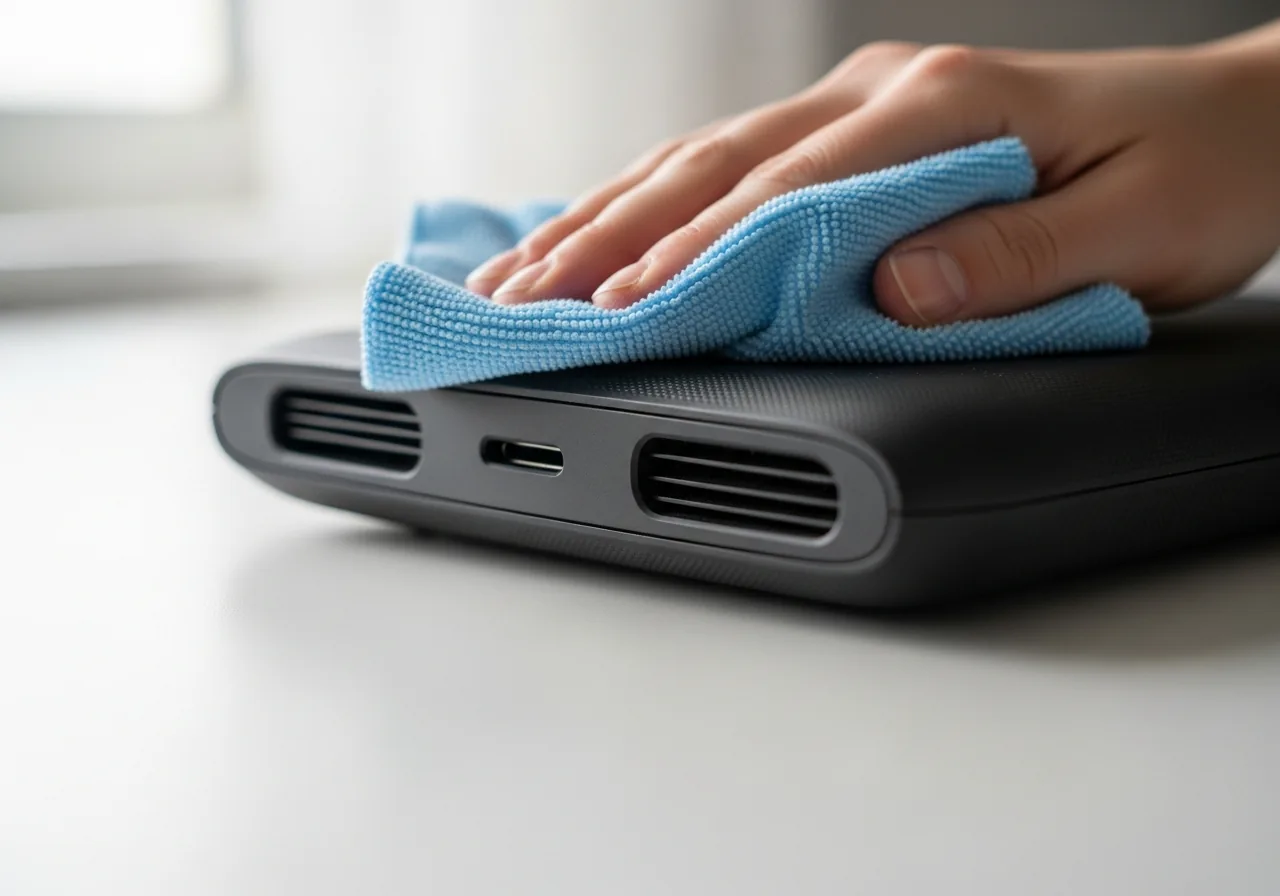
4Wipe the casing weekly
Give the outer surfaces and openings a quick wipe each week so a light film never compacts into the dense layer that throttles airflow.
 5
5Confirm temperatures hold
Over the following weeks, check that operating temperatures stay steady and the fan no longer has to work harder for the same tasks.
When to seek help
If dust has worked deep inside a sealed device or one that stores energy, and temperatures stay high after surface cleaning, have it opened and cleared by a qualified technician.
Reducing the chance it returns
Keeping dust out is mostly a matter of where and how a device lives. Raise it off the floor onto a desk or shelf, away from the heaviest settling grit, and point its vents into open air rather than a draught carrying fibres. Avoid placing it on or beside carpet, bedding, or busy pet areas where particles are stirred up. A quick weekly wipe of the casing and around the openings stops dust compacting, so a fine film never has the chance to harden into the dense layer that throttles airflow.
Repair110 is a free, informational resource. These steps describe a careful, general approach — every device is a little different, so work slowly, back up anything you value, and prioritise your own safety. If a step feels beyond your comfort, stop and consult a qualified technician.