Understanding the problem
Stereo sound runs as two separate channels, each with its own thin wire from the plug through to its earpiece or speaker. Hearing only one side means that one channel has lost continuity somewhere along its path. A balance control nudged off centre silences a side in software, while a plug seated only partway can touch one channel and miss the other. Most often, repeated flexing fatigues a fine conductor near the plug until it fractures, so the missing side returns briefly whenever movement happens to bridge the break.
Symptoms
- Audio plays in one ear or speaker but not the other
- Balance feels heavily skewed to one side
- Moving the cable brings the missing side back briefly
- The quiet side returns only at certain plug angles
Likely causes
- 1A balance setting shifted away from centre in the system
- 2A partly inserted or worn plug making contact on one channel only
- 3A broken wire within one side of the headphone cable
- 4Debris in the socket bridging or blocking a contact
- 5A failed driver in one speaker or earpiece
What to observe and check
- Observe whether the balance control sits centred in the audio settings
- Note if the missing side returns when the plug is nudged, pointing at the connection
- Watch whether a different set of headphones plays both sides
- Check whether the same imbalance appears across every source or just one
Step-by-step repair
 1
1Centre the balance setting
Open the audio settings and return the left-right balance to the middle, since a stray setting can silence one side in software.
 2
2Reseat the plug fully
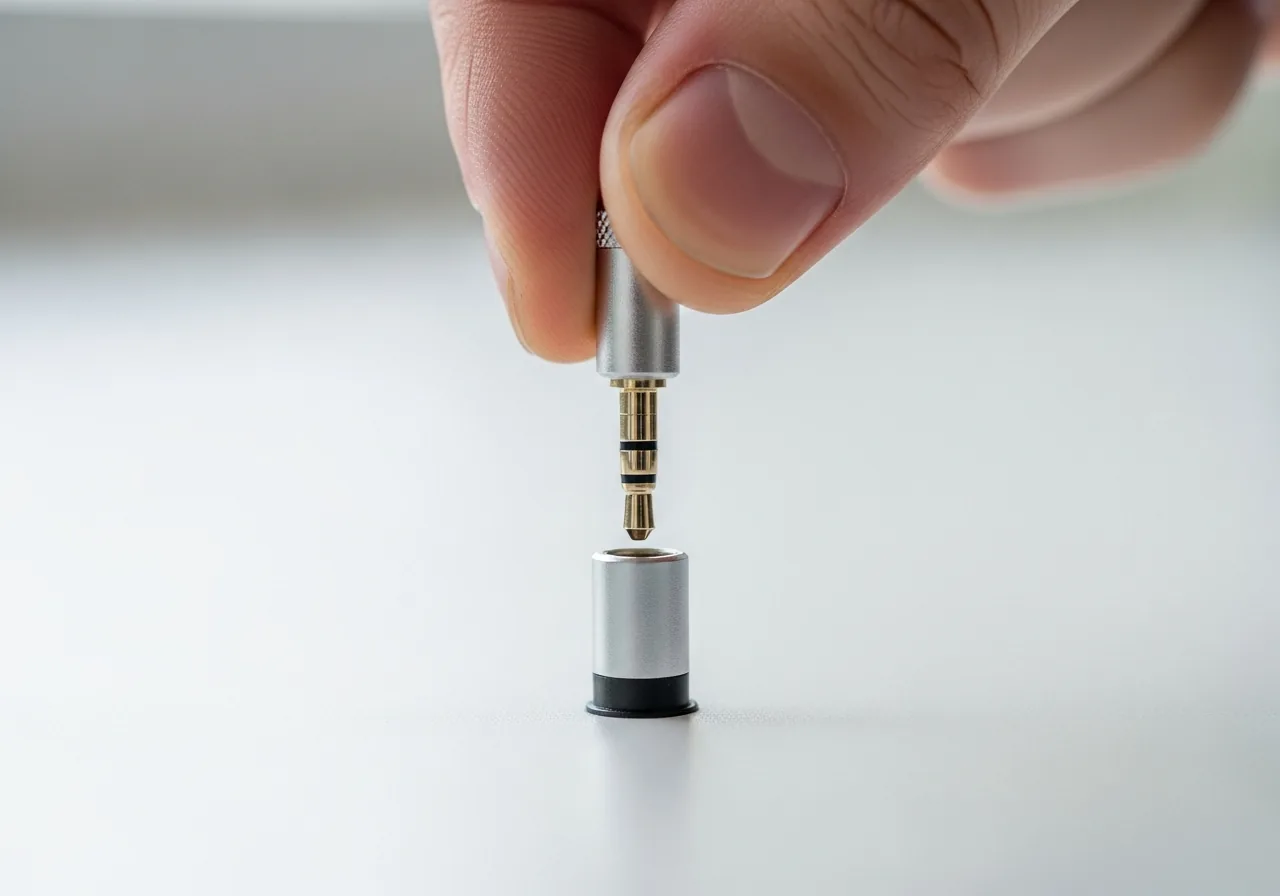
Push the plug all the way in and straighten it, as a partly inserted connector often contacts only one channel.
 3
3Test another set of headphones
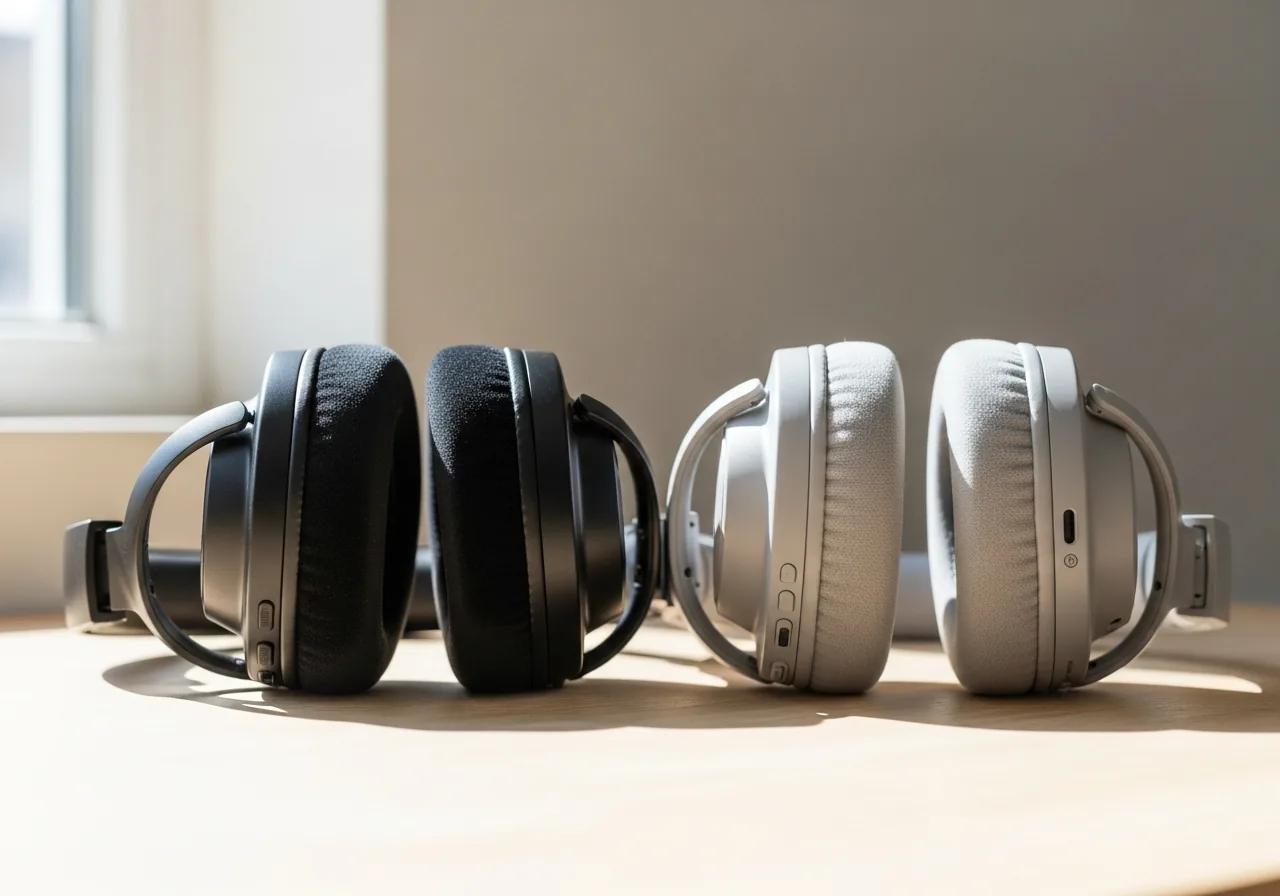
Try a different pair to learn whether the missing side follows the headphones, pointing to a broken wire near the plug.
 4
4Inspect and clear the socket
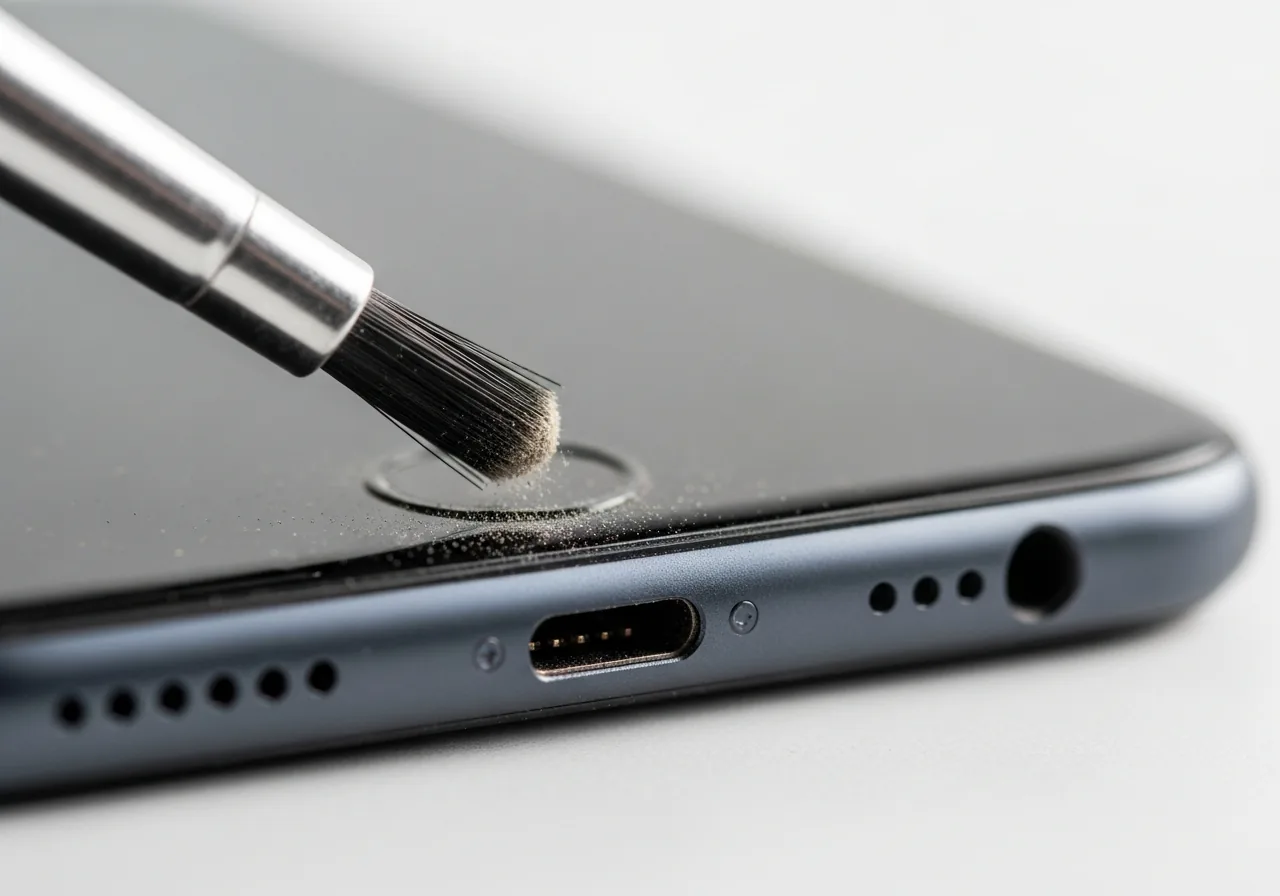
Look for debris in the socket that may be bridging or blocking a contact, and clear it gently with the device powered down.
 5
5Confirm both sides play
Play a stereo track and check that sound now comes evenly from both the left and right channels.
When to seek help
If you notice heat, exposed wiring, or a burnt smell from the cable or earpiece, stop using it and have it checked.
Reducing the chance it returns
Since flexing near the plug is what eventually breaks a channel, avoid wrapping the cable tightly around a device or letting it bend sharply where it meets the connector. Unplug by gripping the plug itself rather than pulling the lead. Keep the balance control centred so a stray setting never mimics a hardware fault. Seating the plug fully each time keeps both channels in contact. Storing headphones loosely coiled, away from anything that crushes the cable, preserves those delicate inner wires and keeps both sides singing.
Repair110 is a free, informational resource. These steps describe a careful, general approach — every device is a little different, so work slowly, back up anything you value, and prioritise your own safety. If a step feels beyond your comfort, stop and consult a qualified technician.