Understanding the problem
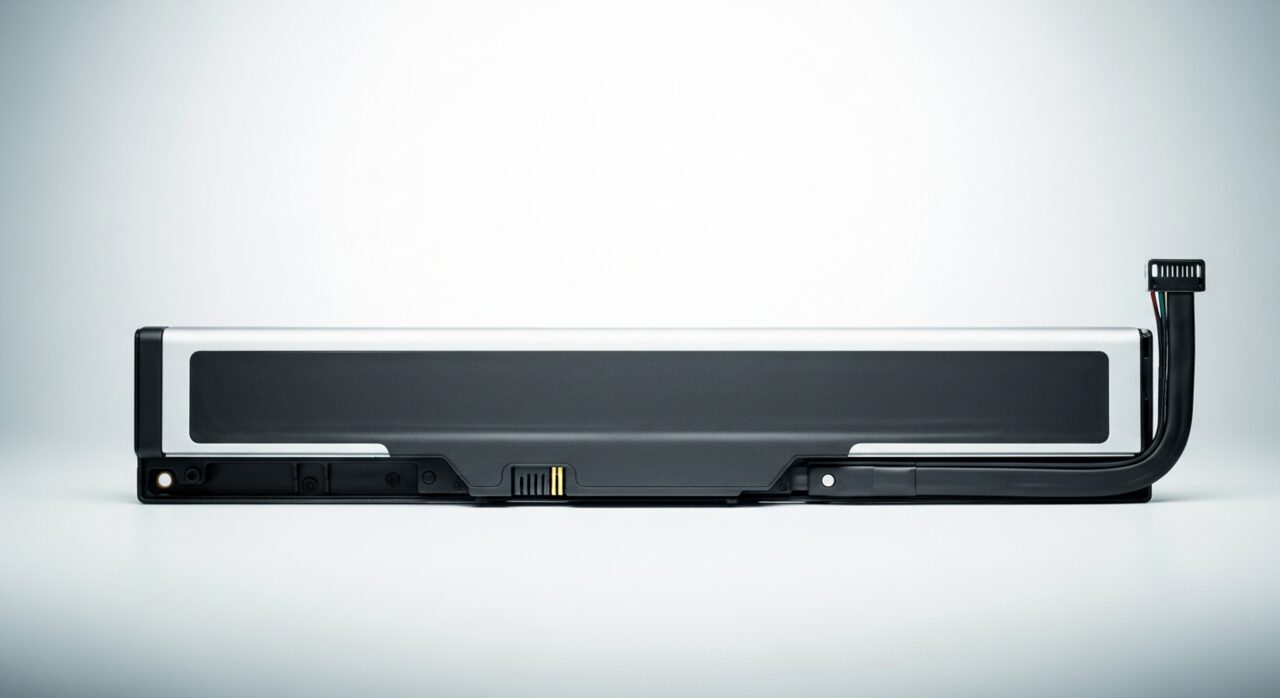
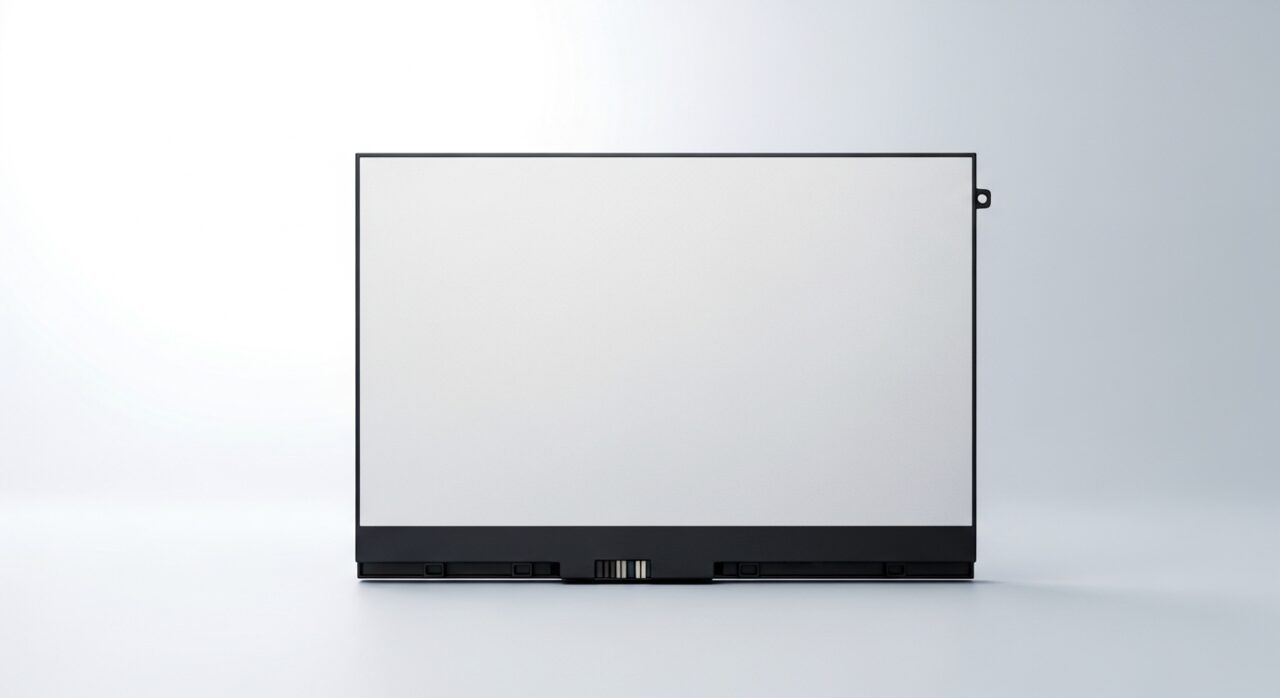
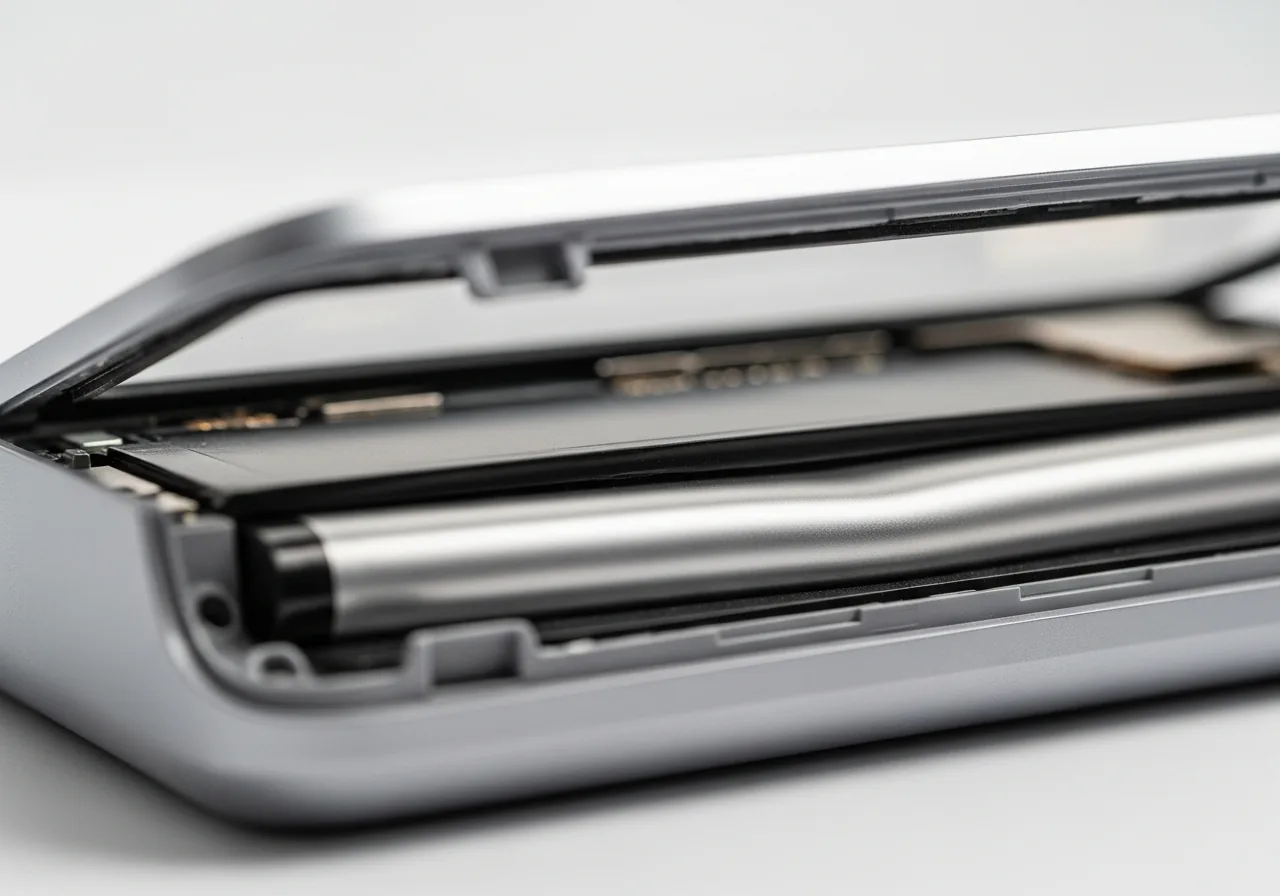
A swelling cell is breaking down internally. As its chemistry degrades, the materials inside react and release gas that has nowhere to escape, so the sealed pouch inflates like a cushion. That pressure pushes against whatever surrounds it, lifting panels, screens, or trackpads and forcing seams apart. The decline is hastened by repeated heat, overcharging stress, physical damage, or simple old age. Once gas forms the change is permanent and progressive, which is why a swollen battery is treated as a hazard rather than a fault to investigate at leisure.
Symptoms
- The casing bulges, or the screen or trackpad lifts from the frame
- Panels no longer sit flush and gaps appear at the seams
- The device rocks on a flat surface where it once sat level
- Unusual heat radiates from the battery area at rest
Likely causes
- 1An aging cell breaking down and releasing gas internally
- 2Repeated overheating accelerating chemical degradation
- 3A charging fault overstressing the cell over time
- 4Physical damage from a drop or puncture
- 5A manufacturing flaw in the cell developing over use
What to observe and check
- Observe whether panels have lifted or no longer close evenly
- Note if the device wobbles on a surface it once rested flat on
- Watch for unusual warmth around the battery even when idle
- Inspect seams for widening gaps without applying pressure
- Consider whether heat or charging faults preceded the swelling
Step-by-step repair
 1
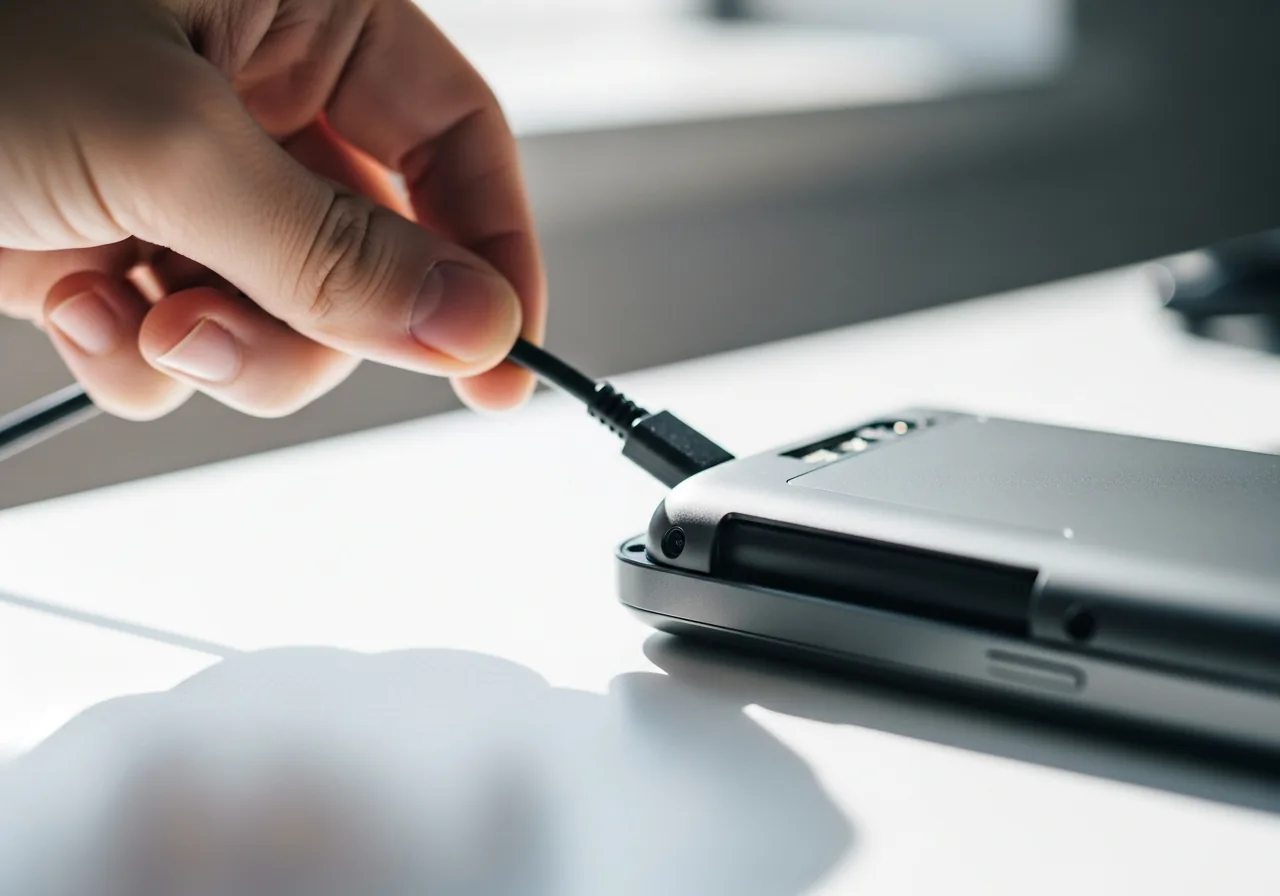
1Stop using and unplug
At the first sign of a bulge, power the device down and disconnect it, since a swelling cell is breaking down and must not keep charging.
 2
2Confirm the swelling gently
Look for lifted panels, widening seams, or a wobble on a flat surface without ever pressing, squeezing, or puncturing the cell.
 3
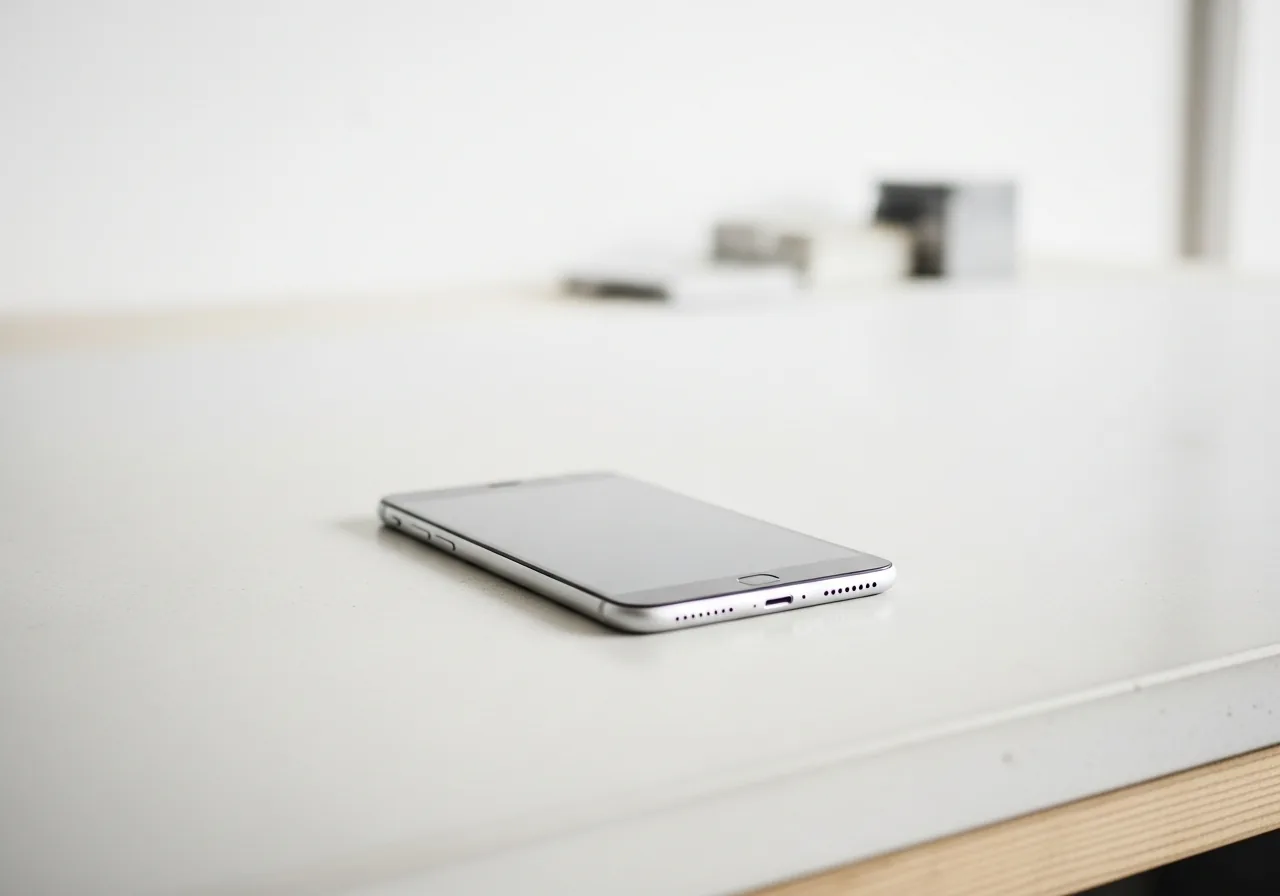
3Move it somewhere safe
Set the device on a hard, non-flammable surface away from clutter and heat while you arrange qualified help.
 4
4Never handle the cell roughly
Do not bend, pierce, or compress a swollen battery, as a damaged pouch can leak, catch fire, or rupture.
When to seek help
Stop using a swollen battery immediately and never press, puncture, or bend it. A swollen cell can leak, catch fire, or rupture, so seek qualified help to remove and dispose of it safely.
Reducing the chance it returns
You cannot reverse swelling, but you can slow the wear that leads to it. Spare the cell from sustained heat by keeping vents clear and avoiding warm, enclosed spots. Address charging faults promptly rather than living with a brick that runs hot or overstresses the cell. Protect the device from knocks and drops that can quietly damage the pouch. Try not to leave it sitting full and hot for long periods. Glancing at the casing and seams from time to time lets you spot the very first lift early.
Repair110 is a free, informational resource. These steps describe a careful, general approach — every device is a little different, so work slowly, back up anything you value, and prioritise your own safety. If a step feels beyond your comfort, stop and consult a qualified technician.